
Tag: iOS 26.3

  • Garmin, Huawei Watches to Get Two Upgrades with Apple iPhones

    Garmin, Huawei Watches to Get Two Upgrades with Apple iPhones

    Key Takeaways

    1. The Apple Watch is currently the only smartwatch that works perfectly with the iPhone due to operating system restrictions.
    2. Users may need to disable iMessage to allow third-party smartwatches to send messages directly through the network carrier.
    3. The upcoming iOS 26.3 update will introduce notification forwarding, improving compatibility for third-party smartwatches.
    4. Users will have to choose between using an Apple Watch or another smartwatch, as messages can’t be sent to multiple devices.
    5. The iOS 26.3 update will allow syncing of smartwatch data with the iPhone even if the related app isn’t actively running.


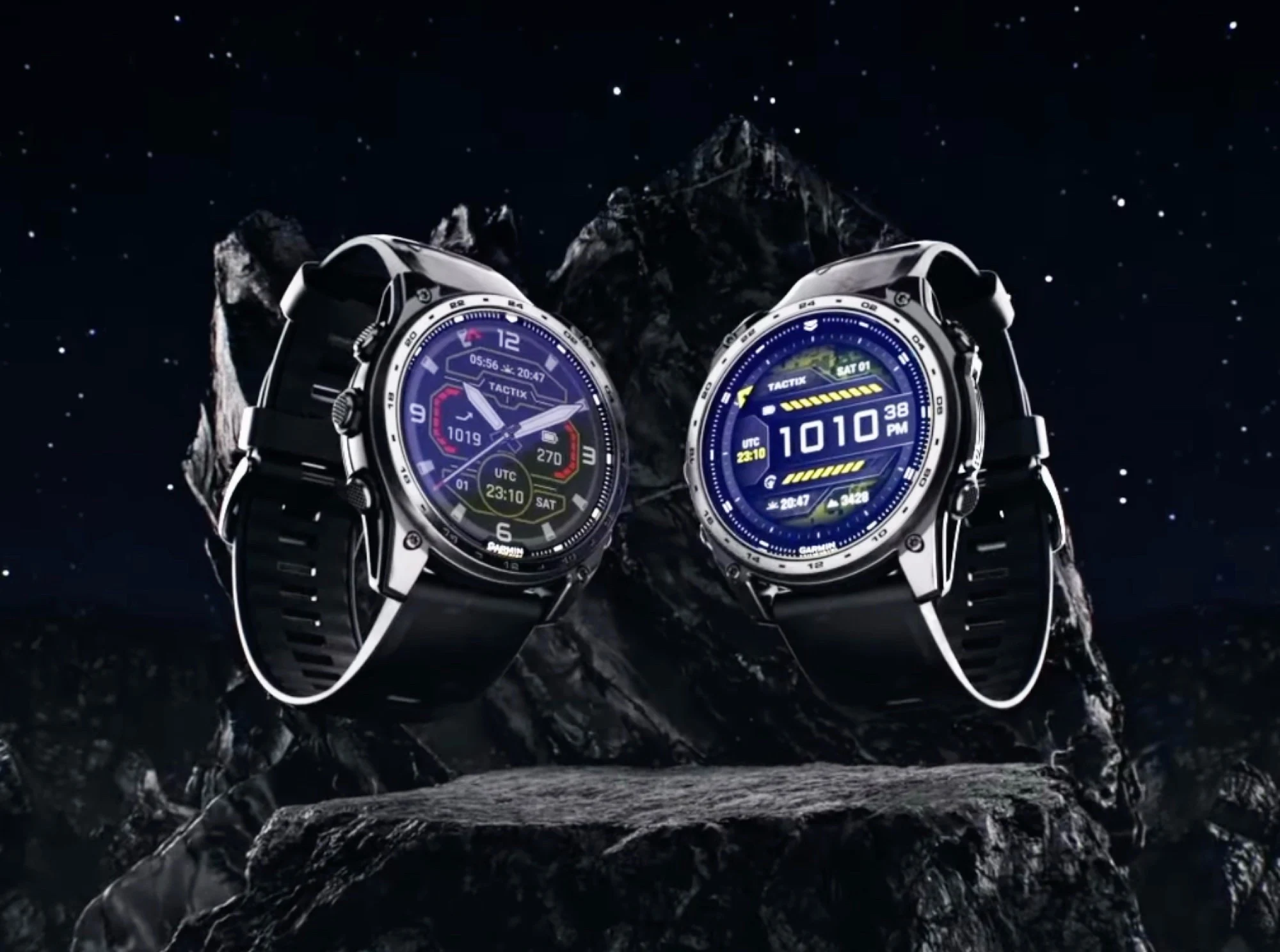
    Currently, the only smartwatch that works perfectly with the iPhone is the Apple Watch. This isn’t due to brands like Garmin or Huawei, but instead, it’s because of the iPhone’s operating system restrictions. For instance, users can interact with notifications directly on the Apple Watch, allowing them to reply to WhatsApp messages without needing to pick up their iPhone.

    Changes Over Time

    Eric Migicovsky, the founder of Pebble, mentions in his blog that things have gotten worse over recent years. Now, to bypass this limitation and let the smartwatch send messages directly through the network carrier, users even have to turn off iMessage. The European Commission informed The Wall Street Journal that the situation for third-party smartwatches will slightly improve with the upcoming iOS 26.3 update. This update includes a new feature called notification forwarding, which is being introduced due to pressure from the EU. With this feature, notifications can be sent to another device, allowing it to engage with messages.

    Limitations Remain

    However, there is a downside: users must pick between an Apple Watch and another smartwatch, as sending a message to multiple devices isn’t an option. According to Gadgets & Wearables, the beta version of iOS 26.3 brings a significant enhancement. After the update, users will be able to sync their smartwatch with the iPhone even when the related app isn’t actively running. This ensures that data like heart rate or workout information won’t get lost if the Garmin Connect app crashes and stays closed for a while. The iOS 26.3 update is anticipated to be available as a free upgrade for all compatible iPhones in February.

    Source:
    Link


  • Apple iPhone to Block Location Tracking with Apple Modem Only

    Apple iPhone to Block Location Tracking with Apple Modem Only

    Key Takeaways

    1. The iOS 26.3 update allows data transfer between iPhones and Android smartphones.
    2. Users can now forward notifications to non-Apple smartwatches.
    3. A new privacy feature, “Limit Precise Location,” reduces location tracking by network operators.
    4. Users must manually enable the “Limit Precise Location” feature in settings after updating.
    5. This feature is only available with specific network providers and certain Apple devices.


    The Apple iPhone is gearing up for an update to iOS 26.3, which is set to roll out within the next few hours. This update brings a host of exciting new features. For instance, users will now be able to transfer data between an iPhone and an Android smartphone. Additionally, there’s finally the capability to forward notifications to smartwatches that are not made by Apple. A support document from Apple has also unveiled a privacy-focused feature that users may find beneficial.

    Privacy-Focused Features

    This new feature, dubbed “Limit Precise Location” by Apple, aims to stop network operators from using cell towers and signal strength to track the exact location of an iPhone. Apple states that iPhones with this feature turned on will send less information to cell towers. As a result, network operators won’t be able to pinpoint the precise location anymore; they will only have access to the general area where the user is situated. Importantly, Apple assures that this feature does not affect signal strength or the accuracy of location data in navigation apps, as these applications rely on GPS instead of cell towers for accurate tracking.

    Limitations of the Feature

    That said, there are a few limitations to keep in mind. First, users must manually turn on this feature after they install iOS 26.3 by going to Settings –> Cellular –> Data Options. Secondly, “Limit Precise Location” is only available with specific network providers; in the US, it’s offered exclusively by Boost Mobile. In the UK, this feature is limited to EE and BT users. Lastly, only devices equipped with an Apple C1 or C1X modem can support this feature, which includes the iPhone 16e, iPhone Air, and the iPad Pro that comes with the Apple M5 chip.

    Source:
    Link