
Key Takeaways
1. The GMK NucBox K13 is lightweight and offers strong performance with the Core Ultra 7 256V processor, excelling in multi-thread tasks.
2. It outperforms similar machines in CPU-intensive tasks but has slower graphics performance compared to competitors.
3. The NucBox K13 can be up to 25% slower in graphics performance than other PCs with the same Arc 140V GPU.
4. Casual gaming is manageable on the NucBox K13, but it’s not suitable for demanding 3D games.
5. Switching to Balanced mode in BIOS can improve performance by better allocating power between the CPU and integrated graphics.
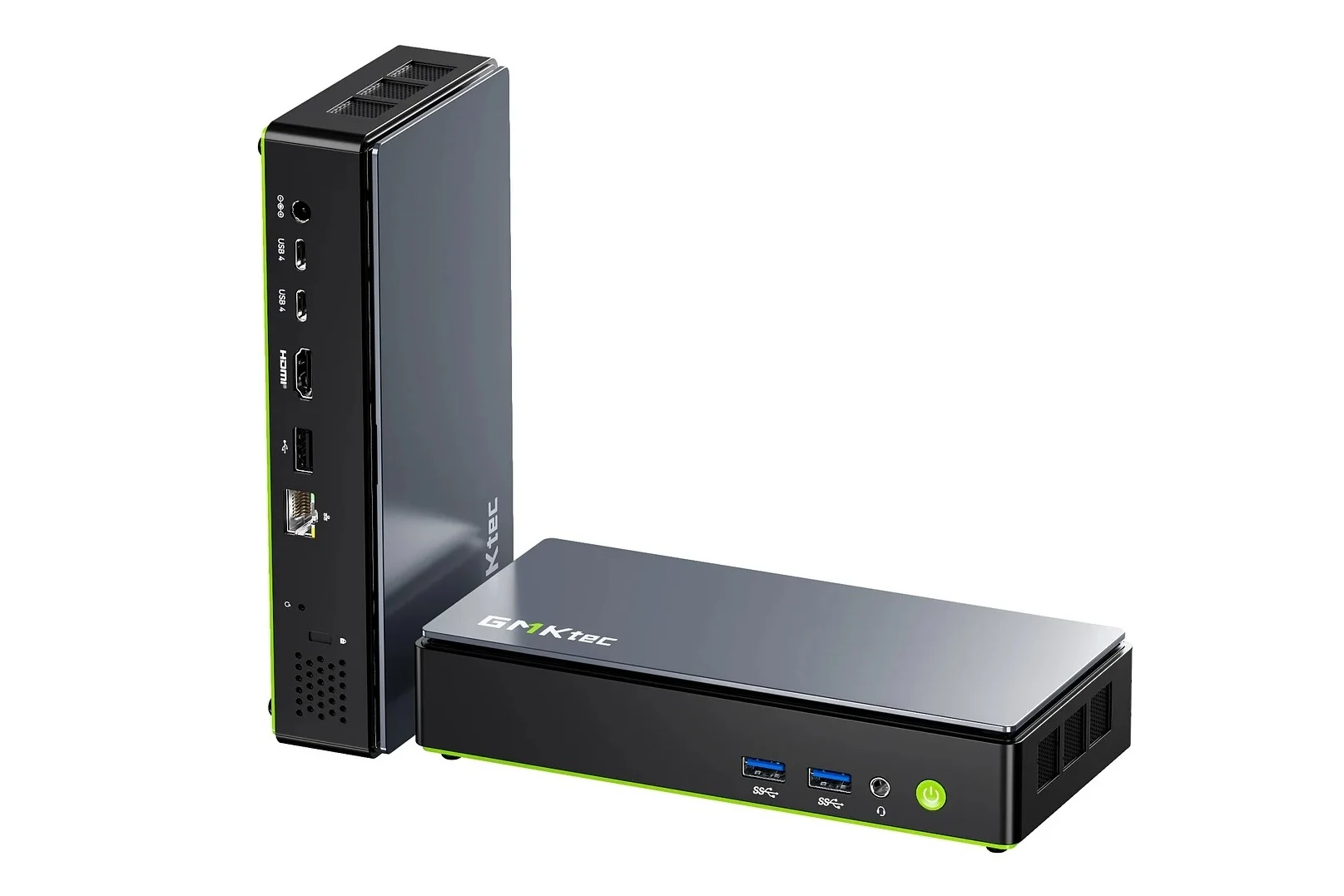
The GMK NucBox K13 has just hit the market, and it’s impressively light yet provides solid performance thanks to the Core Ultra 7 256V processor. When you stack it up against other machines that use the same CPU, the GMK seems to outpace them in multi-thread performance, albeit at the cost of a bit slower graphics performance.
Performance Insights
In the performance charts below, you can see how the NucBox K13 compares to six other PCs with the same Core Ultra 7 256V CPU. On average, the GMK system tends to lead in CPU-intensive tasks by a few percentage points, indicating good Turbo Boost sustainability. Interestingly, the Dell 14 Plus lags behind by as much as 20 percent when considering the heavier throttling it experiences compared to the GMK.
Graphics Performance
However, the NucBox K13 does have its drawbacks when it comes to integrated graphics performance. The 3DMark benchmarks reveal that this mini PC can be up to 25 percent slower than the average machine equipped with the same Arc 140V GPU. While it can handle casual gaming well, it might not be the ideal option for running the latest 3D games locally.
To potentially improve performance, you can switch the mini PC to Balanced mode instead of Performance mode through the BIOS settings. This adjustment can help mitigate the performance gaps since Performance mode often allocates higher power limits to the CPU cores, which might come at the cost of lower power limits for the integrated graphics.
Conclusion
For further insights, be sure to check our complete review of the NucBox K13, which includes more benchmarks and comparisons with other mini PCs.