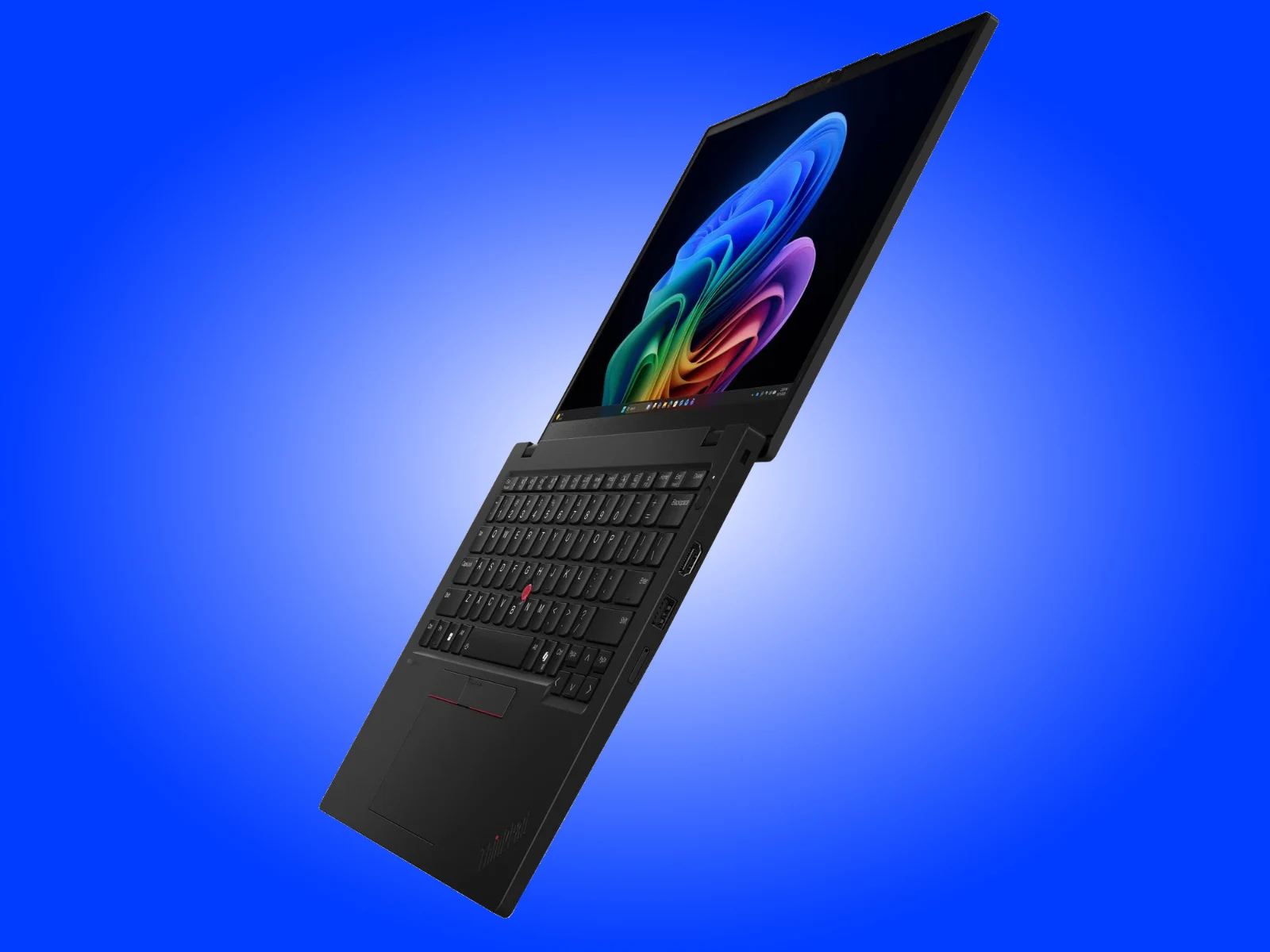
– ThinkPad L13 Gen 7 shifts from Intel Arrow Lake-U to Lunar Lake processors for better CPU and significantly improved graphics performance.
– Battery life is strong, with claims of over 23 hours of local video playback or about 12 hours on the MobileMark 30 test.
– All three IPS display options are 13-inch, 1920×1200, 16:10, 400 nits, and 60 Hz.
– The laptop packs a 41 Wh or 54.7 Wh battery, 16 GB soldered RAM, and an M.2 2242 SSD in a 1.21 kg chassis.
– Pricing and availability have not yet been announced.
ThinkPad L13 Gen 7 Launched With Lunar Lake CPUs
Lenovo has already released multiple new ThinkPads this year across its E, L, T and X series. For instance the ThinkPad E14 Gen 8 has been available globally since the start of the month with Intel Panther Lake processors. Now, Lenovo has turned to its L series again, having released the ThinkPad L16 Gen 3 at the start of June. Specificaly, the company has revealed a successor to last years ThinkPad L13 Gen 6. No new 2-in-1 model is forth coming yet though like the ThinkPad L13 Gen 5 2-in-1 that we reviewed in 2025.
Processor and graphics performance shift
While Lenovos Gen 6 models rely upon Intel Arrow Lake-U processors like the Core Ultra 5 225U and Core Ultra 7 255U, its Gen 7 successor adopts the adjacent Lunar Lake platform instead. According to our benchmarks this change should yeild a modest CPU performance advantage when comparing the Core Ultra 7 255U and Core Ultra 7 256V. However a massive graphics performance difference exists in the Core Ultra 7 256Vs favour. Additionally Lenovo equips the ThinkPad L13 Gen 7 with a 41 Wh or 54.7 Wh battery and an M.2 2242 SSD to complement the 16 GB of RAM embedded within each Lunar Lake processor. Reportedly the 13 inch laptop lasts over 23 hours of playing local videos at 150 nits or around 12hours in the MobileMark 30 battery life test.
Display options and physical dimensions
As far as we can tell these official battery life claims apply to any one of the laptops three IPS display options, which all output at 1,920 x 1,200 pixels with a 16:10 aspect ratio, 400 nits peak brightness and a 60 Hz fixed refresh rate. Lenovo has packed all this hardware into a housing that measures 299 x 215 x 12~15.7 mm. Also the compact laptop weighs 1.21 kg. Although heavier than some 13.3 inch laptops the ThinkPad L13 Gen 7 is packed full of ports on two of its four sides.
Pricing and availability unconfirmed
Unfortunately Lenovo has not confirmed pricing or availability yet. The device uses Intels Lunar Lake platform which promises better integrated graphics than its predecessor, the company has not stated a release date or starting price for any region. The laptop also features a M.2 2242 SSD slot and up to 54.7Wh battery capacity making it suitable for extended productivity sessions.