Key Takeaways
1. Garmin has released System Software 5.10 for the Approach S12 GPS golf watch, addressing two user-reported bugs.
2. The update fixes issues with auto course update files, allowing for successful retrieval of teebox, par, and handicap details.
3. A glitch affecting the visibility of front and back dots on the main golf page’s Green has also been resolved.
4. The update has been rolled out to about 30% of Approach S12 users, with installation available via the Garmin Golf app or Garmin Express software.
5. Garmin is also updating other golf smartwatches, including the Approach G12, S70, S44, and S50, demonstrating their commitment to customer satisfaction.
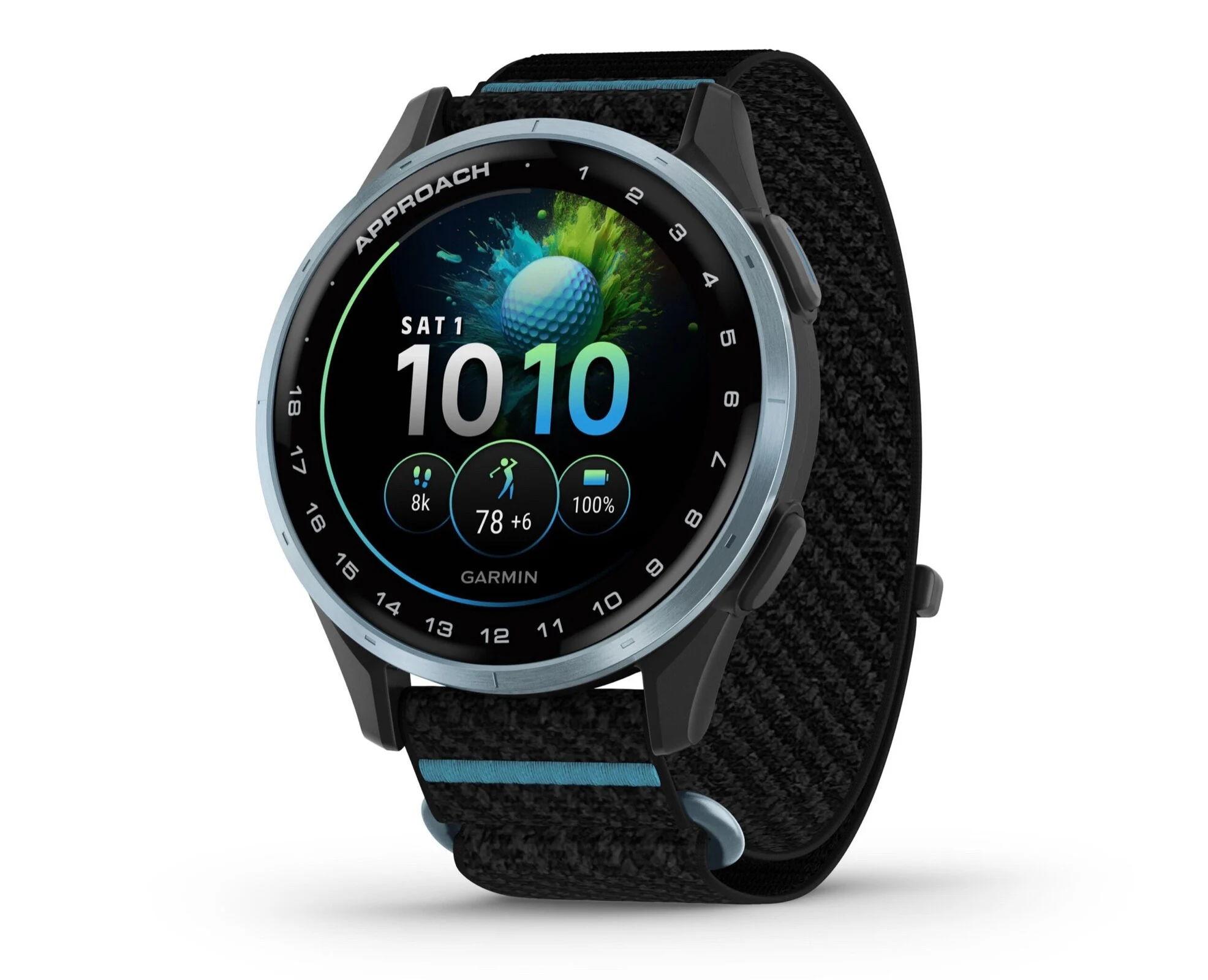
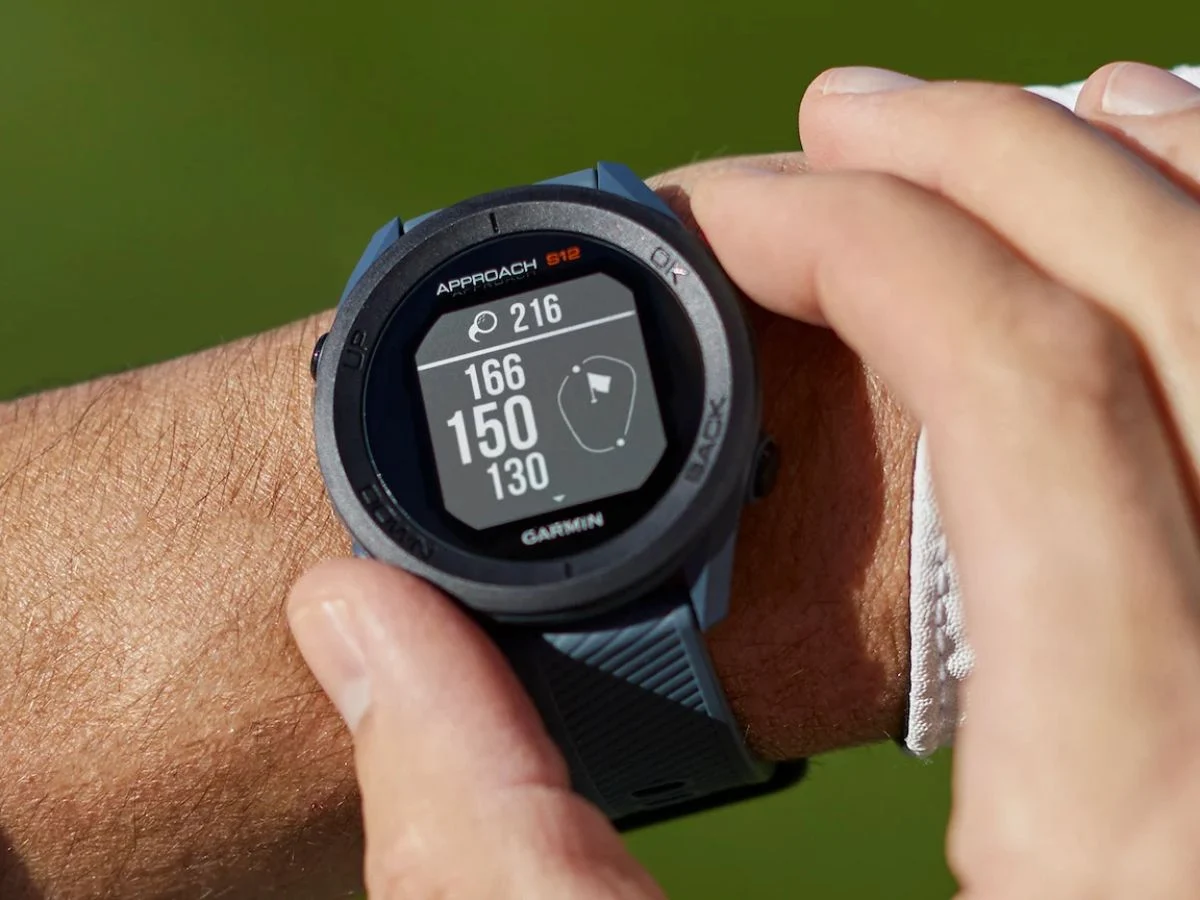
Garmin has rolled out a new stable update for the Approach S12 GPS golf watch. This smartwatch, which was introduced in 2021, hasn’t seen a software update in quite some time. Now, with System Software 5.10, the company is addressing two bugs that users of this device have encountered.
Update Fixes
The patch notes for version 5.10 indicate that Garmin has resolved an issue related to the auto course update files on the Approach S12 smartwatch (curr. $199.99 at Amazon). The device should now successfully retrieve teebox, par, and handicap details from the downloaded files without any problems. Additionally, Garmin has fixed a glitch where the front and back dots were not appearing as they should on the main golf page’s Green.
User Reach and Installation
As per a recent update on the Garmin Forum, the Approach S12 System Software 5.10 has been rolled out to about 30% of its users so far. When the update becomes available for you, there are two ways to install it: through the Garmin Golf smartphone app or the Garmin Express software on your computer. A similar update is also being distributed to users of the Approach G12, which is a clip-on GPS golf range finder. Moreover, Garmin has recently released stable updates for other golf smartwatches, including the Approach S70, S44, and S50.
Conclusion
Garmin’s attention to fixing issues in older models like the Approach S12 shows their commitment to customer satisfaction. With these updates, users can enjoy a smoother experience on the golf course.
Source:
Link