Tag: Garmin

  • Garmin Launches Stable Update for Advanced Model Systems

    Garmin Launches Stable Update for Advanced Model Systems

    Key Takeaways

    1. The Garmin Fenix 8 Pro is receiving a new software update, version 18.81, which is a stable release for all users.
    2. This update focuses on fixing bugs rather than adding new features.
    3. Key fixes include resolving an error message after navigation, correcting authentication code calculations, and improving interface stability when marking reference points.
    4. The update will be rolled out gradually, so not all users will receive it at the same time.
    5. Version 18.81 follows the previous update (version 18.68), which also concentrated on bug fixes without introducing new features.


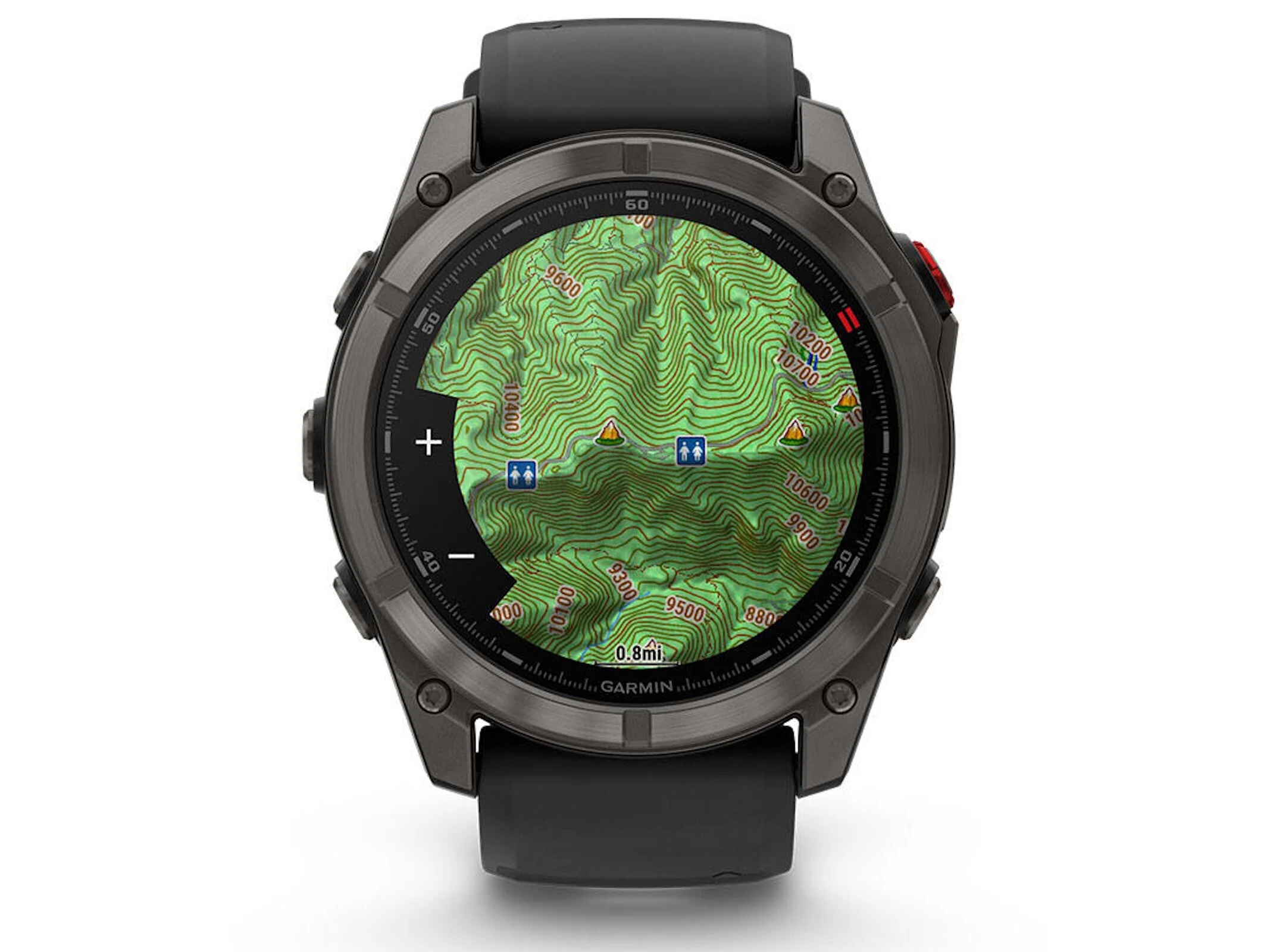
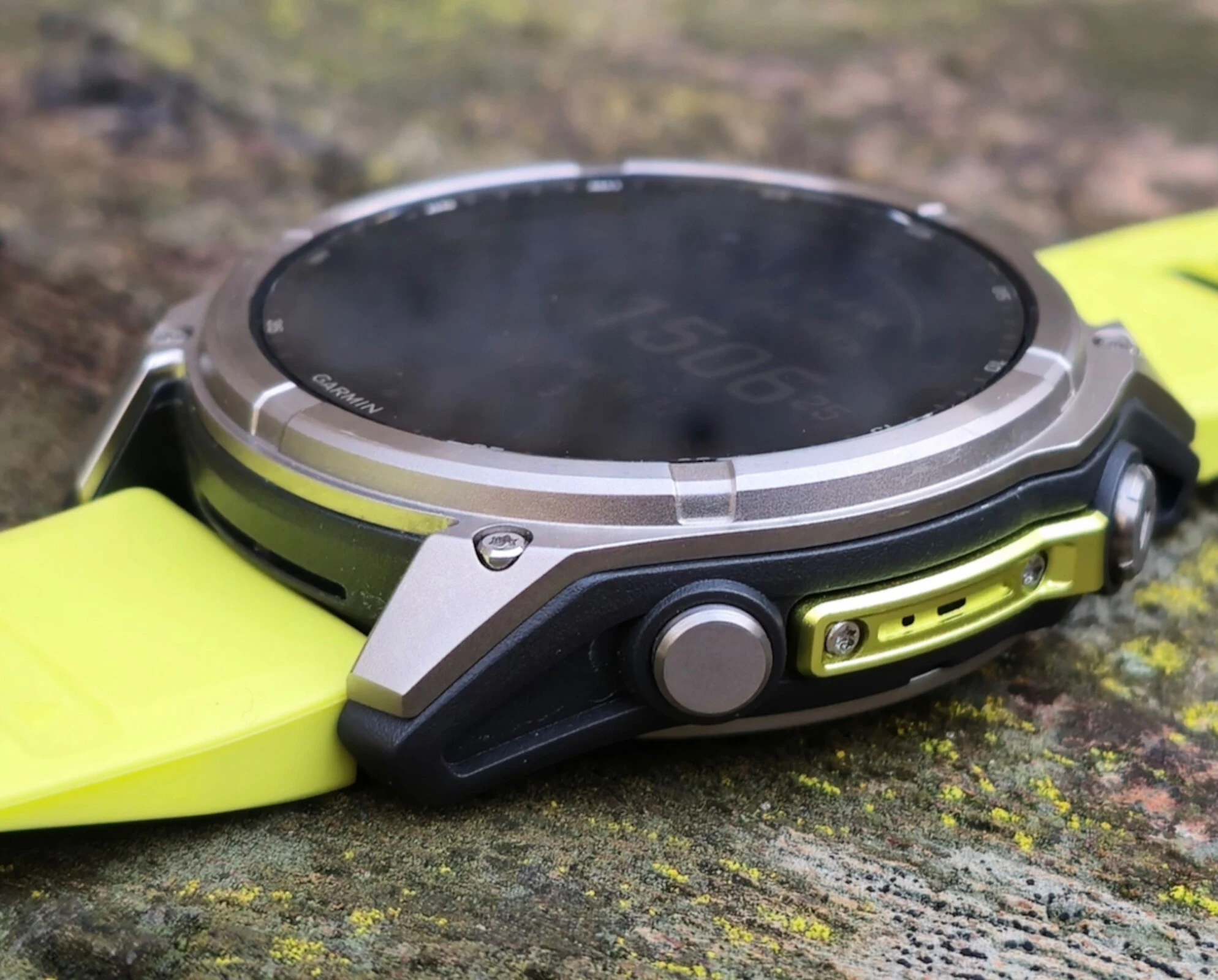
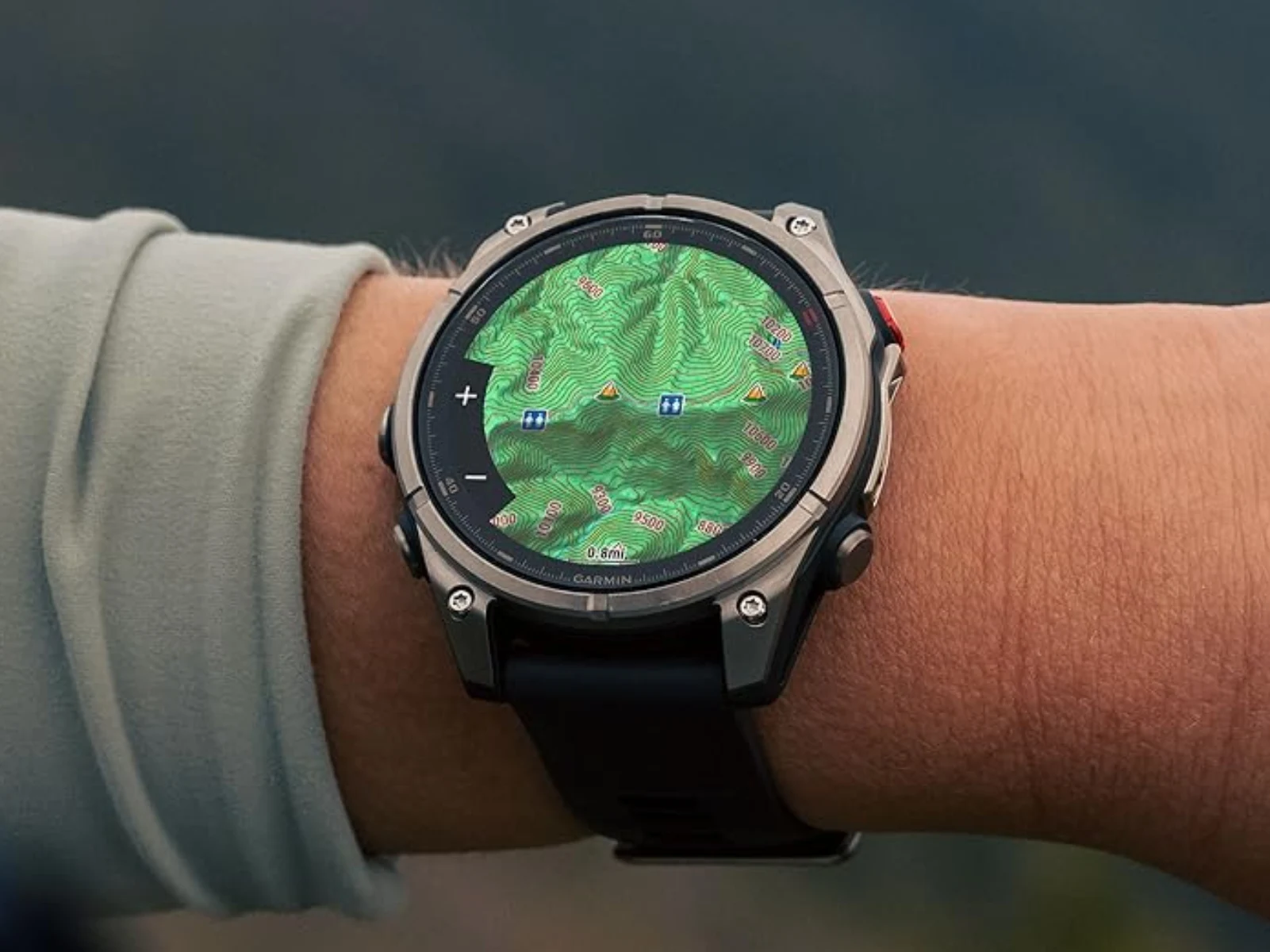
    The Garmin Fenix 8 Pro is receiving a new software update. Version 18.81 is a stable release, which means it will be made available to all users and not just those in the beta testing program. As is common, this update will be rolled out gradually, so it might not be accessible to everyone right away. The focus of this update is solely on fixing bugs rather than introducing any new features. This isn’t unexpected, as Garmin usually launches new smartwatches (like the relatively new Fenix 8 Pro) with fresh features, which later find their way onto older models through software updates.

    Changelog Details

    The changelog for this software update, version 18.81, lists only three fixes. First, a bug that caused an error message to pop up after exiting a navigation option has been resolved. Second, an issue that could lead to the wrong calculation of an authentication code should no longer happen. Finally, the interface is now expected to work smoothly without freezing when marking a nearby point as a reference point.

    Previous Updates

    The rollout of version 18.81 follows closely on the heels of the previous update, version 18.68, which took place just a week earlier. That update also focused mainly on bug fixes, including some related to Messenger, and aimed to enhance the automatic brightness feature. Like the current update, it did not bring any new features to the table.

    Garmin

    Source:
    Link


  • Garmin Komoot Update 2025: Improved Navigation & Route Transfer

    Garmin Komoot Update 2025: Improved Navigation & Route Transfer

    Key Takeaways

    1. Komoot enhances features for Garmin devices, improving compatibility for outdoor enthusiasts since 2017.
    2. Users can share routes designed by others easily with Garmin devices through Live Sync.
    3. The updated features provide detailed insights like elevation profiles and surface types for better navigation.
    4. Routes can be adjusted on-the-fly without interrupting activities, simplifying the analysis of rides or hikes.
    5. Komoot is not entirely free; access to some features requires purchasing map packages.


    People who enjoy outdoor activities and often go hiking may know about both Garmin and Komoot. Komoot is compatible with Garmin smartwatches, and the company has recently announced a major enhancement of its features for Garmin devices. Garmin and Komoot have been working together since 2017. However, there is an important limitation to note; Komoot is not completely free or ad-supported, meaning that the features available to users who haven’t bought map packages may be restricted.

    Improved Compatibility for Cyclists

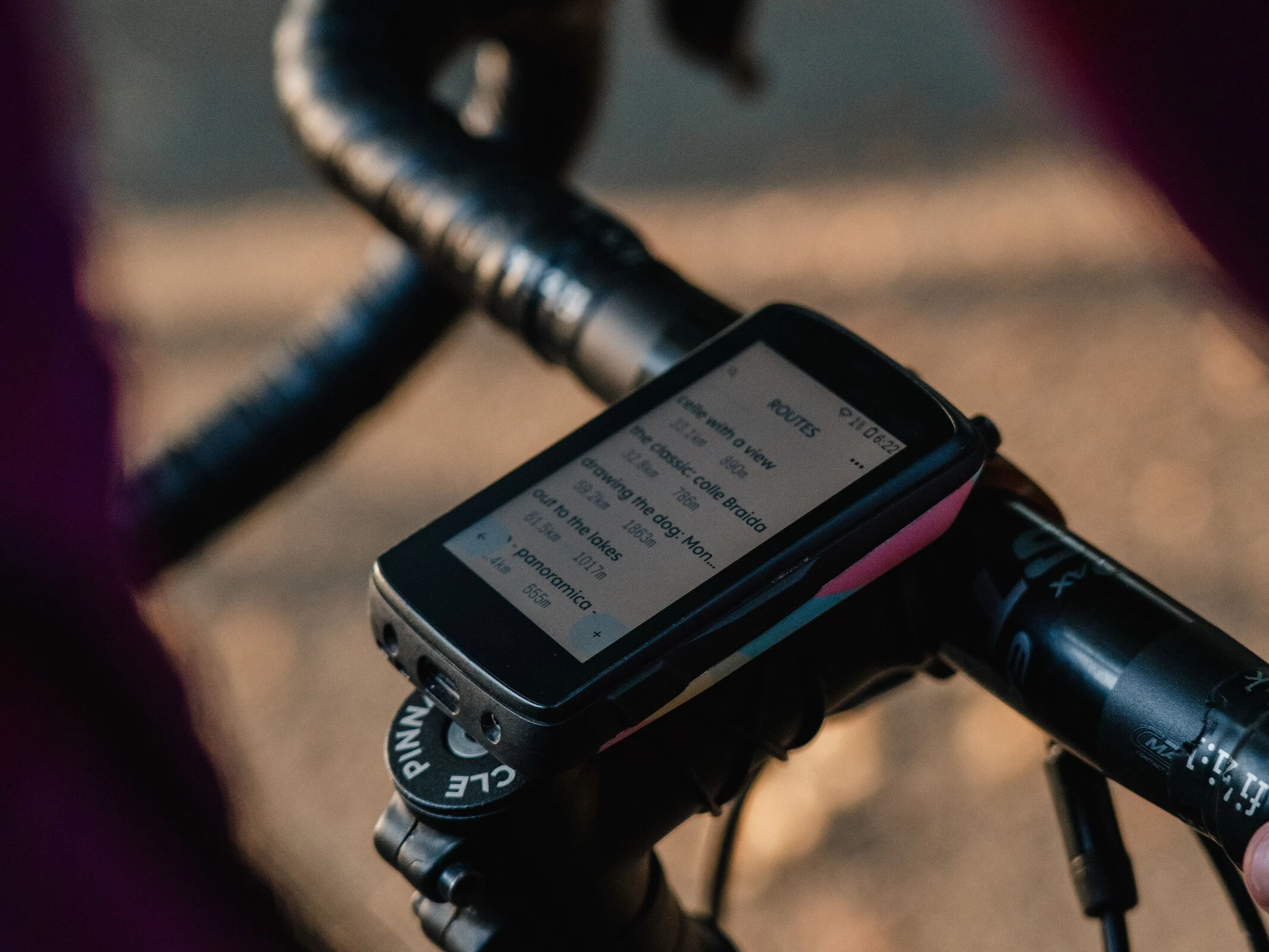
    Moving on, a blog entry from Komoot states that support for bike computers is set to see significant upgrades. In particular, routes designed mainly by other users can now be easily shared with a compatible Garmin device through Live Sync. This allows users to begin navigation in just seconds without needing a lengthy syncing process. Users should find the detailed insights from these Komoot routes, like elevation profiles and surface types, very beneficial.

    Easy Route Adjustments

    Routes can be modified quite simply without interrupting ongoing activities, which will make it easier to analyze individual rides or hikes without having them split into several recordings. In images shared by Komoot, compatibility with bike computers such as the Garmin Edge 540 (starting at $349 on Amazon) is highlighted.

    Source:
    Link


  • Garmin Smartwatches: Major Changes Ahead with Google Maps Replacement

    Garmin Smartwatches: Major Changes Ahead with Google Maps Replacement

    Key Takeaways

    1. Garmin offers a wide range of smartwatches at different price points with varied navigation features.
    2. Users can view completed activities on maps via Garmin Connect and its smartphone app, even if the smartwatch lacks this feature.
    3. Garmin may be changing its mapping source from Google Maps to Mapbox for its smartwatches.
    4. Mapbox uses data from OpenStreetMap and is well-regarded in the tech community.
    5. The transition to Mapbox could impact cost and user experience, though the reasons for the change remain unclear.


    Garmin has a broad selection of smartwatches that come at various price levels. These devices also vary in their navigation functions. Depending on which model you choose, you might be able to use maps and navigation features without needing a connected smartphone or an active internet connection.

    Viewing Activities on Maps

    Not every smartwatch has this feature, but even those that don’t allow users to see their completed activities on a map through Garmin Connect and its companion smartphone app. This can help users get a better understanding of their route or discover landmarks they passed along the way.

    Possible Changes to Maps

    According to Garmin Rumors, there may be some changes to the maps used on Garmin smartwatches. We couldn’t verify this information right away when checking previously recorded activities. To be more specific, it seems that Garmin might be switching from Google Maps to Mapbox as the underlying source for its activity maps.

    The change may not be obvious at first glance, but it’s important to note that Mapbox utilizes data from OpenStreetMap. Mapbox is already recognized in the tech community and is employed by various apps and developers. It’s still uncertain whether this move to Mapbox is solely for technical purposes or if Garmin is hoping to cut costs. While Google Maps is free for average users, companies that provide services based on Google Maps incur charges, much like they would with Mapbox.

    Conclusion

    In summary, Garmin’s strategy regarding maps could have significant implications for users. As the company navigates these adjustments, it will be interesting to see how this impacts the overall experience for smartwatch users.

    Source:
    Link


  • Garmin Fenix 8 Models Receive Important Software Update

    Garmin Fenix 8 Models Receive Important Software Update

    Key Takeaways

    1. Garmin is rolling out software version 20.12 for several smartwatches, including the Fenix 8 series, currently in beta phase.
    2. Users must request the beta update through the OTA function on their watch, with some features like diving functions and ECG turned off.
    3. The update fixes a bug related to the ECG feature, improving Bluetooth headphone connectivity during usage.
    4. New features include support for inline skating and the ability for users to set personal activity goals.
    5. Navigation improvements include fixes for the Outdoor Maps Plus feature and accurate rep counting for specific workout types.


    Garmin is rolling out a new software version for several of its smartwatches, including the Fenix 8 series, which features the Fenix 8 AMOLED, Enduro 3, Fenix E, and Quatix 8. The software version 20.12 is still in the beta phase, meaning it is only available to those who are part of the beta program. Interested users need to explicitly request the update through the OTA function on their watch. Since this is a beta release, diving functions are turned off, and users can’t perform electrocardiograms.

    Update Fixes

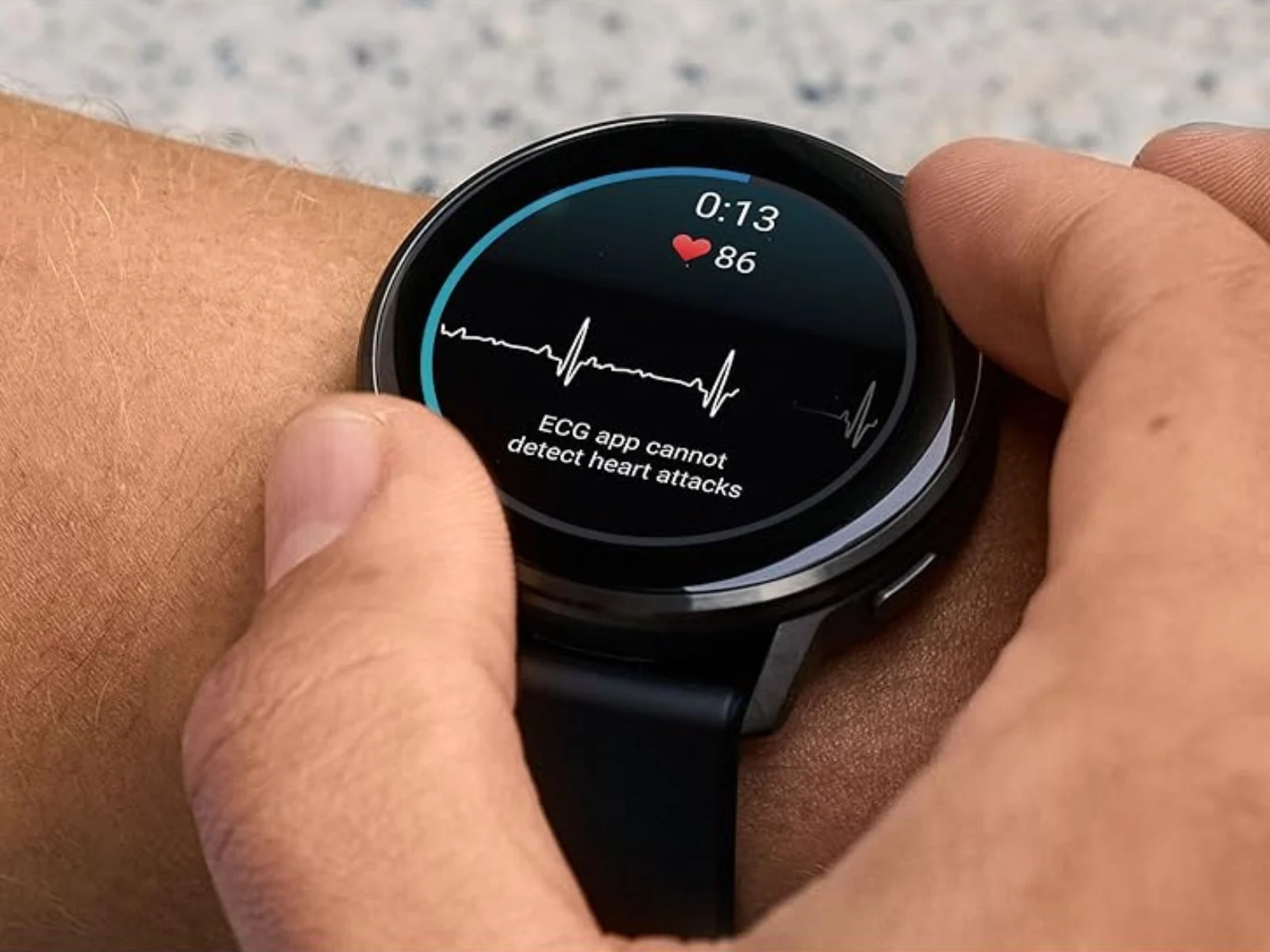
    Despite being in beta, this update aims to resolve a bug related to the ECG feature; Bluetooth headphones are now less likely to lose connection while conducting an electrocardiogram. The brief changelog also mentions improvements for user-defined workouts. Inline skating has been added as a supported activity, and users can now set their own personal activity goals.

    Navigation Improvements

    The remaining updates focus on bug fixes, particularly concerning navigation. For instance, a bug affecting the paid Outdoor Maps Plus feature has been resolved. Additionally, a specific workout type that previously caused incorrect rep counts has been fixed. This automatic counting is especially important for strength trainers. Tactix smartwatch users will also enjoy a properly functioning link to the weather radar.

    Garmin’s commitment to enhancing user experience is evident, even in this beta phase of their software update.

    Source:
    Link


  • Garmin Releases Stable Update for Latest High-End Smartwatch

    Garmin Releases Stable Update for Latest High-End Smartwatch

    Key Takeaways

    1. Garmin released a new stable update for the Fenix 8 Pro, moving from System Software 18.41 to 18.68.
    2. The update addresses bugs and enhances features like the microLED display and LTE capabilities.
    3. The Fenix 8 Pro is not part of Garmin’s Beta Program, unlike the newer Venu 4.
    4. System Software 18.68 includes five bug fixes and three enhancements, focusing on improving LTE functionality.
    5. Notable fixes include resolving issues with Auto LTE mode and Livetrack over LTE during activities.


    Garmin has rolled out a new stable update for the Fenix 8 Pro, marking the third update since its debut at the beginning of September. The smartwatch has transitioned from System Software 18.41 to System Software 18.51 last month, mainly addressing bugs and making enhancements related to new features like Garmin’s microLED display and LTE capabilities.

    Major Update Released

    The company has now upgraded its premium smartwatch to System Software 18.68, bypassing all the intermediate versions. Interestingly, the Fenix 8 Pro has not yet been included in Garmin’s Beta Program (currently priced at $1,199.99 on Amazon). In contrast, the newer Venu 4 has just received its initial beta update.

    Improvements and Fixes

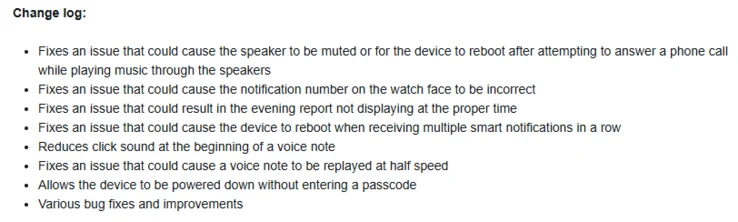
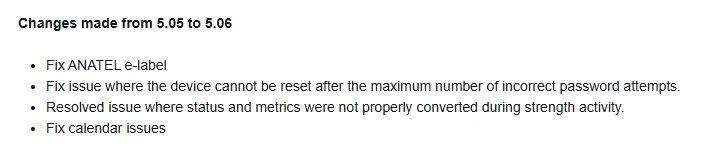
    As per a post on a forum, System Software 18.68 includes five bug fixes along with three distinct enhancements. Similar to previous versions, many modifications in System Software 18.68 are aimed at improving LTE functionality. For example, Garmin reports that it has fixed a problem where the Auto LTE mode would turn off right after an activity ended. Additionally, System Software 18.68 is expected to correct an issue that caused Livetrack over LTE to stop functioning unexpectedly during an activity. The complete changelog for System Software 18.68 is listed below:

    Garmin

    Source:
    Link


  • Garmin’s Major Update Fixes Smartwatch Crashes for Mid-Range Models

    Garmin’s Major Update Fixes Smartwatch Crashes for Mid-Range Models

    Key Takeaways

    1. Garmin has launched a beta program for the Venu 4 with Software Version 15.08, following stable updates marked by 14.xx builds.
    2. Users can join the beta program by accessing the software update option in the smartwatch settings.
    3. The beta version disables the ECG feature, which will be reactivated in future stable updates.
    4. Garmin is addressing bugs, including system crashes caused by multiple smart notifications.
    5. The Venu 4 can now be powered down without entering a passcode after updating to Beta 15.08.


    Garmin has begun testing the first significant software update for the Venu 4. Launched less than a month ago (currently priced at $549 on Amazon), the Venu 4 has only experienced stable updates so far, marked by v14.xx build numbers. Recently, Garmin upgraded its latest mid-range smartwatches to Software Version 14.12, which included fixes for bugs found in Software Version 14.10.

    New Beta Program

    Now, Garmin has initiated the Venu 4 Beta Program featuring Beta 15.08. As stated in a post on the company’s forum, users need to install the first beta build of the Venu 4 by going through the Main menu, then Settings, followed by System, and finally selecting Software update on a smartwatch enrolled in the Beta Program, before clicking ‘Check for Updates’. It’s important to note that this beta version disables the ECG feature.

    Future Updates

    Like its other smartwatches, Garmin will reactivate the ECG feature when it is ready to move the v15.xx development to its stable software branch. Unfortunately, the company has not provided a timeline for when that might happen. In the meantime, Garmin is working to fix additional bugs, including one that leads to system crashes when multiple smart notifications are received at the same time. Furthermore, after updating to Beta 15.08, the Venu 4 can be powered down without needing to enter a passcode. The complete changelog for Beta 15.08 from Software Version 14.12 is as follows:

    Garmin

    Source:
    Link


  • Garmin Update: High-End Model Gets Bug Fixes and Improvements

    Garmin Update: High-End Model Gets Bug Fixes and Improvements

    Key Takeaways

    1. Beta software update version 26.05 is available for Forerunner 165, 265, 955, and 965 users who join the beta program.
    2. The “Find My Device” alert now sounds even when the watch is locked with a Passcode, improving security.
    3. Resolved the issue with pan/zoom mode on the map not working when activity is paused.
    4. Enhancements for golf sensors include fixing missing averages for clubs and suggestions while connected to CT10 sensors.
    5. Users can now switch sports during multisport activities by pressing and holding the lap key, and playback time issues with fast-forwarding music tracks have been fixed.


    Garmin is now releasing a new beta software update, version 26.05, for the Forerunner 165, Forerunner 265, Forerunner 955, and Forerunner 965. Since this is a beta update, users must join the beta program, and there may be some bugs present. However, this update aims to address several issues.

    Important Fixes and Improvements

    This update brings several key fixes to enhance the stability and overall user experience of the watches. A significant bug that has been addressed is the “Find My Device” alert, which will now sound even if the watch is locked with the Passcode feature, fixing a possible security flaw. There’s also been a resolution to a problem where users were unable to use the pan/zoom mode on the map when their activity was paused. Additionally, a bug that sometimes kept the Red Shift display mode from turning off automatically after the user’s designated sleep time has been corrected.

    Enhancements for Golf Sensors

    The changelog includes enhancements for golf sensors, specifically fixing missing averages for clubs and suggestions when the watches are connected to CT10 sensors. Users can now press and hold the lap key to switch sports during multisport activities, allowing for a lap press to be used for tracking laps, breaks, or sets in the current sport. Lastly, the update resolves an issue where the wrong playback time appeared when fast-forwarding through music tracks.

    Source:
    Link


  • Garmin Faces Setbacks from Suunto and Strava After Fenix 8 Pro Launch

    Garmin Faces Setbacks from Suunto and Strava After Fenix 8 Pro Launch

    Key Takeaways

    1. Suunto is requesting Garmin to stop selling its smartwatch models due to patent violations.
    2. Strava claims Garmin is misusing specific patents related to ‘user preference activity maps.’
    3. The legal actions may impact Garmin’s software and hardware, but the extent is currently uncertain.
    4. Strava’s Chief Product Officer hints that issues between Strava and Garmin extend beyond patent disputes.
    5. For further details, refer to the explanation by DC Rainmaker.


    Citing patent violations in both cases, the two companies are requesting that Garmin halt the sales of its smartwatch models, including the Approach, Epix, and Fenix series. For example, Suunto points out specific patents that Garmin is said to be infringing upon:

    Strava’s Claims

    On the other hand, Strava argues that Garmin is misusing patents 9297651 and 9778053, which they assert pertain to the creation of ‘user preference activity maps’. At this moment, it’s uncertain what impact, if any, this legal action will have on Garmin’s products, both software and hardware. Nonetheless, a recent comment on Reddit from Strava’s Chief Product Officer suggests that the problems between Strava and Garmin go beyond just patent issues. In the event that the post is taken down later, refer to the detailed explanation by DC Rainmaker below for more information.

    Source:
    Link


  • Garmin Update: New Features for High-End Smartwatches Released

    Garmin Update: New Features for High-End Smartwatches Released

    Key Takeaways

    1. Garmin has released Beta Version 20.10 for several smartwatches, including Enduro 3, Fenix E, Fenix 8, and Tactix 8.
    2. Users can switch to Beta Version 20.11 by manually installing it through the smartwatch menus.
    3. The update fixes the month and date display on stock watch faces.
    4. It resolves an issue with missing vibration and tone settings on devices without a speaker.
    5. The update introduces Hot Key Support for the Garmin Calculator application.


    Garmin has recently released a beta update for several of its smartwatches, including the Enduro 3, Fenix E, Fenix 8, and Tactix 8, which is currently priced at $1,299 on Amazon. This update, known as Beta Version 20.10, came out just two days ago, following the previous system software version 17.30 that was made available nearly a month ago.

    Update Details

    As mentioned earlier, past beta releases suggested Garmin would continue to roll out additional builds to beta testers before completing the development of version 20.xx for users of stable software. Keeping this in mind, the company is now guiding Beta Program participants to switch to Beta Version 20.11. To do this, users will need to manually install the new beta on their eligible smartwatch by going through these menus:

    Menu -> System -> Software Update -> Check For Updates.

    Fixes and New Features

    After installing Beta Version 20.11, users of the Enduro 3, Fenix E, Fenix 8, and Tactix 8 should notice that the month and date are now correctly displayed on the stock watch faces. Moreover, this new beta is also reported to fix an issue where vibration and tone settings were absent on devices lacking a speaker. Additionally, it introduces Hot Key Support for Garmin’s Calculator application.

    Garmin’s commitment to continuous improvements is evident as they work through these beta updates, striving to enhance the user experience for their smartwatch owners.

    Source:
    Link


  • Garmin Updates Mid-Range Smartwatches with Custom Alert Fixes

    Garmin Updates Mid-Range Smartwatches with Custom Alert Fixes

    Key Takeaways

    1. Garmin has released a stable update (System Software 25.06) for several older Forerunner smartwatches.
    2. The update aims to improve overall stability and follows a brief beta testing phase.
    3. Version 25.06 addresses an issue where settings were hidden after adding a custom alert.
    4. The update will be rolled out to Forerunner 165, 255, 265, 955, and 965 over the next few days.
    5. Users can manually check for the update by navigating to Menu, System, Software Update, and selecting ‘Check for Updates’.


    Garmin has released a new stable update for several of its older Forerunner smartwatches, starting from the Forerunner 255 (currently priced at $279 on Amazon). The update, known as System Software 25.06, is the first for the Forerunner 165, Forerunner 955, and Forerunner 965 in less than a month. This update comes after a brief beta testing phase that followed the earlier introduction of System Software 25.04 in early September.

    Update Details

    The stable version 25.06 has been released about a week after Garmin made the Beta Version 25.06 available to participants in its public Beta Program. As previously mentioned, version 25.06 is intended to enhance overall stability for all compatible Forerunner smartwatches. Sadly, Garmin has yet to provide additional details on this matter.

    Fixes and Manual Update

    This new stable update addresses a problem that resulted in settings being hidden after a custom alert was added. Software Version 25.06 is expected to roll out to the Forerunner 165, Forerunner 255, Forerunner 265, Forerunner 955, and Forerunner 965 over the next few days. If your smartwatch hasn’t received the update yet, you can manually check for Garmin’s latest update by going to Menu, System, Software Update, and then selecting ‘Check for Updates’. For further information, refer to Garmin’s forum post.

    Source:
    Link