
Tag: FSR

  • Steam Machine Test: Red Dead Redemption 2 at 1440p

    Steam Machine Test: Red Dead Redemption 2 at 1440p

    Key Takeaway

    – Steam Machine gaming performance is identical across all storage variants, with only SSD capacity differing.
    – It handles most AAA games at 1440p with FSR, achieving 70-110 FPS in titles like Red Dead Redemption 2 and Resident Evil: Requiem.
    – Demanding titles can drop below 60 FPS at 1440p, especially with heavy particle effects; a VRR/FreeSync display is recommended.
    – Performance is expected to improve over time via SteamOS updates and Proton enhancements.


    Steam Machine Performance Finally Revealed

    You no longer have to guess how much the Steam Machine will cost, when it will be available, or how much it might have cost if AI companies hadn’t driven up the price of PC components. However, the bigger question remains: how does the Steam Machine actually perform? Can it handle AAA games at high resolutions while still delivering smooth frame rates?

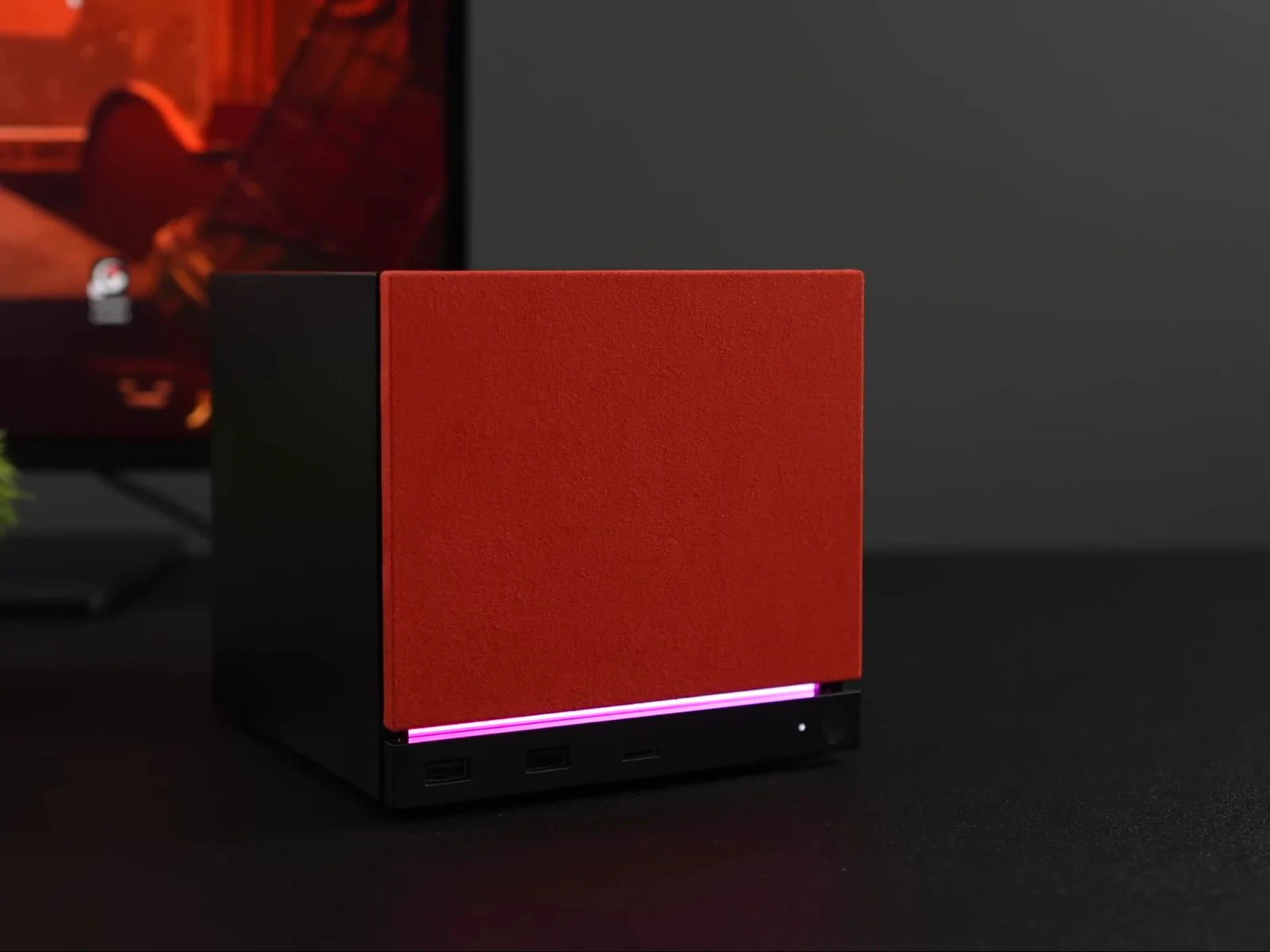
    Thankfully, you no longer have to speculate. ETA Prime recently got their hands on the new Steam Machine and published a detailed video showcasing the unboxing and setup process for Valve’s new gaming console/mini-PC hybrid, along with some official accessories. More importantly, they put the Steam Machine through its paces by testing several popular games, both with and without FSR enabled, to see exactly how it stacks up in 2026.

    Hardware Specifications and Model Differences

    To provide some context before diving into the gaming benchmarks, the Steam Machine tested was the top-of-the-line 2TB model. However, it features the same semi-custom AMD Zen 4 processor with six cores and 12 threads, along with the same custom Radeon GPU with 8GB of GDDR6 VRAM, as every other Steam Machine variant.

    In other words, the only difference between the various models is storage capacity. Whether you buy the base model or the flagship version, gaming performance remains identical across the lineup.

    AAA Gaming Benchmarks at 1440p and 1080p

    First up on the test bench was Red Dead Redemption 2, which ran at around 85 FPS in outdoor areas and climbed to roughly 95 FPS while roaming indoors at 1440p using a mix of High and Ultra graphics settings. Meanwhile, Cyberpunk 2077 performed best at 1080p using Ultra settings, delivering between 70 to 85 FPS with upscaling set to Auto. At 1440p Ultra with FSR set to Balanced, the Steam Machine averaged around 72 FPS, although frame rates occasionally dipped below 60 FPS in demanding scenes. However, at native 1440p Ultra settings, Cyberpunk 2077 ran at only 45 FPS.

    The Steam Machine also handled Resident Evil: Requiem, one of the latest AAA releases, very well, albeit with a bit of upscaling. At 1440p using High settings with FSR set to Balanced, the game ran at around 110 FPS. Meanwhile, Forza Horizon 6, another recent AAA release, ran at around 71 FPS at 1440p using High settings without any upscaling.

    Performance Dips and Future Optimizations

    However, the Steam Machine struggled in Horizon Zero Dawn Remastered, averaging 58 FPS at 1080p using the Very High preset in the in-game benchmark. It also had trouble maintaining a steady 60 FPS in Ratchet & Clank: Rift Apart at 1440p on High settings, even with FSR set to Balanced. The YouTuber also tested several other games, including The Witcher 3: Wild Hunt, which is set to receive a major free update next year, Elden Ring, and many more. You can watch the full video linked below for a complete breakdown of the Steam Machine’s gaming performance.

    Lastly, based on their initial impressions of the highly anticipated Steam Machine, ETA Prime believes performance is likely to improve significantly over time through updates to SteamOS and ongoing enhancements to Proton’s compatibility layer. That said, demanding titles running at 1440p, can see frame rates dip below 60 FPS during scenes with heavy particle effects. As a result, using a VRR/FreeSync-compatible display is highly recommended, as it can help eliminate stuttering and screen tearing during these performance drops, the YouTuber notes.

    Final Thoughts and Community Discussion

    With computing more expensive than ever in 2026 and gaming increasingly becoming a hobby that many people can no longer afford, do you think the Steam Machine’s pricing and performance improve the current situation or make it worse? Would you buy a Steam Machine now or wait for prices to come down? Let us know your thoughts in the comments below.
    Sources

  • Steam In-Game Performance Monitor Overlay Gets Major Update

    Steam In-Game Performance Monitor Overlay Gets Major Update

    Key Takeaways

    1. The Steam Performance Monitor now displays detailed metrics, including upscaled FPS, GPU and CPU usage, memory consumption, and temperature.
    2. Users can see if frame generation technology (DLSS and FSR) is active and can customize the overlay’s appearance by adjusting contrast, saturation, background opacity, and screen position.
    3. The update aims to help gamers track their actual frame rates, while still allowing the option for a simpler FPS counter.
    4. The updated overlay is currently available only through the Beta Client on Windows, with plans to expand to other operating systems in the future.
    5. A comprehensive guide on the new monitoring capabilities is available in the Steam Support section.


    Valve has rolled out a significant update for the Steam Performance Monitor. The in-game overlay now displays more detailed metrics than before, including upscaled FPS, GPU and CPU usage, memory consumption, memory usage, and temperature.

    New Features and Options

    This enhanced overlay can even indicate whether frame generation technology is active. According to the announcement, the monitor is now capable of detecting both DLSS and FSR. Additionally, users can customize the contrast and saturation, as well as adjust the background opacity and the screen position of the overlay.

    With the introduction of frame generation detection and the ability to show upscaled FPS, Valve aims to help gamers better track their actual frame rates. While the Steam in-game overlay provides these advanced metrics, users still have the option to revert to a simpler FPS counter like in the past.

    Availability and Future Plans

    It’s important to note that the updated Steam Performance Monitor overlay is currently only accessible through the Beta Client. Users can switch by going into the app’s Settings, finding the Interface section, and selecting “Steam Beta Update” from the Client Beta Participation drop-down menu.

    Also, the complete range of metrics will only be available on Windows at first. Valve intends to broaden support to other compatible operating systems later on. To find out more about the new monitoring capabilities, you can check the comprehensive guide provided in the Steam Support section.

    Source:
    Link

  • Elder Scrolls IV: Oblivion Remastered Patch Hides DLSS Settings

    Elder Scrolls IV: Oblivion Remastered Patch Hides DLSS Settings

    Key Takeaways

    1. Utilization of Upscaling Technologies: Modern games, including The Elder Scrolls IV: Oblivion Remastered, use Nvidia DLSS and FSR to enhance frame rates and image quality.

    2. Patch Issues: A recent 1.6 GB patch for Oblivion Remastered has removed advanced graphical options, leading to performance drops for players.

    3. Communication Gap: Bethesda has not provided patch notes or clarified the removal of upscaling features, causing confusion among players.

    4. Temporary Workarounds: Some players have found temporary fixes through in-game console commands, but a proper solution is needed.

    5. High System Requirements: Despite being a remaster of a 2006 game, Oblivion Remastered demands high system specifications, making upscaling technologies essential for smooth gameplay.


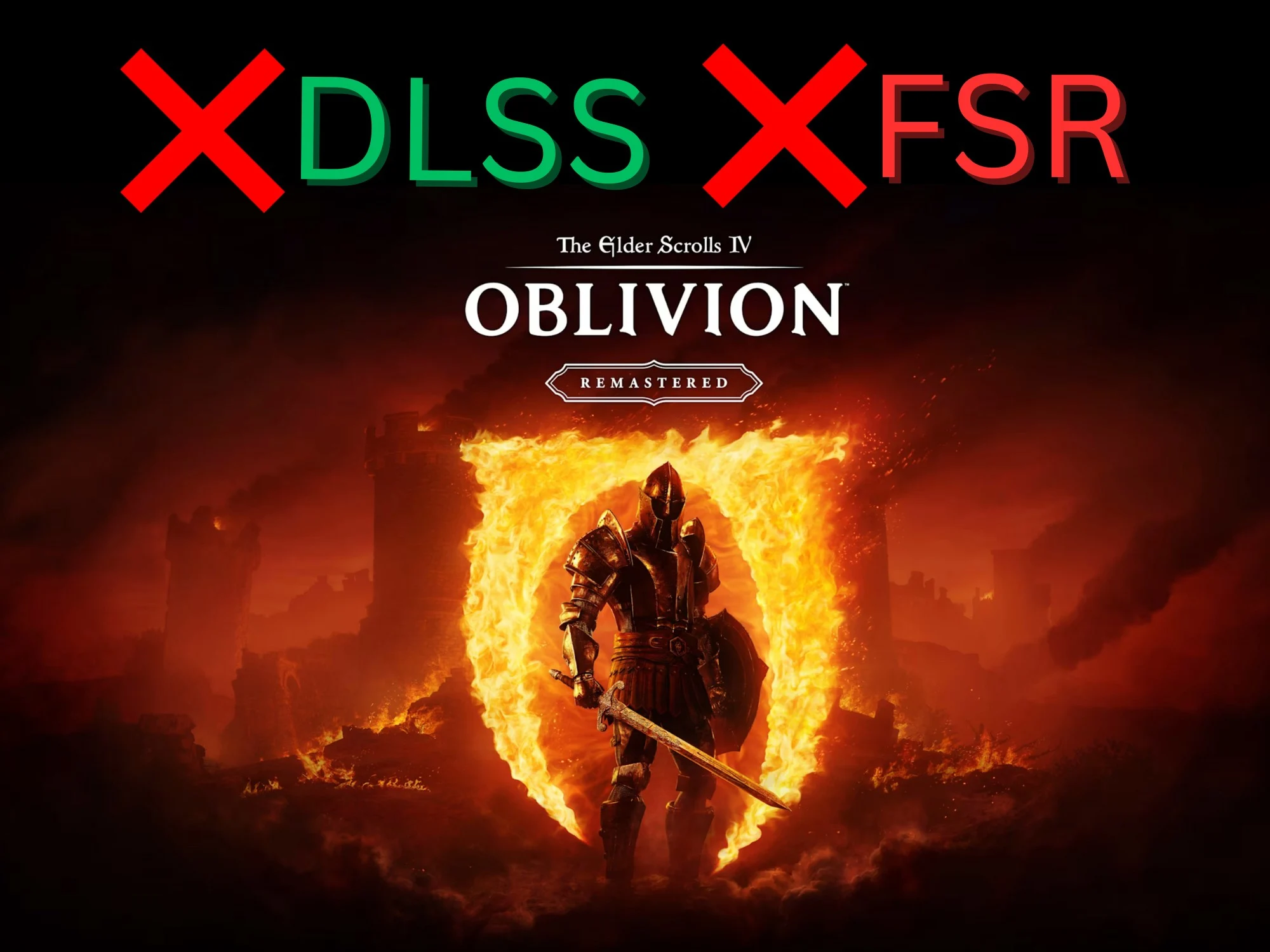
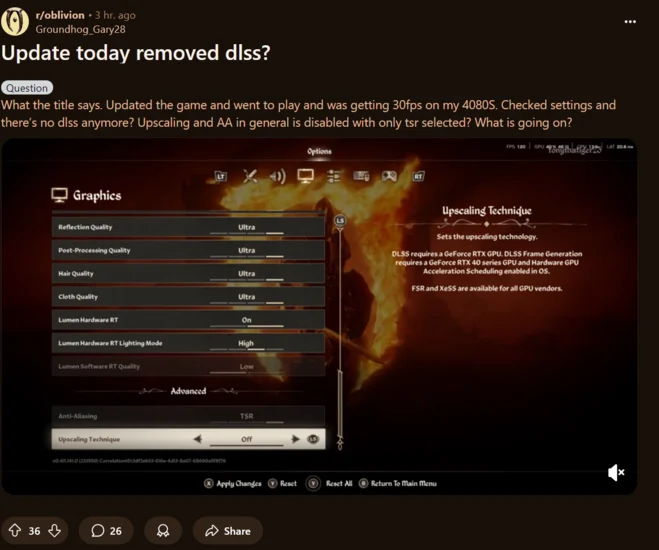
    Modern games are utilizing Nvidia DLSS and FSR upscaling to fully utilize the power of GPUs. The Elder Scrolls IV: Oblivion Remastered makes use of this technology to enhance frame rates and boost image quality. Sadly, a recent patch has stripped away numerous advanced graphical options in the PC version of this action RPG. As a result, some players are seeing a significant drop in performance.

    Patch Issues Observed

    Discussions on Reddit about the problem started after gamers saw a new 1.6 GB patch for The Elder Scrolls IV: Oblivion Remastered. Currently, this update seems to be available only for the Xbox Game Pass PC version. However, after reports of missing DLSS and FSR options, many Steam players have turned off automatic updates for the game. It’s possible that the same troublesome patch will hit the marketplace soon.

    Lack of Communication from Bethesda

    Bethesda has not yet released patch notes for The Elder Scrolls IV: Oblivion Remastered. However, it seems unlikely that the developers would intentionally remove upscaling features. The issue is straightforward: the Upscaling Technique setting now doesn’t let players select DLSS or FSR. Additionally, Nvidia’s RTX 40 and 50-series GPUs provide Frame Generation to further enhance performance, but this option, along with other advanced settings, is currently unavailable.

    Workarounds Discovered

    Some users on Steam forums who are using the Game Pass version of The Elder Scrolls IV: Oblivion Remastered have found a workaround. This involves entering commands in the in-game console. While this isn’t the best fix, it serves as a temporary solution until Bethesda releases a hotfix.

    The recent situation highlights how reliant games have become on upscaling technologies. Even though the remaster of Oblivion is based on a game from 2006, it demands relatively high system requirements and puts a strain on many PCs. Players are finding that DLSS and FSR are crucial for maintaining smooth frame rates, especially in intricate open-world environments.

    Source:
    Link