
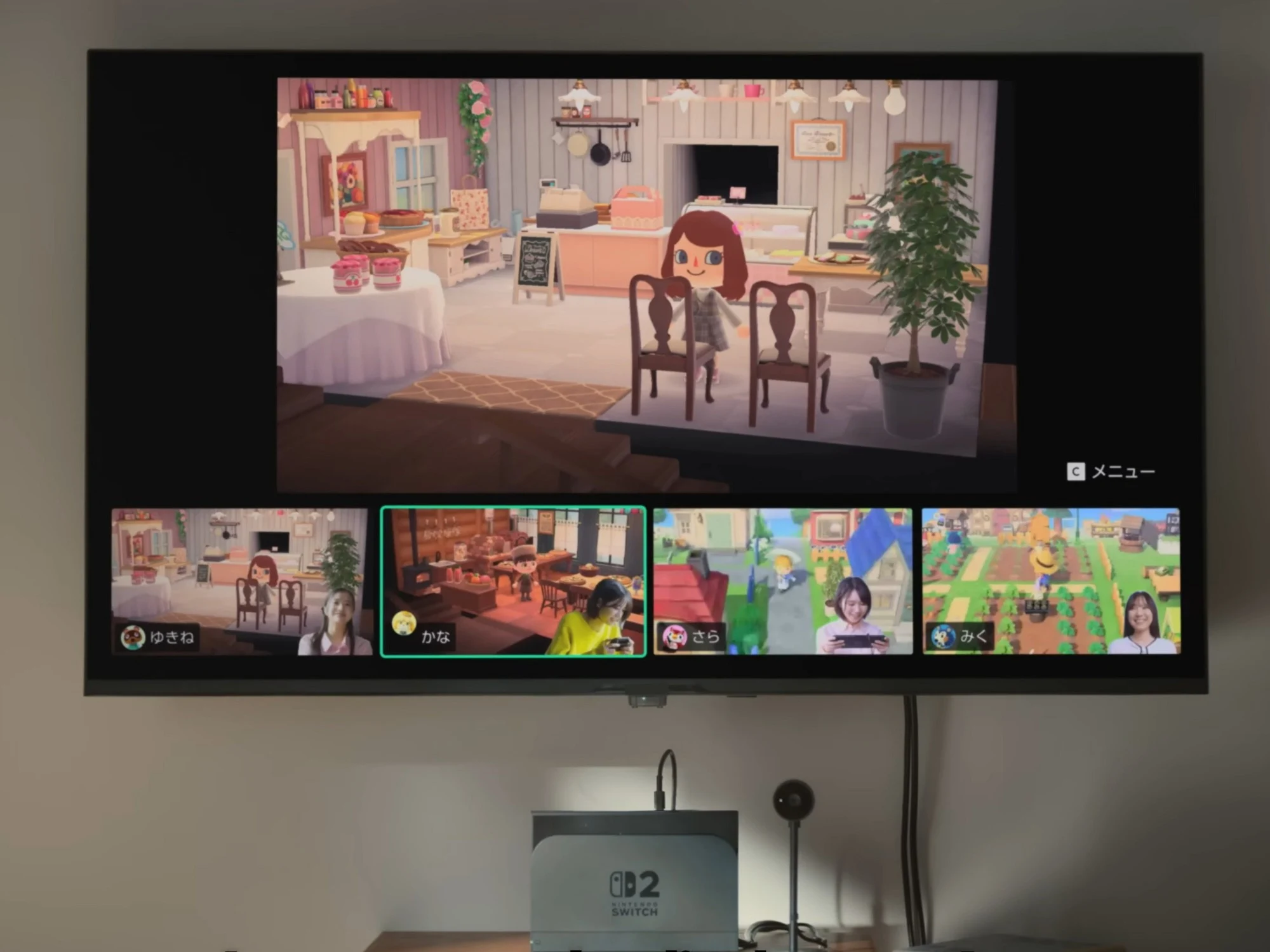
1. Switch 2 GameChat can improve performance in some titles, particularly those using Capcom’s RE Engine, by increasing frame rates with smaller chat window sizes.
2. In certain games like Pragmata, enabling GameChat may cause a slight drop in frame rates, but smaller chat windows generally lead to smoother gameplay.
3. The size of the GameChat window affects both performance and resolution, with smaller windows boosting frame rates and slightly reducing resolution.
Switch 2 GameChat and its impact on performance
While the new GameChat feature on Switch 2 makes it easier for users to talk with friends during gameplay, it also causes some reductions in system performance. In some games, including those tested by Digital Foundry, this results in lower frame rates because multiple browser windows are running at the same time. But interestingly, several Capcom titles, such as Pragmata, seem not to suffer from this issue.
Initial concerns and advancements in gameplay
The first time Nintendo previewed this feature, players immediately pointed out that the live camera feeds appeared choppy. Since live chat features take up extra system resources, game developers decided to prioritize the gameplay experience. As explained in a recent podcast only accessible to Patreon supporters, Digital Foundry observed that in the game Layers of Fear, frame rates dipped by about 7.5%. Apart from this, games made with Capcom’s RE Engine notably maintain better performance levels.
Capcom’s RE Engine and its effect on Frame Rates
Capcom’s custom-built RE Engine has become renowned for its flexibility, originally tailored to the Resident Evil series, but now used in other titles as well. For Pragmata, on the handheld port, it isn’t perfect and experiences slight frame rate dips from 50 fps down to the 30s during detailed exploration. However, enabling GameChat might even offer some improvement in performance by freeing up system resources.
Adjusting layout settings for better visuals
- Nintendo provides three different size options for the chat window. In tests with RE engine-based games, the smaller window option resulted in better, smoother frame rates. For example, the Pragmata version on Switch 2 showed an increase from 54 fps to 60 fps, reaching a challenging target for consoles.
- When the window is enlarged to medium or large, the benefits become less significant. In another scenario, frame rates shifted slightly from 47 fps to 46 fps when chat was maximized. Conversely, when setting the window to medium or small, performance improved significantly—up to 58 fps and 60 fps respectively.
Other titles and resolution trade-offs
This performance trend isn’t limited to Pragmata. In Kunitsu-Gami: Path of the Goddess, frame rates rose from 50 fps to 60 fps when adjusting the chat window. Nevertheless, this enhancement comes at a cost of resolution quality. For example, in docked mode, Pragmata normally outputs at 540p. When using the smallest GameChat setting, the resolution drops drastically to about 360p but can be increased to 432p with a medium setup.
Ongoing investigations and conclusions
Researchers are still trying to determine why certain Switch 2 games are unaffected by these performance issues. Still, this approach to manipulating the chat window size appears to be an unusual yet effective method of reducing stutter in games built with Capcom’s RE Engine, especially during demanding moments.