Tag: Bluetooth controllers

  • GuliKit TT Max & TT Pro Wireless Controllers with Adjustable Joysticks

    GuliKit TT Max & TT Pro Wireless Controllers with Adjustable Joysticks

    Key Takeaways

    1. GuliKit has launched two new Bluetooth controllers, the TT Max and TT Pro, featuring adjustable tension TMR joysticks.
    2. The TT Max offers premium features like PC motion aim assist and longer macro recording time (10 minutes), while the TT Pro has a limit of 10 seconds.
    3. Both controllers have 720° tension-adjustable anti-drift joysticks and magnetic levitation vibration motors for improved precision and responsiveness.
    4. They include high-precision triggers, four metal paddles, and interchangeable D-Pads, compatible with Nintendo Switch, PC, Android, and iOS devices.
    5. The TT Max is priced at $69.99 and the TT Pro at $59.99, both with a battery life of up to 26 hours, depending on settings.


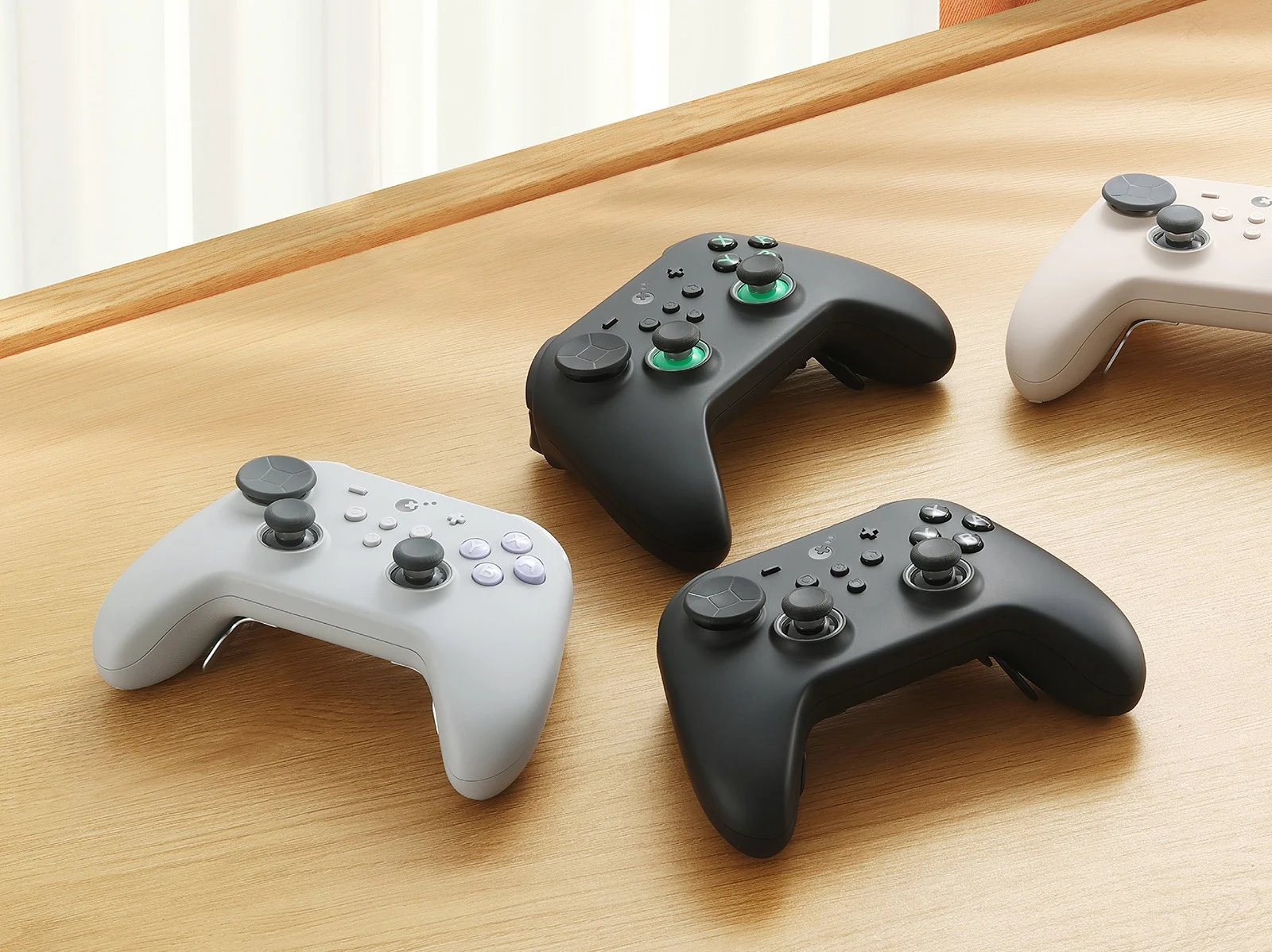
    GuliKit has revealed two new Bluetooth controllers featuring adjustable tension TMR joysticks. These controllers, named the GuliKit TT Max and GuliKit TT Pro, are now available for purchase.

    TT Max vs. TT Pro

    The GuliKit TT Max stands out as the premium option, equipped with features like PC motion aim assist, joystick sensitivity settings, and replaceable joystick caps. Additionally, the TT Max allows for up to 10 minutes of recording for its APG (auto-pilot gaming) macro option, while the TT Pro is limited to just 10 seconds of recording. Other than these differences, both models share the same features.

    Precision and Performance

    Both the GuliKit TT Max and TT Pro include 720° tension-adjustable anti-drift magnetic TMR joysticks that enhance aiming precision in shooting games. GuliKit claims that they also incorporate a hidden force adjustment system to prevent accidental inputs, along with an anti-joystick snapback feature. Another common aspect of both controllers is the magnetic levitation vibration motors, which offer quicker responsiveness and better acceleration compared to traditional rotor and HD linear motors.

    Controller Features

    Each controller is designed with high-precision Hall Effect triggers featuring a micro-switch toggle, four metal rear paddles, and a Gen-2 ABXY button switch. While the default layout is for the Nintendo Switch, GuliKit also provides a PC layout keycap in the package for both models. Additionally, two types of D-Pads (4-direction and 8-direction) are included, which can be easily swapped. The new controllers are compatible with Nintendo Switch/Switch 2, featuring a wake function, as well as PC, Android, and iOS devices.

    Battery Life and Charging

    The GuliKit TT Max and TT Pro each have a 950mAh battery that can last up to 26 hours when the joystick RGB lights are off and Turbo mode is activated. However, if the RGB lights and Turbo mode are both in use, the battery life drops to around 14 hours. A four-LED battery indicator is placed on the front of the controller, alongside a USB-C port for charging and wired connection.

    Pricing Details

    The GuliKit TT Max is available in Black and Grey, retailing for $69.99/£69.99/€79.99 on GuliKit’s official site. Alternatively, it can be found for $69.98 on Amazon. The GuliKit TT Pro comes in Black and Retro, priced at $59.99/£59.99/€69.99, with availability on Amazon for $59.99.

    GuliKit, Amazon: 1, 2

    Source:
    Link


  • Connect 8BitDo Controller to Steam Deck or SteamOS Guide

    Connect 8BitDo Controller to Steam Deck or SteamOS Guide

    Key Takeaways

    1. 8BitDo offers several controllers compatible with SteamOS devices like the Steam Deck and Lenovo Legion Go S.
    2. Compatible controllers include the 8BitDo Pro 2, Pro 3, Ultimate 2, and SN30 Pro, with pricing starting around $32.84.
    3. Connection methods vary: some controllers support both Bluetooth and wired connections, while others only use Bluetooth.
    4. Ensure your SteamOS device and the controller are updated to the latest version before connecting.
    5. To connect via wired mode, follow specific steps and adjust settings in the Controller menu of the Settings app.


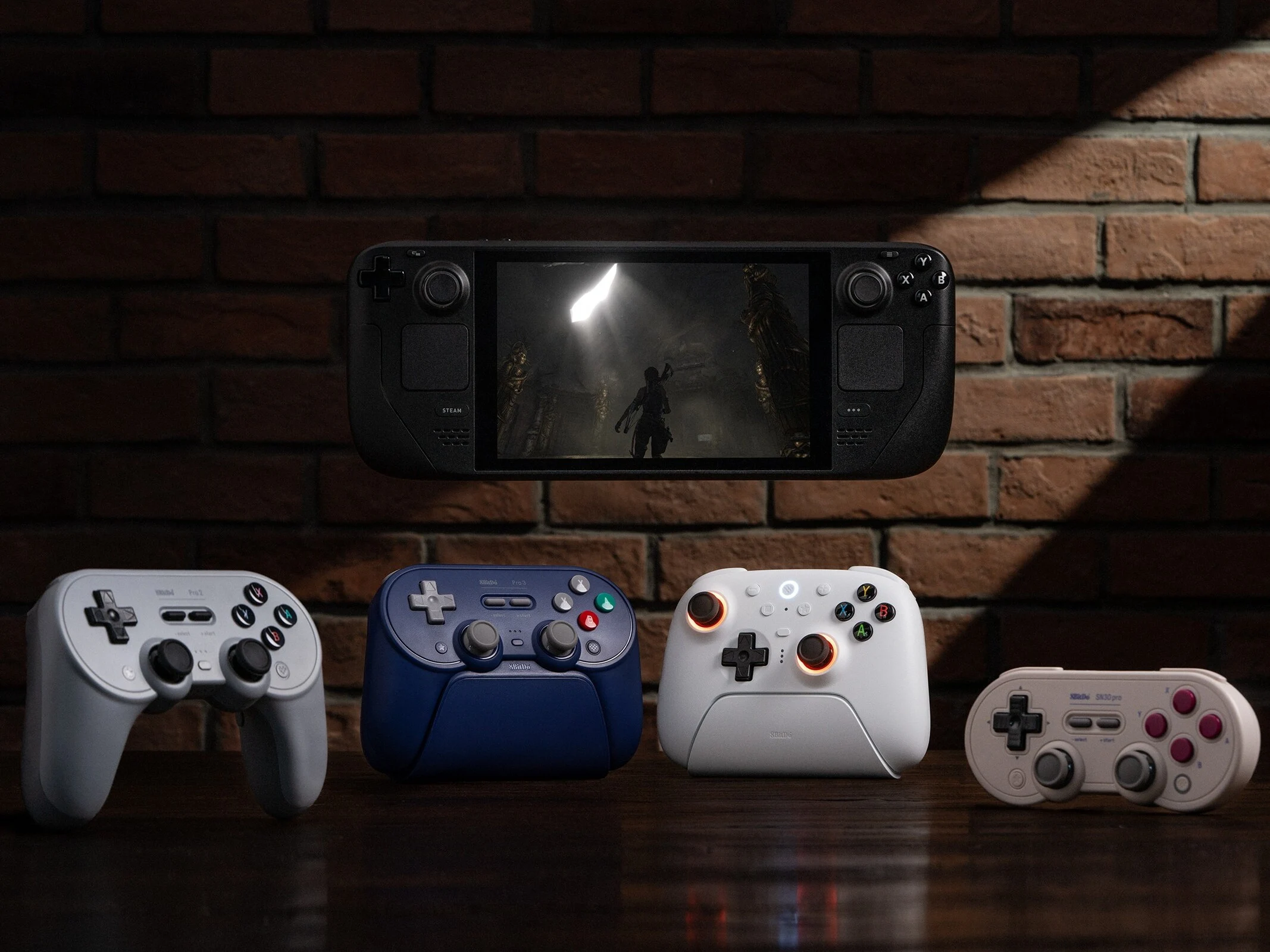
    8BitDo offers a wide range of controllers, but only some are specially designed to be compatible with devices that run on SteamOS, like the Steam Deck and the Lenovo Legion Go S SteamOS (check out our review for more info).

    Supported Controllers and Pricing

    The compatible controllers include the 8BitDo Pro 2 Bluetooth controller, 8BitDo Pro 3 Bluetooth Controller, 8BitDo Ultimate 2 Wireless Controller, and the SN30 Pro Bluetooth controller (currently priced at $32.84 on Amazon). However, keep in mind that the way you connect these controllers varies: while a few can connect through Bluetooth or wired options, others are limited to only Bluetooth connections. Below is a breakdown of the connection methods for each controller:

    Connecting to SteamOS Devices

    If you happen to have any of the controllers listed, here’s how you can link them to a SteamOS device like the Steam Deck, the Legion Go S (SteamOS version), or any other handhelds that are officially supported by SteamOS. Prior to starting, make sure you have updated your Steam Deck or any SteamOS device to the latest version. Also, don’t forget to update your controller using the right app or software.

    Wired Connection Steps

    To connect your controllers in wired mode, simply follow these steps:

    After you successfully connect the controller, you can adjust its settings by going to the Controller menu in the Settings app. Users have the option to rename their controller, enable or disable rumble, or even switch to Nintendo’s button layout.

    Source:
    Link


  • RPCS3 for Android: Expanded Controller Support for PS3 Emulator

    RPCS3 for Android: Expanded Controller Support for PS3 Emulator

    Key Takeaways

    1. RPCS3-Android has entered its alpha stage as of March 2025, with regular updates since then.
    2. The latest alpha update (version 6) adds support for Bluetooth controllers for better gaming experience.
    3. The emulator features auto-mapping for connected controllers, though compatibility may vary with different gamepads.
    4. Users cannot disable the gamepad overlay or remap buttons, which may cause issues for some controllers.
    5. Future updates are expected to address current challenges, improve functionality, and include additional features like game folder support.


    Defying what was first said by the RPCS3 team in December 2023, the RPCS3-Android has now stepped into its alpha stage as of early March 2025. Since that time, the PlayStation 3 emulator for Android has been getting regular updates, with the latest alpha versions 5.0 and 5.1 bringing some significant improvements.

    New Bluetooth Controller Support

    With the release of the alpha 6 update, the Android version of the PS3 emulator now supports Bluetooth controllers. This specific edition of RPCS3-Android was made available on March 24, and you can grab it from the official GitHub page of the project. Prior to this, the emulator had some compatibility with certain USB-C mobile gamepads, and some users have noted that PlayStation controllers worked as well.

    Auto-Mapping Features

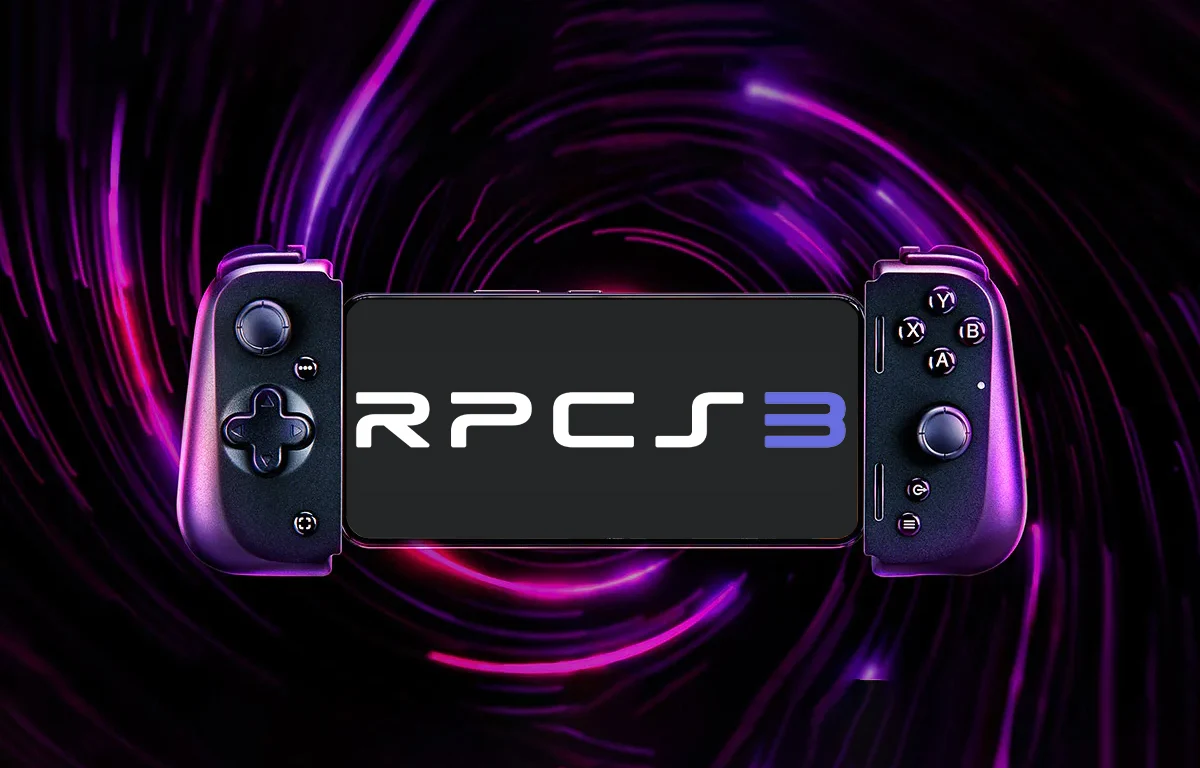
    An interesting feature of the RPCS3-Android is its capability to automatically map buttons based on the controller that is connected. However, it’s important to note that this auto-mapping may not function with every gamepad out there (for example, the Razer Kishi V2 mobile gaming controller priced at $48.89 on Amazon).

    While it’s indeed a positive development to see the Android PS3 emulator now supporting Bluetooth controllers, there appears to be no option to turn off the gamepad overlay. This means that even when you connect a physical gaming controller, the overlay continues to show up on the display. Additionally, it seems like there’s no way to remap the buttons, which can create some trouble for users trying to get certain gamepads to work smoothly with the emulation software.

    Future Updates Ahead

    Nonetheless, these challenges are likely to be addressed in the forthcoming alpha updates, which might come sooner than expected due to the current update pace. In addition to adding Bluetooth controller support, the recent update for RPCS3-Android also fixes various bugs, enhances the responsiveness of the virtual pad, and sets the groundwork for supporting game folders.

    Source:
    Link