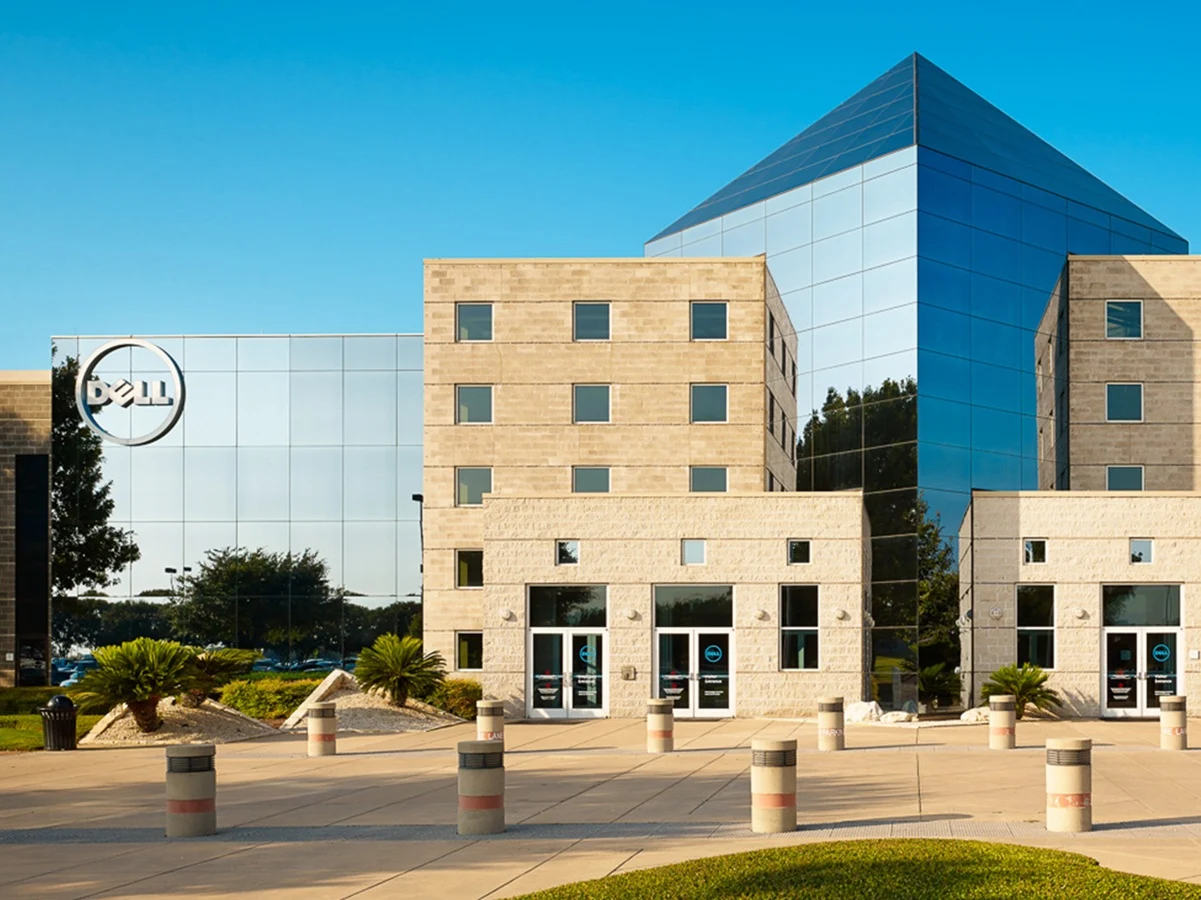
– Dell SupportAssist version 5.5.16.0 causes Blue Screen of Death crashes every 30 minutes.
– HP BIOS updates break TPM communication, triggering recursive BitLocker recovery loops.
– Uninstalling Dell SupportAssist or installing hotfix 5.5.16.1 stops the crashes.
– HP requires emergency BIOS revisions or suspending BitLocker to resolve fleet-wide lockdowns.
– The crashes are caused by Dell and HP software/firmware, not Microsoft’s Windows 11 updates.
System Crashes Wreak Havok on Windows 11 Users
A wave of severe system crashes and infinite reboot loops has left thousands of Windows 11 users unable to access their desktops in the weeks leading up to June’s critical Patch Tuesday deployment. While corporate helpdesks and consumer forums reflexively point fingers at Microsoft’s impending quality updates, deep-dive telemetry diagnostics have completely vindicated Redmond. The actual culprits behind the widespread instability are faulty background software and firmware updates pushed independently by PC manufacturing giants Dell and HP.
Dell’s SupportAssist Malefunction Causes Kernel Errors
For Dell hardware owners, the primary source of recent instability is a botched automated update to the proprietary Dell SupportAssist Remediation suite. Specifically, version 5.5.16.0 of the pre-installed device recovery tool triggers a catastrophic kernel error causing an immediate Blue Screen of Death. Affected machines across the XPS, Alienware, and Latitude lines have been hitting a definitive critical process died bugcheck code every thirty minutes, locking systems into a relentless crash-and-reboot cycle. Because the tool runs invisibly as an elevated system component, everyday users are completely unaware that Dell’s own health utility is the engine behind the unending instability, which the vendor has since attempted to address with an emergency version 5.5.16.1 hotfix.
HP Firmware Updates Disrupt Bitlocker and Secure Boot
Simultaneously, enterprise IT administrators managing corporate networks have been battling a secondary infrastructure disaster originating from HP. A series of native BIOS updates pushed across enterprise-grade HP EliteBooks, ProBooks, and ZBook workstations has abruptly broken communication with local Trusted Platform Modules. The sudden firmware mismatch prevents the system from verifying its core boot state, instantly triggering recursive BitLocker recovery loops as platforms fail to smoothly process Microsoft’s incoming 2023 Secure Boot keys. The failure has crash-landed directly on top of Microsoft’s broader Secure Boot certificate transition, turning a routine hardware lifecycle patch into a fleet-wide lockdown.
Immediate Workarounds for Affected Systems
To prevent widespread endpoint failures ahead of tonight’s global Microsoft update window (10:00 AM PDT / 1:00 PM EDT / 7:00 PM SAST), defenders need to deploy targeted workarounds. For the Dell SupportAssist disaster, completely uninstalling the software or manually pulling Dell’s recently released version 5.5.16.1 hotfix halts the half-hourly crashes instantly. Alternatively, administrators can run an elevated command prompt to manually disable the problematic service to stabilize the system. For impacted HP fleets, administrators are forced to pause all upcoming endpoint distributions until the machines can be flashed with emergency BIOS revisions or have their BitLocker protection temporarily suspended.
Conclusion: Blame the OEMs, Not Microsoft
The dual-vendor crisis serves as a stark reminder to tech consumers that while Windows 11 consistently absorbs the public blame for system instability, the real point of failure frequently lies within the unoptimized software ecosystems running quietly in the background.