
Tag: Asus ProArt

  • Asus ProArt 4K QD-OLED Displays: High-Performance Lineup for Creatives

    Asus ProArt 4K QD-OLED Displays: High-Performance Lineup for Creatives

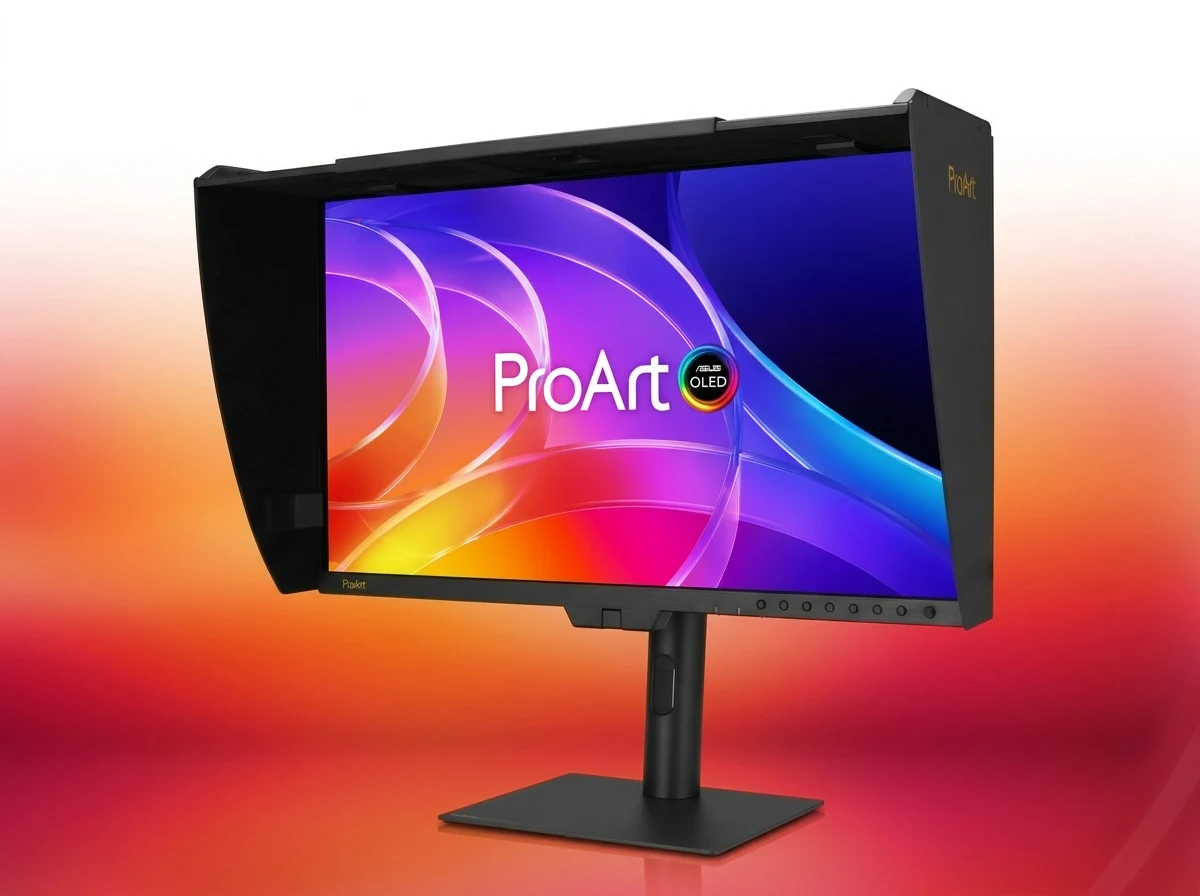
    – Flagship PA32USD: 31.5-inch 4K QD-OLED, 1000-nit peak brightness, and 240Hz refresh rate.
    – Factory-calibrated for color accuracy: Delta E<1 (PA32USD) or Delta E<1.5, with Calman and Light Illusion ColourSpace CMS support. - Robust connectivity: dual Thunderbolt 4, 12G-SDI inputs, and built-in Auto KVM.[/key]


    ProArt Lineup Gets New Monitors

    Asus has expanded its ProArt professional lineup with the PA32USD, PA329CDV, and PA279CDV. The flagship PA32USD features a 31.5-inch 4K QD-OLED panel with 1000-nits peak brightness and a 240Hz refresh rate, wich is a huge step for creators who demand both colour accuracy and fluid motion for video editing or gaming previews.

    Color Accuracy and Calibration

    Aimed at color-critical workflows, these monitors are factory-calibrated to Delta E<1 (PA32USD) or Delta E<1.5, with support for Calman and Light Illusion ColourSpace CMS. They also feature a wide colour gamut covering 99% DCI-P3, ensuring that your edits look consistent across different devices without needing to re-calibrate every time you switch tasks.

    Connectivity and Productivity Features

    Connectivity is robust, featuring dual Thunderbolt 4 ports, 12G-SDI inputs, and built-in Auto KVM for seamless multitasking across workstations. This means you can daisy-chain high-resolution displays while transfering data at up to 40Gbps, and the Auto KVM function lets you controll two PCs with one keyboard and mouse, wich is a massive time-saver for profesionals juggling multiple systems.

    Additional Monitors and Innovations

    For more information on the other monitors and display innovation announced by Asus at Computex 2026, stay tuned for our coverage of their remaining lineup. Each model also includes a built-in hood to reduce glare, and the OSD menu supports hardware calibration without needing a PC, making it easier to maintain colour consistency in shared studio enviroments.

    Sources

  • Asus ProArt Displays Improve Compatibility with Mac Devices

    Asus ProArt Displays Improve Compatibility with Mac Devices

    Key Takeaways

    1. Asus DisplayWidget Center for macOS improves compatibility between ProArt monitors and Mac devices.
    2. Users can adjust monitor brightness and settings using Apple keyboard function keys without complex menus.
    3. The software enhances window management, allowing keyboard shortcuts to move windows between monitors.
    4. It automatically changes display modes based on the active application and includes features to prevent OLED burn-in.
    5. Firmware updates will align DCI-P3 color output of ProArt monitors with MacBook displays for accurate color matching.


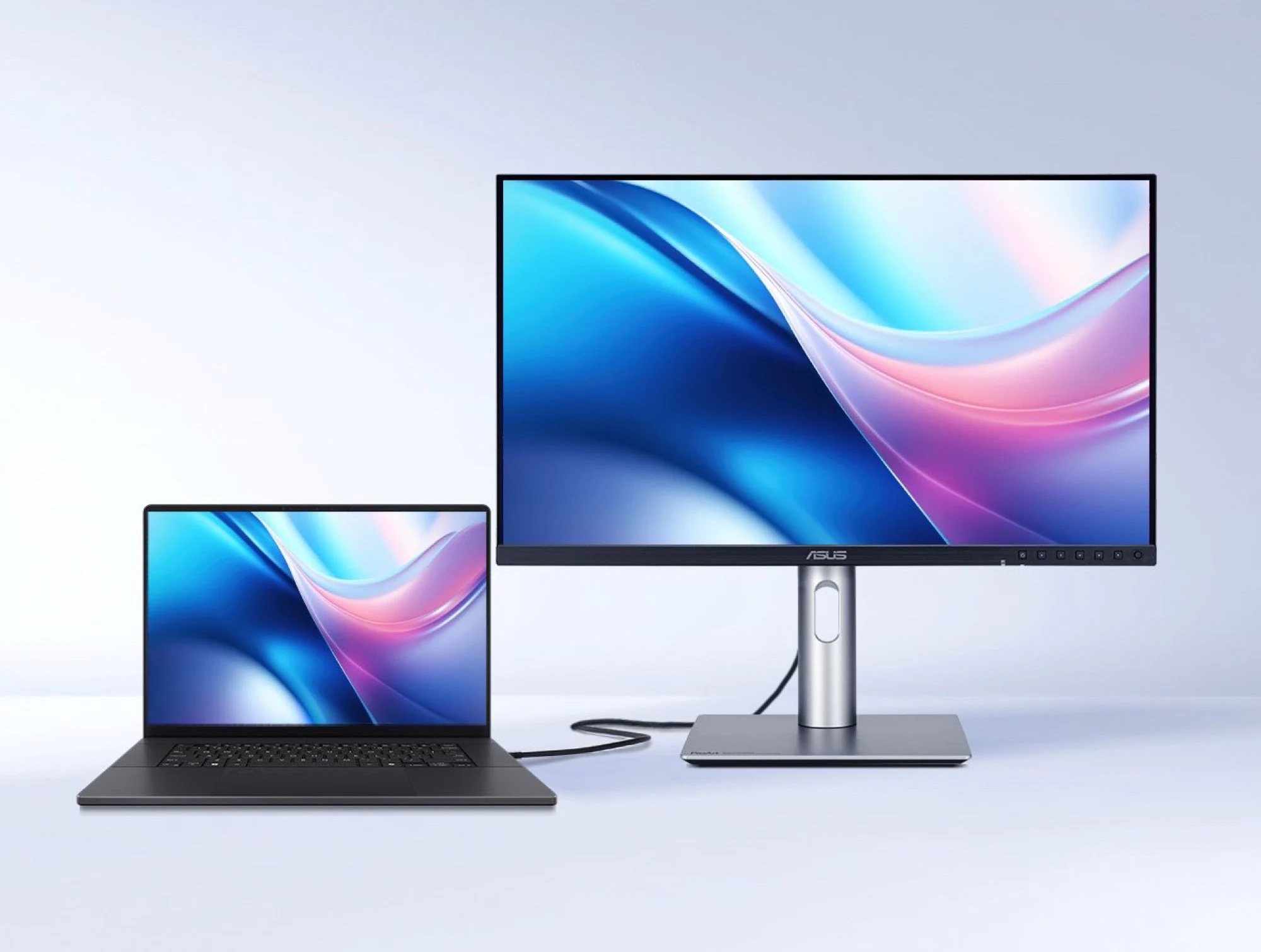
    Until now, users trying to connect an Asus ProArt monitor to a Mac had to deal with limited compatibility. Although ProArt displays were functional with Mac devices—such as the integrated USB hub working properly—users needed third-party tools to install firmware updates or change monitor settings from their Mac.

    New Software Solution

    This situation has improved with the launch of the Asus DisplayWidget Center for macOS. This software allows users to modify a ProArt monitor’s brightness using the function keys on an Apple keyboard, plus it enables management of monitor settings without having to navigate the often complicated on-screen display menus.

    Enhanced Features

    Reports suggest that the software will also enhance window management across multiple monitors, allowing users to shift windows directly to the chosen display using keyboard shortcuts. Another impressive feature is the ability to automatically change display modes depending on the active application. Furthermore, the DisplayWidget Center includes several features designed to help prevent OLED burn-in.

    Firmware Updates for ProArt Monitors

    Certain ProArt monitors are also expected to receive a firmware upgrade that will allow them to align their DCI-P3 color output with the displays on MacBook Pro or MacBook Air (which start at roughly $800 on Amazon). This update will help ensure that external monitors and MacBook screens match colors accurately, eliminating the need for tedious manual adjustments.

    Source:
    Link