Tag: Apple support

  • First Reported Failure of Apple C1X Modem

    First Reported Failure of Apple C1X Modem

    Key Takeaways

    – Apple launched the C1 modem with the iPhone 16e, moving away from Qualcomm modems.
    – The C1 modem is more energy-efficient but does not support mmWave 5G speeds.
    – A user reported the first failure of the C1X modem, experiencing a “Mobile Service Issue Detected.”
    – Attempts to fix the problem, such as restarting the device and resetting network settings, were unsuccessful.
    – There is hope that Apple will repair the modem, especially since the iPhone 17 series is designed to be easier to fix.


    Apple launched the C1 modem with its iPhone 16e at the beginning of last year. This marked a new path for the brand as it moved away from Qualcomm modems. The new 5G modem is designed to be more energy-efficient but does not support mmWave 5G speeds. Later in the same year, Apple released the C1X update, which promised 50% faster mobile data and a 30% reduction in power usage. Now, the first reported failure of a C1X modem has come to light.

    Report of a Problem

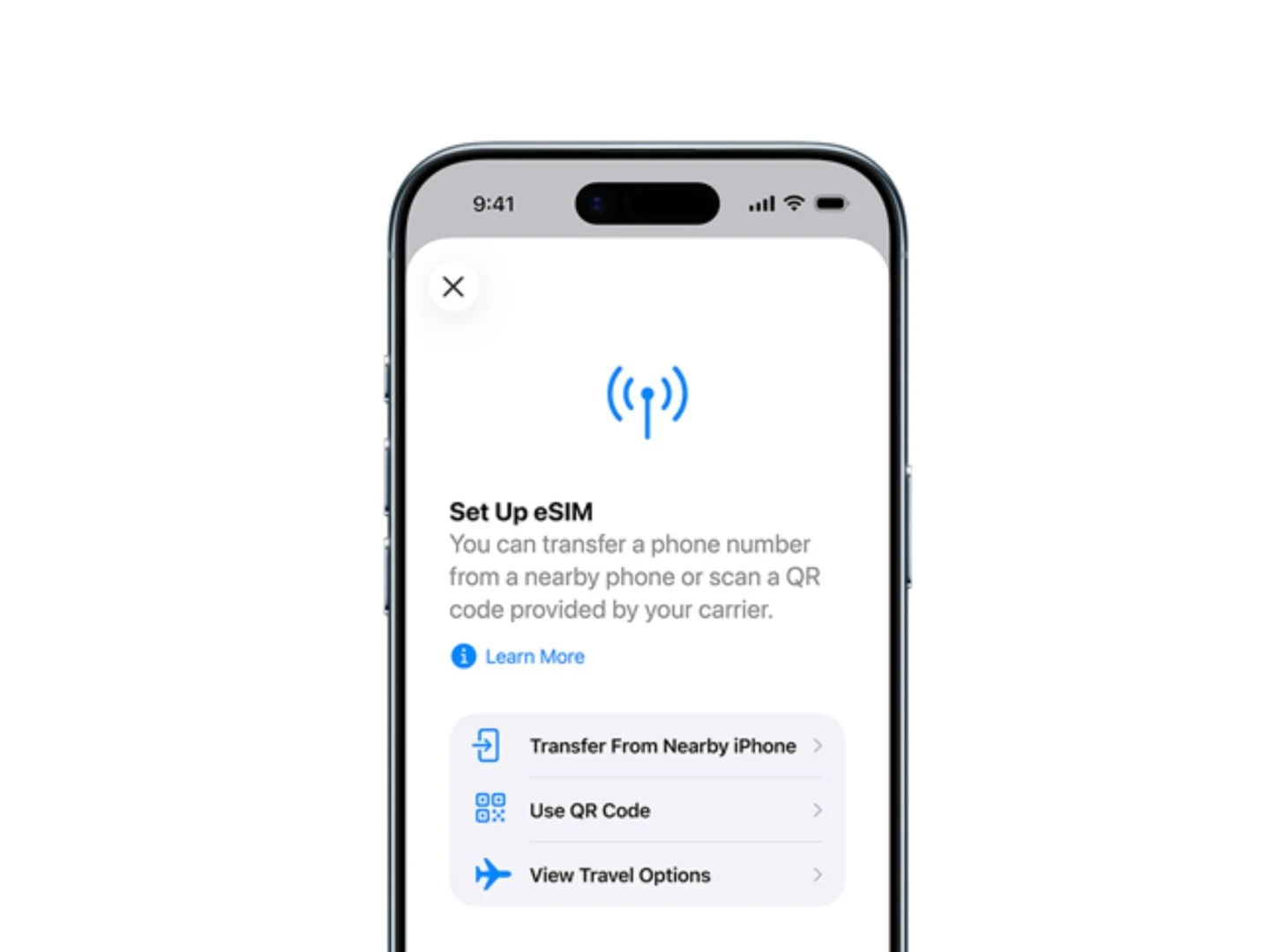
    A user named ‘itstheskylion’ shared some screenshots of an error message on the r/iphone subreddit. They indicated that their iPhone Air, which uses the C1X modem, displayed a worrying message. The user woke up to find they had no cellular network, and upon inspecting the network settings, they encountered a ‘iPhone Hardware’ issue in the Mobile Diagnostics section. This was followed by a notification stating, “Mobile Service Issue Detected,” along with an option to contact Apple support.

    Attempts at Resolution

    In the comments section, the user mentioned several attempts to resolve the issue, including restarting their device, trying a different SIM card, and resetting network settings; however, none of these actions proved useful. At this point, it remains uncertain whether the user managed to take their device to Apple for a replacement or repair regarding the problem.

    Hope for a Solution

    This appears to be the first instance of a C1X modem malfunctioning, and hopefully, it won’t be the start of a trend. Commenters have speculated that Apple will probably repair the modem since the iPhone 17 series is designed to be easier to fix compared to earlier models. Let’s hope that the user finds a quick resolution to their issue soon.

    Source:
    Link


  • 8BitDo Ultimate 2 Controller Now Supports Apple Devices

    8BitDo Ultimate 2 Controller Now Supports Apple Devices

    Key Takeaways

    1. The 8BitDo Ultimate 2 Wireless Controller is now compatible with Apple devices, including iOS, iPadOS, macOS, tvOS, and visionOS.
    2. The controller likely connects to Apple devices via Bluetooth, while it connects to Windows using USB or a wireless adapter and to Android via Bluetooth.
    3. It features an Xbox-style layout, customizable back buttons, Hall Effect triggers, RGB lights, six-axis motion control, and a charging dock.
    4. Color options include Black, Purple, White, Green, and a limited edition called Wuchang: Fallen Feathers.
    5. The controller is priced at $59.99 on Amazon and $45.99 directly from the 8BitDo eShop.


    The 8BitDo Ultimate 2 Wireless Controller was revealed earlier this year as 8BitDo’s premier controller. Initially, it was said to only work with Windows and Android devices. However, 8BitDo has now confirmed that the 8BitDo Ultimate 2 Wireless Controller is officially compatible with Apple devices.

    Announcement on Social Media

    This update was shared on X by the official account of 8BitDo. The post stated that the Ultimate 2 Wireless Controller is now fully supported by Apple. This means users can now utilize the controller with Apple devices, which encompasses those operating on iOS, iPadOS, macOS, tvOS, and visionOS.

    Connection Methods

    Although the announcement didn’t specify how it connects to Apple devices, it is likely through Bluetooth. The 8BitDo Ultimate 2 Wireless Controller can connect to Windows devices using a wired USB connection or the provided 2.4GHz USB-C wireless adapter, while it connects to Android devices via Bluetooth.

    Features and Design

    The 8BitDo Ultimate 2 Controller features an Xbox-style layout, TMR joysticks, Hall Effect triggers that allow mode switching, customizable back buttons, and extra R4 and L4 shoulder buttons. It also has customizable RGB lights surrounding the joysticks, six-axis motion control, a macro button, and a turbo button. Additionally, it comes with a charging dock.

    In terms of color options, the controller is available in Black, Purple, White, Green, and a limited edition called Wuchang: Fallen Feathers. The price is $59.99 on Amazon, but it can be bought for $45.99 directly from the 8BitDo eShop.

    Source:
    Link

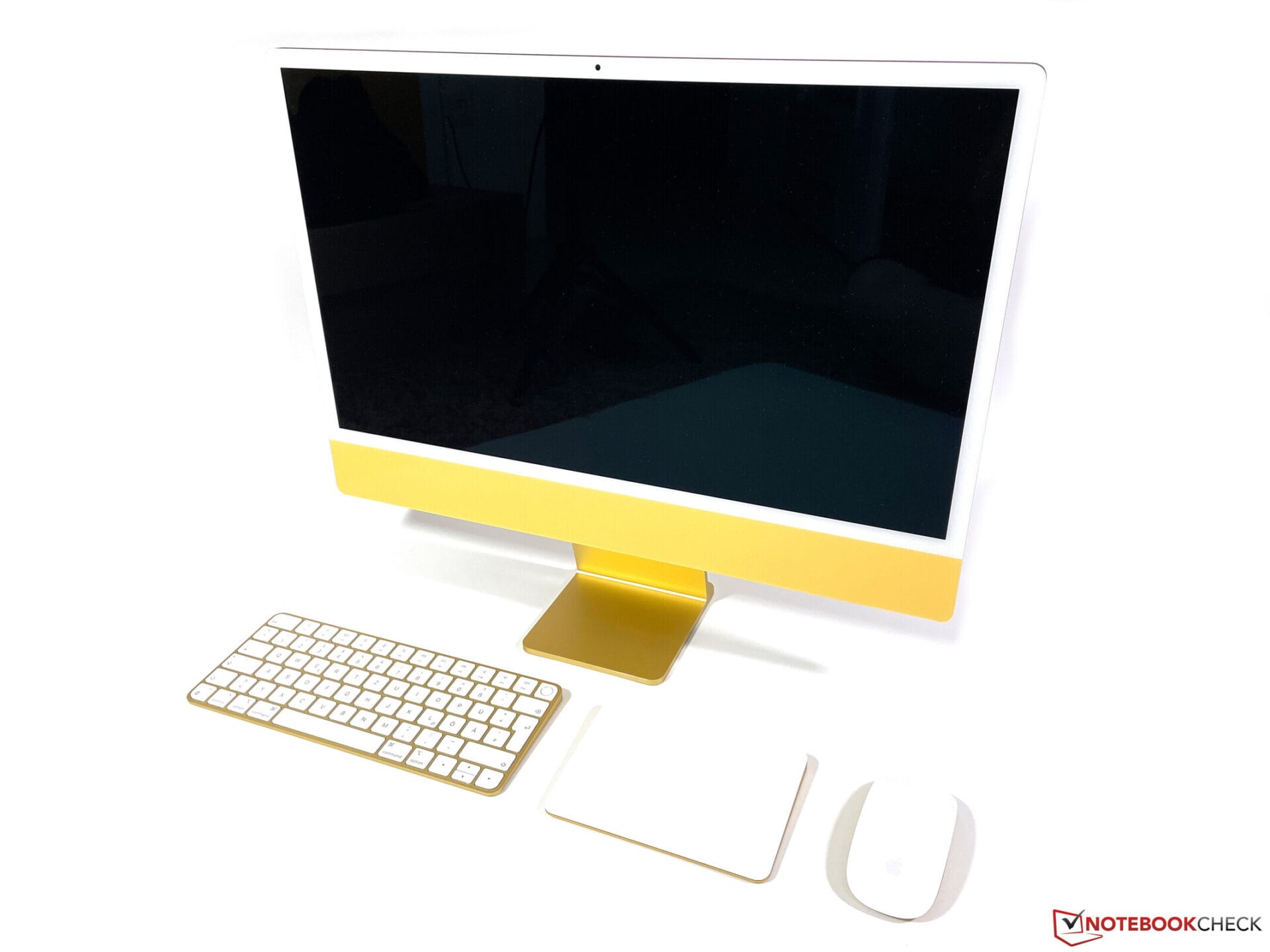
  • iMac M1 Hardware Defect: Apple Denies Free Repairs, Display Risks

    iMac M1 Hardware Defect: Apple Denies Free Repairs, Display Risks

    At this time, it remains uncertain just how extensive the hardware issue really is. Posts on forums can create a skewed view and may lead to an overestimation of the problems, since only those who are affected—possibly multiple times and on various platforms—tend to report their experiences, while countless iMacs might be functioning flawlessly.

    The Nature of the Problem

    The issue in question is quite intriguing because it is evidently a hardware flaw. The specific error involves continuous horizontal lines showing up on the display of the iMac M1, which greatly hampers both usability and the visual appeal of the screen. Users can quickly identify the source of the issue as it’s linked to the display, since those affected can still utilize an external monitor without any trouble. This indicates that the issue does not stem from a defect in the integrated GPU (iGPU).

    User Experiences and Apple’s Response

    In extensive conversations across different platforms, users who are affected share their stories. Apple’s response to the problem seems to vary from one case to another, but overall, customers find it to be quite unsatisfactory. As a general practice, Apple is currently denying repairs for devices that are out of warranty, as they haven’t acknowledged a widespread defect. One user on the Apple forum provided a fairly thorough account of the issue, mentioning thermal damage to a cable that hinders signal transmission. The likelihood of thermal damage increases with higher brightness settings on the display. Since the cable can’t be easily replaced, potential repairs could be much more expensive.

    Apple Community forum (1), Apple Community forum (2), Reddit