Key Takeaways
1. MROM is a new application that converts Game Boy cartridges into digital ROM files easily.
2. Users can save the ROM files directly onto the Analogue Pocket’s microSD card for easy transfer.
3. MROM can also copy save data from game cartridges, allowing players to continue their games on emulators.
4. The application is currently in beta, with limitations on cartridge support and save data compatibility.
5. Users should not share ROM files online due to legal concerns, particularly with Nintendo’s strict policies.
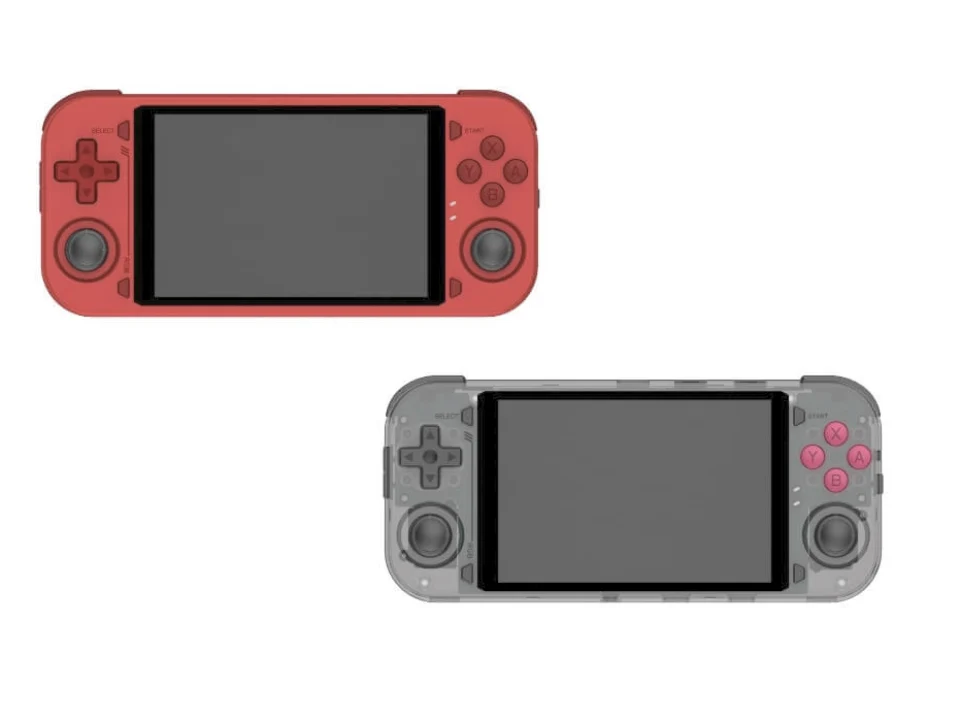
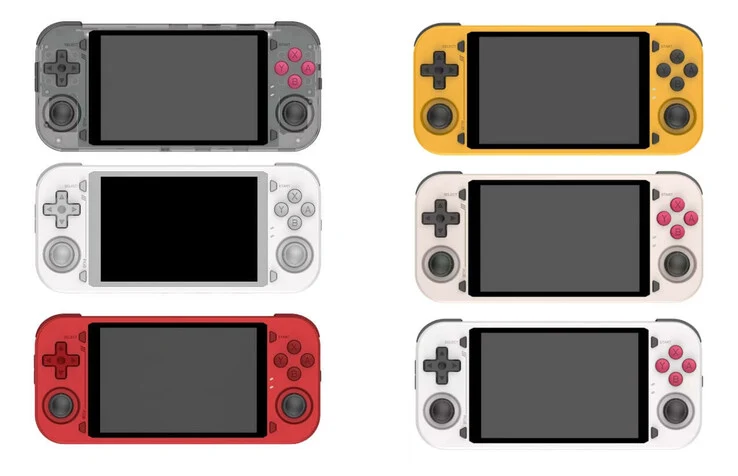
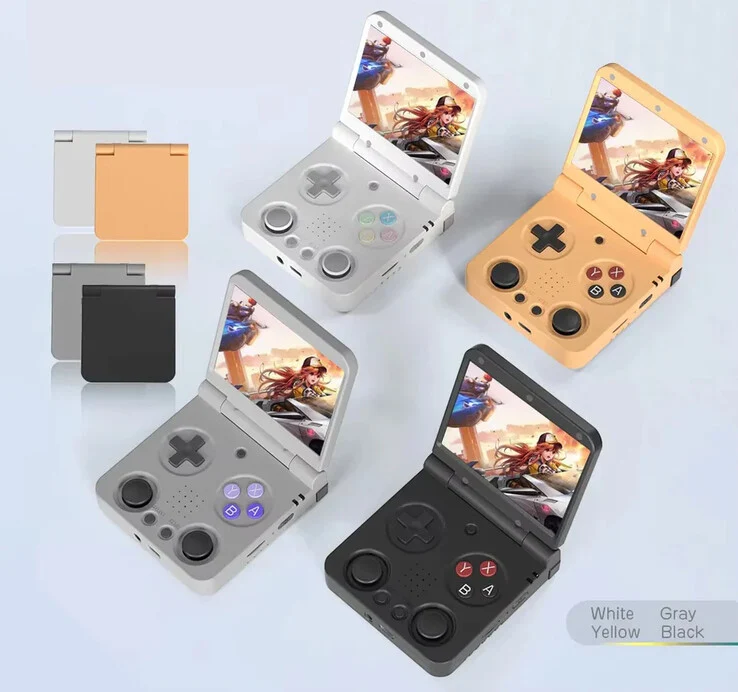
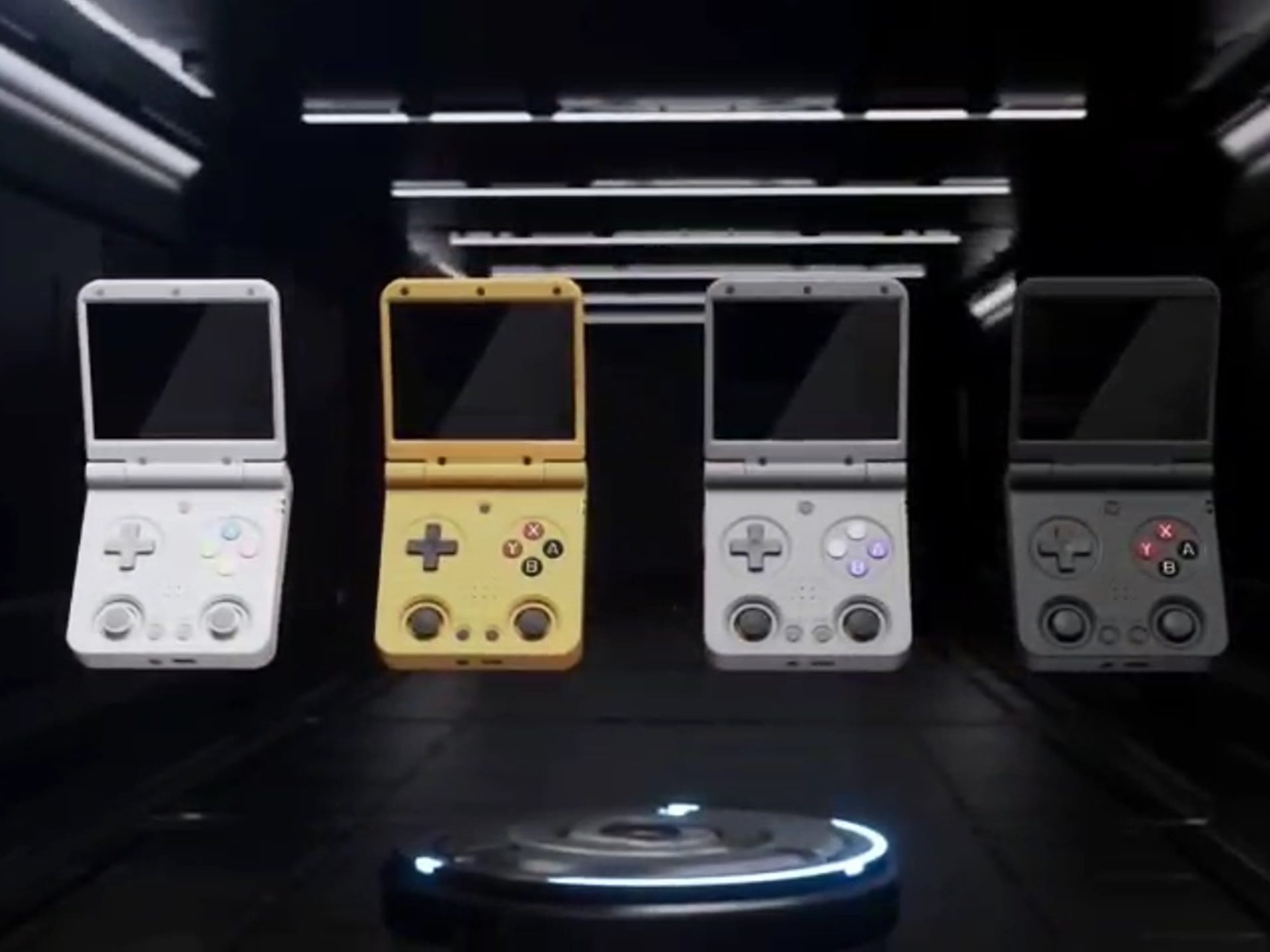
Anyone who wants to enjoy Game Boy games on a device like the Anbernic RG35XX SP without the risk of illegal downloads can simply convert their own game cartridges into digital files. For those who own an Analogue Pocket, there’s no need to buy any extra equipment.
Easy Cartridge Conversion
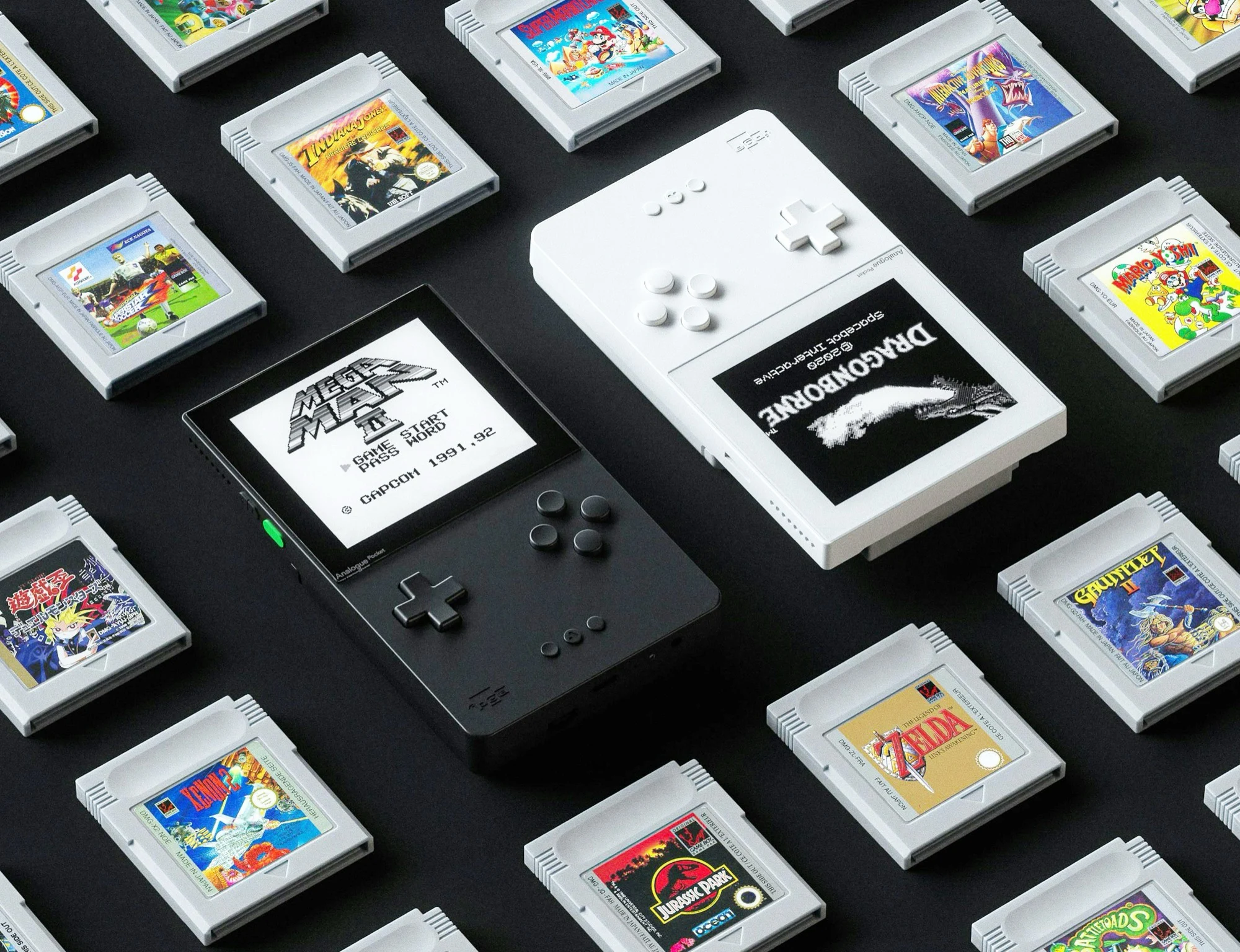
There’s a new application called MROM that allows users to convert a game cartridge into a digital format with just a few simple clicks. The ROM file can then be saved directly onto the Analogue Pocket’s microSD card, making it easy to transfer to a PC later. Additionally, MROM has a feature that can copy save data from a game cartridge’s SRAM so that players can pick up right where they left off in the emulator, just like they did on the Game Boy. The video below by Pixel Cherry Ninja illustrates how MROM functions in real-life usage.
Current Limitations
At the moment, MROM is only accessible in a preview or beta version. The developer has noted that not all game cartridges are supported yet, and for certain games, only the ROM file can be read, leaving save data behind. Moreover, the save data copied from SRAM doesn’t work with every emulator. For instance, mGBA is known to be compatible with MBC2 files that have a .sav extension. As always, users should refrain from sharing ROM files online, especially since Nintendo is well-known for taking legal action against those who distribute retro games on the internet.
Source:
Link