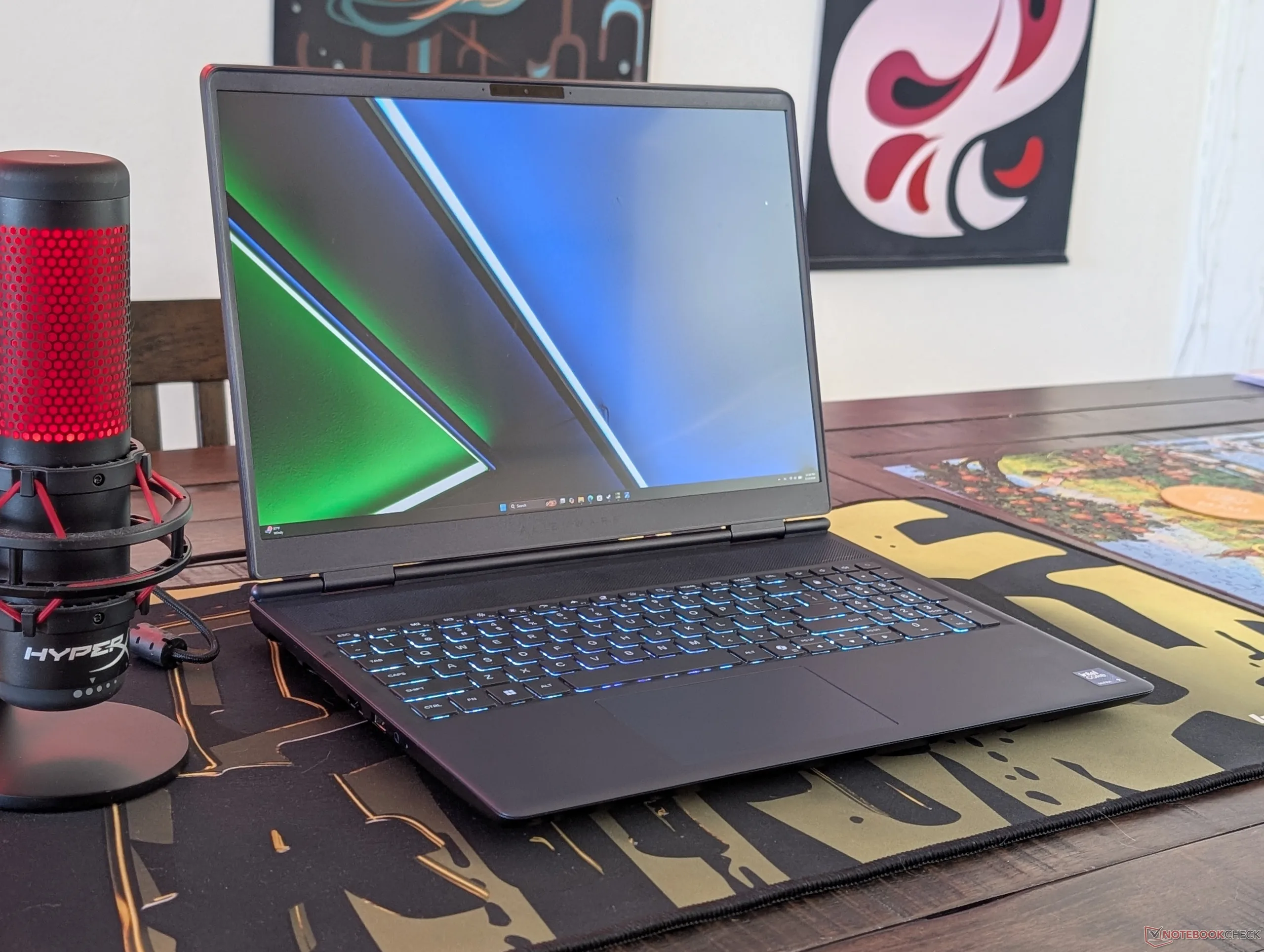
Tag: Alienware 16X Aurora

  • Alienware 16X Aurora 2026 Price Surpasses Area-51 Rivalry

    Alienware 16X Aurora 2026 Price Surpasses Area-51 Rivalry

    Key Takeaway

    – The 16X Aurora offers a lighter, more portable design compared to Area-51, appealing to gamers who travel frequently.
    – Upgrades (faster CPU/GPU and OLED) come at a steep price (+$600 vs 2025 config) for only about a 15% gaming performance boost.
    – When configured with the same RTX 5070 Ti, Area-51 is only about $280 more expensive than the 16X Aurora but ships with half the RAM (32 GB vs. 16 GB), and includes more advanced auxiliary features.

    The Alienware 16X Aurora has been updated this year with new configurations including a faster CPU, faster GPU, and OLED instead of IPS. The upgrades come at a hefty cost, however, as the new model retails for $3000 or $600 more than the 2025 configuration all for a relatively small 15 percent boost in gaming performance. The $3000 mark is notable since the 16X Aurora is supposed to be Alienware’s midrange laptop series in comparison to the higher-end Area-51 series and yet their prices are not so dissimilar anymore.

    Price and performance trade offs

    When configuring the Alienware 16X Aurora and Alienware 16 Area-51 with the same GeForce RTX 5070 Ti GPU through Dell.com, the latter comes out to be just $280 more expensive albeit with half the RAM (32 GB vs. 16 GB). As the top-of-the-line model, the Area-51 offers more advanced auxiliary features and a stronger, more attractive build that may justify some of the cons especially when both will perform nearly identically when gaming.

    Panel options and visual parity

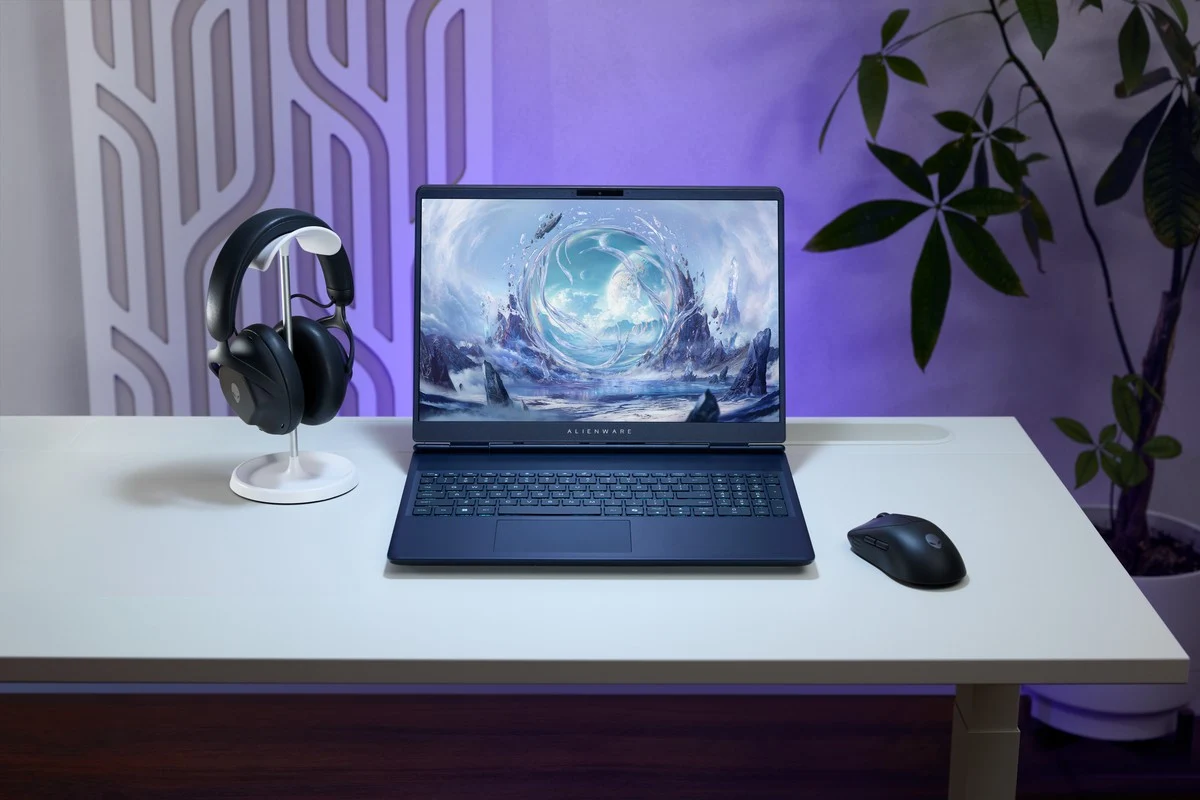
    When looking closer at their configurations, the 16X Aurora and Area-51 also share the exact same IPS and OLED panel options meaning the visual experience will be the same when configured properly.

    Why choose the 16X Aurora

    There are still a few reasons to prefer the “lesser” 16X Aurora over the flagship Area-51. Most notably, the 16X Aurora is much lighter and smaller than the Area-51 since the latter was designed to support much faster GPUs up to the RTX 5090. Gamers who are constantly on the move may find more value from the 16X Aurora from a portability perspective.

    Despite the bigger price tag, the Area-51 impresses with its stronger build and extra features, but the 16X Aurora holds appeal for those prioritizing mobility and a slightly lower total cost of ownership as configurations vary. Either choice aligns with premium gaming goals, yet the differences matter depending on how you plan to use them and where you plan to carry them.

    Conclusion

    In summary, the 16X Aurora offers OLED display options and portability gains that the Area-51 also targets, with the price gap reflecting the overall premium and features. The decision hinges on whether you value lightness and travel ease over raw expansion and luxury features, with both machines delivering competitive gaming performance given similar configurations.
    Sources
  • Dell Launches Alienware 16X Aurora with RTX 5070 Ti Options

    Dell Launches Alienware 16X Aurora with RTX 5070 Ti Options

    Key Takeaways

    Powerful Specifications: Features an Intel Core Ultra 9 290HX processor and up to Nvidia RTX 5070Ti, with a maximum of 64GB RAM and 2TB SSD storage options.
    Stunning Display: 16-inch anti-glare OLED screen with 2560 x 1600 resolution, 240Hz refresh rate, 0.2 ms response time, and 620 nits HDR peak brightness.
    Enhanced Usability: Equipped with a responsive AlienFX keyboard, multi-touch touchpad, and supports Wi-Fi 7 and Bluetooth 5.4.
    Connectivity Options: Includes various ports such as USB-A, Thunderbolt 4, HDMI 2.1, and RJ-45 for versatile connectivity.
    Availability: The Alienware 16X Aurora is available for purchase today, but pricing details are not yet disclosed.


    Dell has introduced the Alienware 16X Aurora gaming laptop featuring an OLED screen. This fresh laptop was first presented at CES 2026 earlier this year, and it is now ready for sale starting today.

    Powerful Specifications

    This 16-inch gaming laptop can come with an Intel Core Ultra 9 290HX processor and can be equipped with up to an Nvidia RTX 5070Ti. Initially, at CES, it was only offered with the RTX 5060 or RTX 5070 options. However, when compared to the Alienware 16 Area-51, which supports up to 96GB RAM, this model limits at 64GB, though it includes 2x DDR5 SO-DIMM memory slots. The storage options go up to 2TB of PCIe NVMe M.2 Gen 4 SSD in either single or dual configurations.

    Stunning Display Features

    The Alienware 16X Aurora boasts a 16-inch 2560 x 1600 anti-glare OLED display, providing a refresh rate of 240Hz and a response time of just 0.2 ms. It also includes a 120% DCI-P3 color gamut, an impressive 620 nits of HDR peak brightness, Nvidia G-Sync Dynamic Display Switching, along with built-in AI software that protects against burn-in.

    Enhanced Usability and Connectivity

    It comes with an Alienware 1-zone AlienFX keyboard that has a key travel of 1.4mm and anti-ghost technology, while the multi-touch gesture touchpad features integrated scrolling. Other notable specifications include Wi-Fi 7, Bluetooth 5.4, and a 90Wh battery. Dell provides the Alienware 16X Aurora with a 180W barrel AC adapter, while the models featuring the GeForce RTX 5070 come with a 280W barrel AC adapter by default. A 130W USB-C adapter is also available for purchase if needed.

    For connectivity, the Alienware 16X Aurora includes 1x RJ-45 port, 2x USB-A 3.2 Gen 1 ports, a headphone jack, 1x Thunderbolt 4 port, 1x Type-C USB 3.2 port, and 1x HDMI 2.1 for dGPU output. Dell will ship it with either Windows 11 or Windows 11 Pro.

    Similar to the Alienware 16 Area-51, the Alienware 16X Aurora is available today on the Alienware website, but the pricing details have not yet been disclosed.


  • Alienware 16X Aurora Loud Overdrive Mode: Is It Worth It?

    Alienware 16X Aurora Loud Overdrive Mode: Is It Worth It?

    Key Takeaways

    1. Dell’s midrange gaming laptop offers three power settings: Balanced mode, Performance mode, and Overdrive mode.
    2. Overdrive mode provides slight performance improvements over Performance mode, while Balanced mode results in a noticeable 8% drop in graphics performance.
    3. Fan noise levels vary significantly: Performance mode is around 52 dB(A), while Overdrive mode reaches 58 dB(A), making Overdrive mode much louder.
    4. Increased fan noise in Performance and Overdrive modes does not lead to lower core temperatures.
    5. Users can switch between the modes using the pre-installed Alienware Command Center software.


    Dell’s new midrange gaming laptop offers three different power settings for gaming: Balanced mode, Performance, and Overdrive mode. Sadly, the company hasn’t shared additional details about these modes, like how loud the fans get or any performance and temperature impacts they might have. After trying out each mode, we noticed some key differences that owners of the 16X Aurora should keep in mind.

    Performance Insights

    As seen in the 3DMark Fire Strike results below, using Overdrive mode gives only slight performance improvements over Performance mode. It’s only when switching to Balanced mode that graphics performance noticeably declines. Even so, an 8 percent drop isn’t very significant.

    Fan Noise Differences

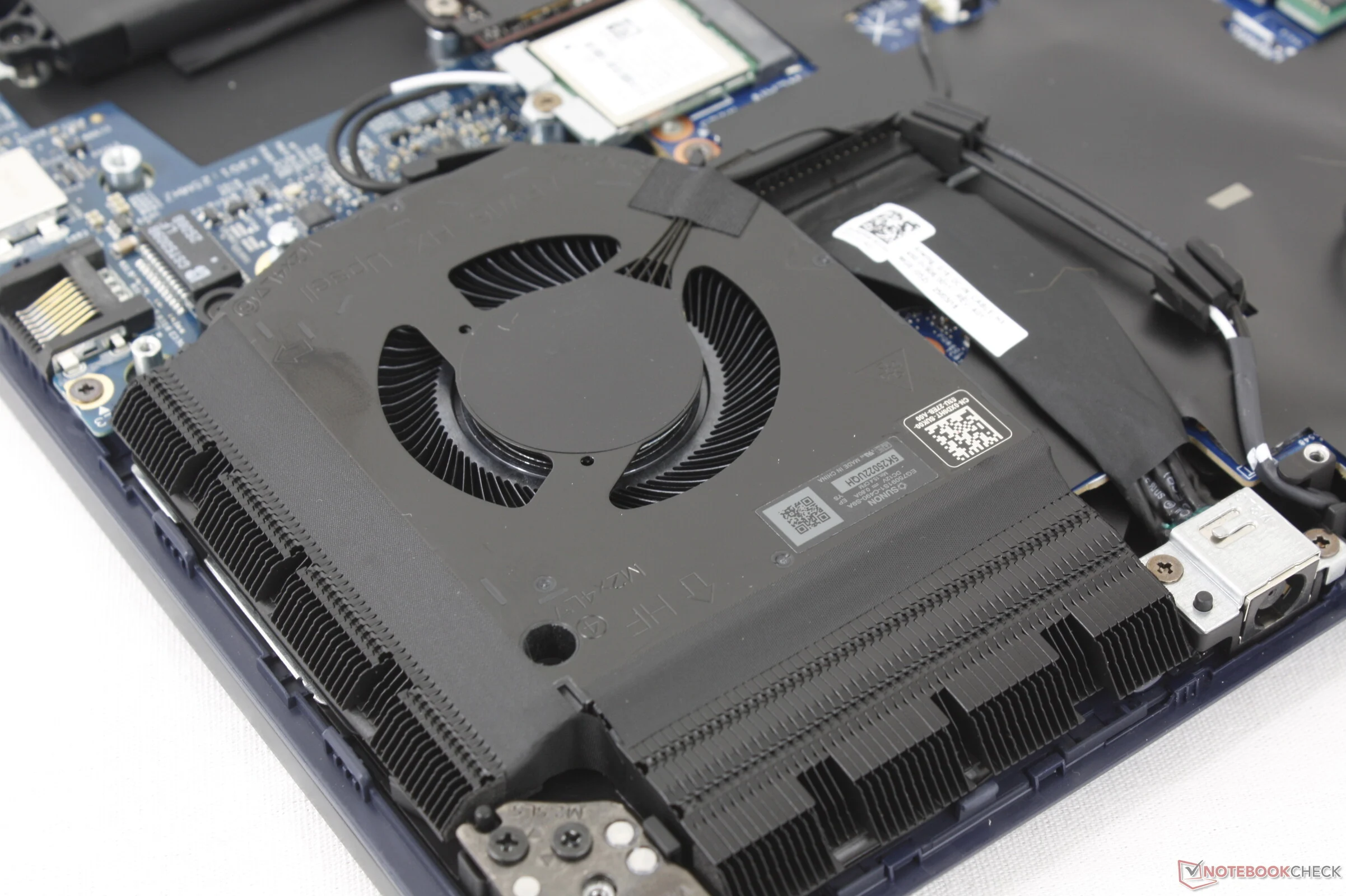
    One of the biggest distinctions among the three modes is the expected fan noise level. When playing Cyberpunk 2077 in Performance mode, the fan noise hovers just below 52 dB(A), while in Overdrive mode, it reaches 58 dB(A). This 6 dB(A) difference is quite stark compared to the small performance gains mentioned earlier, especially considering the logarithmic nature of the dB(A) scale. From our experience, playing in Performance mode feels more comfortable and enjoyable compared to Overdrive mode, where the laptop can sound like a jet taking off.

    9154 (-28%)

    The increased fan noise in Performance or Overdrive modes does not even lead to lower core temperatures. Users can switch between these modes using the Alienware Command Center software that comes pre-installed. For a deeper understanding of the laptop’s performance and features, readers can check out our complete review of the Alienware 16X Aurora.

    Source:
    Link


  • Dell Alienware 16X Aurora: Affordable Area-51 Gaming Laptop

    Dell Alienware 16X Aurora: Affordable Area-51 Gaming Laptop

    Key Takeaways

    1. The Alienware 16X Aurora is a more budget-friendly gaming laptop compared to the high-priced Alienware Area-51 series, starting at $1500.
    2. It features a metal design and includes a full DCI-P3 color standard, offering better quality than many competitors that use cheaper materials.
    3. The laptop has less powerful GPU options, specifically the GeForce RTX 5070, which limits gaming performance compared to models with the RTX 5070 Ti.
    4. Optimal gaming on the 16X Aurora is achievable at Medium QHD settings for demanding games due to its GPU limitations.
    5. The 16X Aurora is targeted at consumers and students looking for a capable gaming laptop without the high costs of premium models.


    When Dell introduced its Alienware Area-51 series earlier this year, we were quite taken with its AW30 design and nearly all the modifications made compared to the previous Alienware m or x models. However, with prices exceeding $3000 for the RTX 5080 setups, this series is definitely beyond the reach of many consumers and students. This is where the Alienware 16X Aurora comes into play, created to offer a more budget-friendly option compared to the Area-51.

    Design Features

    The 16X Aurora features less powerful GPU options than those found in the Area-51, which is to be expected, but it still borrows several design elements from the Area-51 that make a good first impression for a midrange gaming laptop. In contrast, rival models in this segment often use more plastic materials and lower-quality IPS displays to cut costs, while the 16X Aurora boasts more metal and includes full DCI-P3 color standard right from the starting price of $1500.

    Performance Limitations

    One of the major downsides of the 16X Aurora is that it comes equipped with the GeForce RTX 5070 instead of the RTX 5070 Ti. As mentioned earlier this year, the mobile RTX 5070 Ti offers a notable enhancement over the mobile RTX 5070 primarily because of its larger VRAM capacity. Consequently, gaming on the 16X Aurora is optimal at Medium QHD settings for most demanding games.

    Source:
    Link