Tag: Adafruit

  • Fruit Jam RP2350: WiFi 6 Single-Board Computer with Buttons & Speaker

    Fruit Jam RP2350: WiFi 6 Single-Board Computer with Buttons & Speaker

    Key Takeaways

    1. The Adafruit Fruit Jam RP2350 is a new single-board computer featuring the Raspberry Pi RP2350B with dual ARM Cortex-M33 cores and up to 150 MHz clock speed.
    2. It has a compact design measuring 3.4 x 2.1 inches, includes a cover plate for protection, a mini speaker, three tactile switches, and a USB-C port for power and data.
    3. Connectivity options include two USB-A ports, DVI-D for display (max resolution of 1280 x 720), a 16-pin GPIO header for expansion, and an infrared sensor for remote control.
    4. Built-in Espressif ESP32-C6 supports WiFi 6 and Bluetooth 5, enhancing connectivity capabilities.
    5. The RP2350 is priced at $39 but is currently sold out, and it is more expensive than competing products like the Waveshare RP2350B, which offers a lower starting price but fewer expansion options.


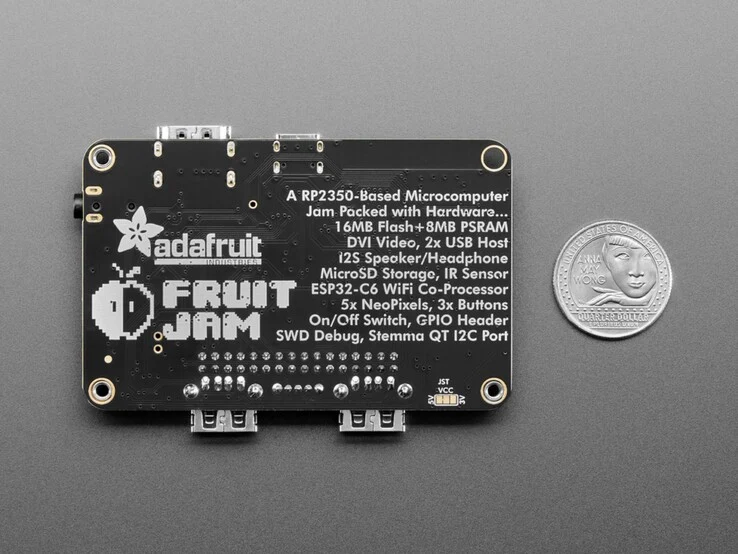
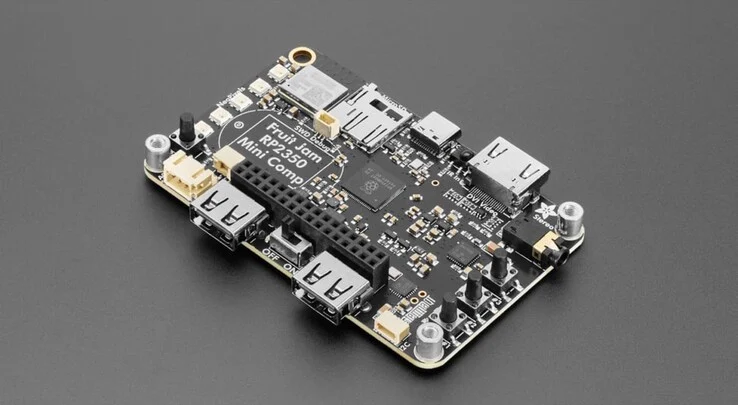
    Adafruit has launched a new single-board computer designed for fans of SBCs. The Fruit Jam RP2350 is built on the Raspberry Pi RP2350B, featuring two ARM Cortex-M33 cores that can clock up to 150 MHz, along with 8MB of PSRAM and 16MB of flash storage. A microSD card reader is also part of the package.

    Compact Design

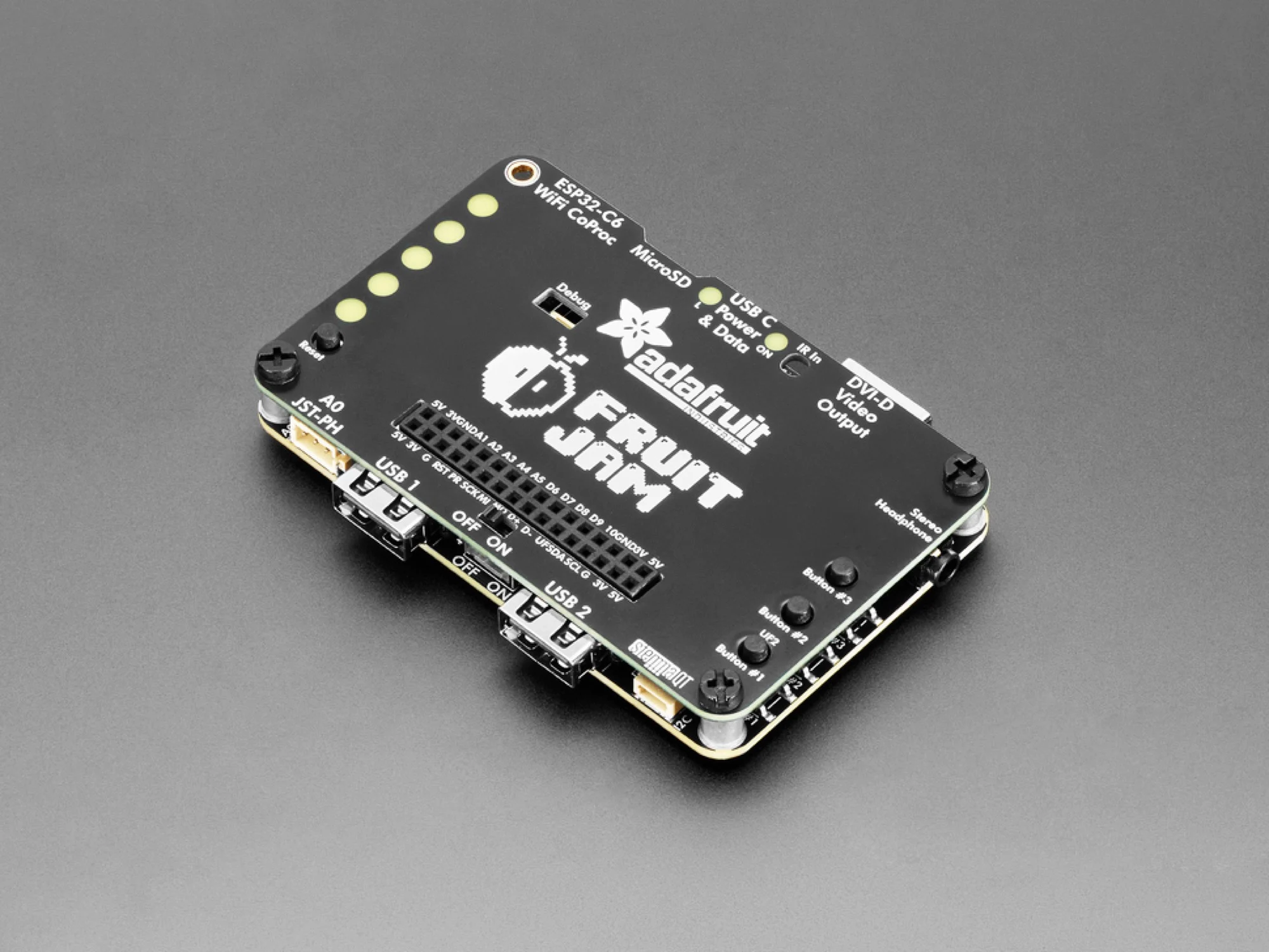
    The dimensions of the mainboard are 3.4 x 2.1 inches. To safeguard the small computer, Adafruit includes a cover plate that can be added on. Additionally, a mini speaker rated at 1 watt is included in the package. Another cool thing about the Adafruit RP2350 single-board computer is the presence of three tactile switches, plus a clearly marked on/off switch. The USB-C port serves dual purposes for both power and data transfer.

    Connectivity Options

    For peripherals, there are two USB-A ports available to connect devices like a keyboard, mouse, or gamepad. You can connect displays using DVI-D; however, it’s important to note that the RP2350B supports a maximum resolution of only 1280 x 720 pixels. Moreover, the 16-pin GPIO header allows for expansion modules, and an infrared sensor enables remote control of the SBC. The built-in Espressif ESP32-C6 provides support for WiFi 6 (2.4 GHz) and Bluetooth 5.

    The Adafruit Fruit Jam RP2350 single-board computer is currently priced at $39 in the manufacturer’s online store, although it is marked as sold out at the moment. Adafruit does ship to Europe, but the price does not include any possible import duties or extra charges. This makes the Fruit Jam RP2350 pricier than several competing products that use the same chip, such as the Waveshare RP2350B, which starts at $19 on Amazon, although the Fruit Jam offers additional expansion capabilities.

    Source:
    Link


  • Fusion Thermal Vision Now Available for Raspberry Pi

    Fusion Thermal Vision Now Available for Raspberry Pi

    Key Takeaways

    1. Adafruit released a beginner-friendly guide to create a dual-camera thermal vision imager using a Raspberry Pi 4 Model B and several Adafruit components.
    2. The project combines the Raspberry Pi camera module 3 with a thermal feed from the Adafruit MLX90640, producing a real-time heatmap while maintaining visible light image quality.
    3. The guide includes CAD files for a custom case, making assembly easy for users.
    4. Setting up the thermal camera’s GUI involves a user-friendly Python library (Blinka) and an automatic script for installing dependencies.
    5. The total cost of components is under $200, making this project an affordable option compared to other entry-level thermal cameras.


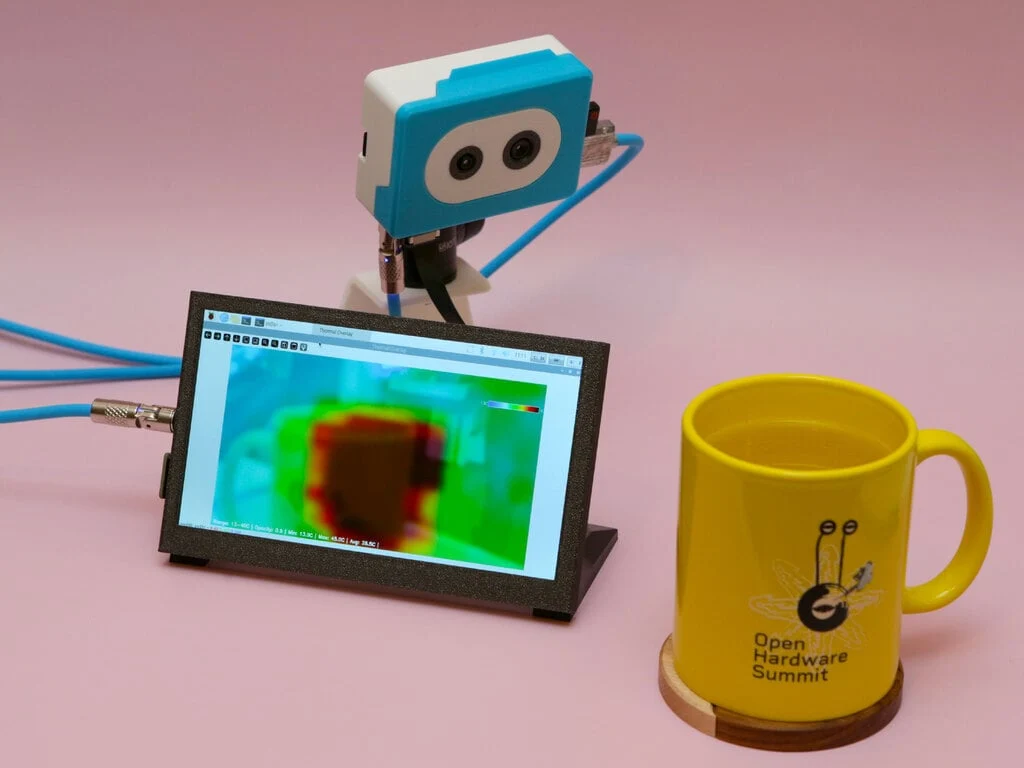
    Adafruit has unveiled a new guide designed for beginners that utilizes several Adafruit components along with a Raspberry Pi 4 Model B to create a dual-camera thermal vision imager. This project draws inspiration from the “PitFusion” thermal camera concept, integrating the Raspberry Pi camera module 3 with a thermal feed sourced from the Adafruit MLX90640. The result is a real-time heatmap of the subject being observed, while still preserving the image quality of the visible light camera. Additionally, the guide provides CAD files for a custom case that easily snaps together, making assembly simple. It’s important to note that while hardware is essential, the software component is equally user-friendly.

    Software Setup Made Easy

    To operate the thermal camera’s GUI, users need to first set up the Pi’s custom Python library, named Blinka. A script is included to help automatically install all the required dependencies. Once that’s done, users can install the software bundle for the project, which configures the cameras for the GUI. This setup enables users to access numerous features, such as modifying the minimum and maximum temperature ranges for detection and changing the opacity of the thermal overlay. Moreover, users can easily save images captured by the camera system.

    Affordable and Versatile

    Although it may not offer the highest resolution among thermal cameras, this project opens the door to new possibilities for the Raspberry Pi. With all necessary components costing under $200, this build is competitively priced compared to other entry-level thermal cameras. Interested individuals can find additional details regarding the Raspberry Pi thermal camera project linked below.

    Source:
    Link