
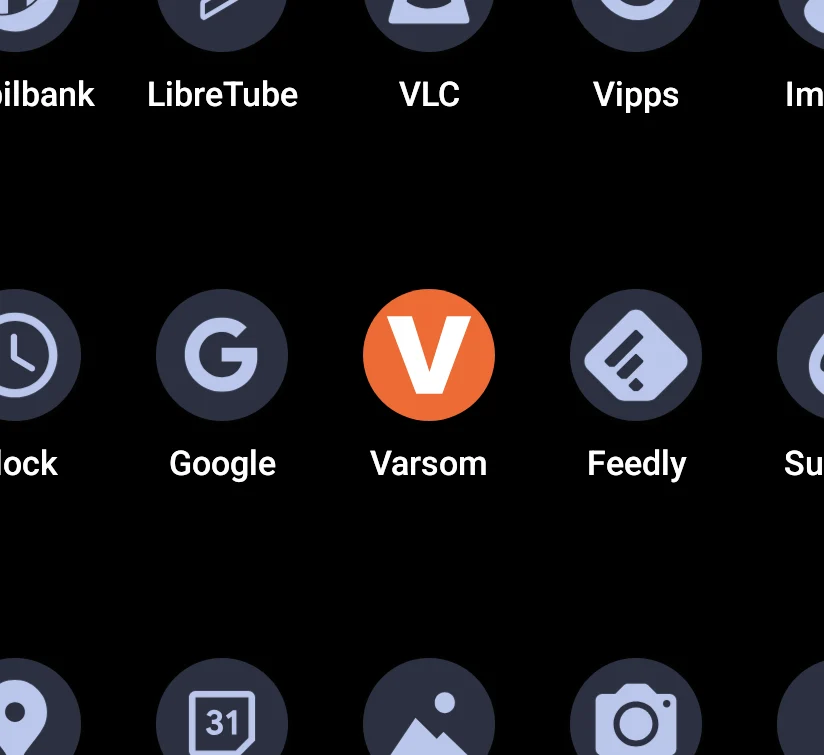
Key Takeaways
1. iOS liquid glass offers a unique feature that themes icons for a uniform home screen appearance.
2. The concept of themed icons originated from the Pixel Launcher, but full theming is limited on Android devices.
3. Developers are responsible for incorporating themed icons; inconsistencies can be frustrating for users.
4. The Pix Material You icon pack can be used with various third-party launchers for a cohesive look, featuring over 19,000 icons and dynamic color support.
5. Custom launchers can enhance home screen customization beyond the limitations of the default Pixel launcher.
Whether you like iOS liquid glass or not, one standout feature it has is the ability to theme icons. Every app, regardless of which it is, gets themed, providing a cohesive and uniform appearance for your home screen.
Origin of the Feature
This concept was first seen in the Pixel Launcher, which comes pre-installed on Pixel smartphones (currently available on Amazon with a 22% discount). However, since Android 12 was launched back in 2021, almost 5 years have passed, yet Adaptive icons still do not allow full theming of your home screen.
Developer Responsibility
It’s not completely Google’s fault since it’s up to each app’s developer to incorporate a themed icon. Nonetheless, it can be quite annoying when you want an app on your home screen, but it looks different from the other themed icons. QPR2 tries to fix this by providing “tinted” icons, but these tints often result in all icons looking dull and maintain an inverted color scheme when matched with properly themed icons.
Limitations of Adaptive Icons
Moreover, adaptive icons are only compatible with the Pixel launcher. If you don’t own a Pixel, or prefer not to use their launcher even on your own device, your choices may be limited.
Fortunately, for those seeking that themed appearance, there’s a third-party icon pack that covers nearly all icons, including those pesky localized apps. Priced at just $1.99, it’s nearly a no-brainer.
Installing Pix Material You
Pix Material You can be used with almost any third-party launcher like Lawnchair, Octopi, and Hyperion. As long as your launcher allows for custom icon packs, you can easily apply these icons.
This icon pack is designed to support both light and dark themes along with dynamic colors. When you set a custom wallpaper, the icons adapt their colors to blend in with the system accents.
With over 19,000 icons available, there’s a high chance that you’ll find icons for all your apps. In the rare case that a couple of apps aren’t themed, picking manual icons for those few won’t take much time.
Additional Features
Additionally, there’s a variety of widgets, including clocks, dates, and weather, that perfectly align with the icons, helping you to create a stunning and uniform home screen.
There are many reasons you might wish to switch from the default Pixel launcher, whether it be the constant search box, lack of support for even Google’s own foldable devices, or the inability to add custom icons.
If you desire any form of customization, the default Pixel launcher may not be sufficient. However, using a custom launcher along with Pix Material You offers one of the few ways to achieve a truly consistent home screen.
Source:
Link
Leave a Reply