
Key Takeaways
1. The AMD Radeon RX 9070 XT significantly enhances performance when used as an external GPU (eGPU) with Oculink, especially on systems with weaker integrated graphics.
2. The AMD Ryzen 9 9955HX mini PC achieved impressive benchmark scores, showing solid CPU performance, but still experienced some performance loss compared to a direct PCIe x16 connection.
3. Gaming performance varied by setup; the mini PC with Oculink delivered stable frame rates, while the ROG Ally X suffered from USB4 bandwidth limitations, resulting in inconsistent frame rates.
4. In games like Cyberpunk 2077 and Borderlands 4, the Oculink setup achieved higher FPS compared to USB4, highlighting the advantages of using Oculink for eGPU applications.
5. While using an eGPU setup may not be the most cost-effective solution, it offers a way to leverage high-end GPUs across multiple systems for users who need that flexibility.
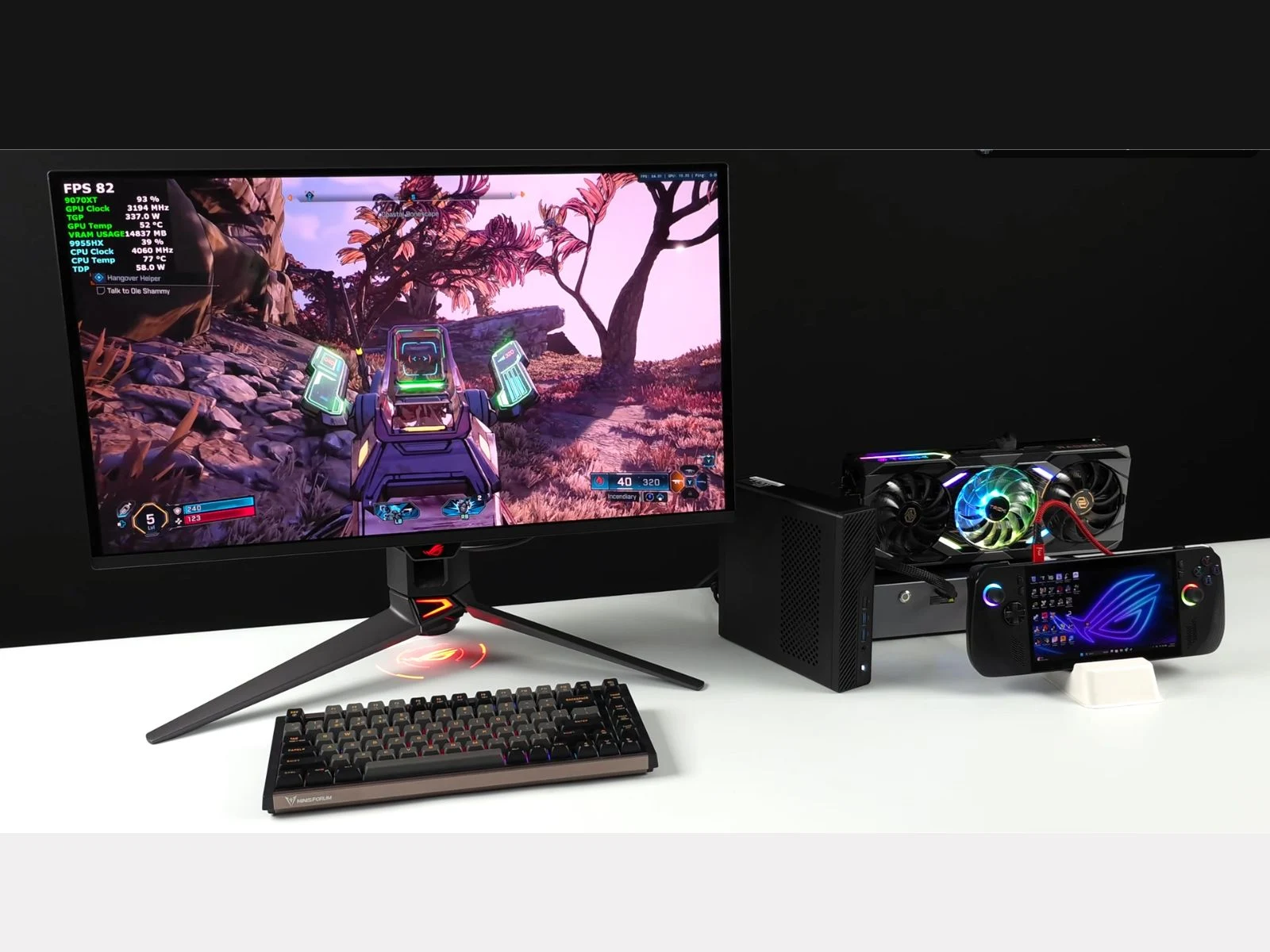
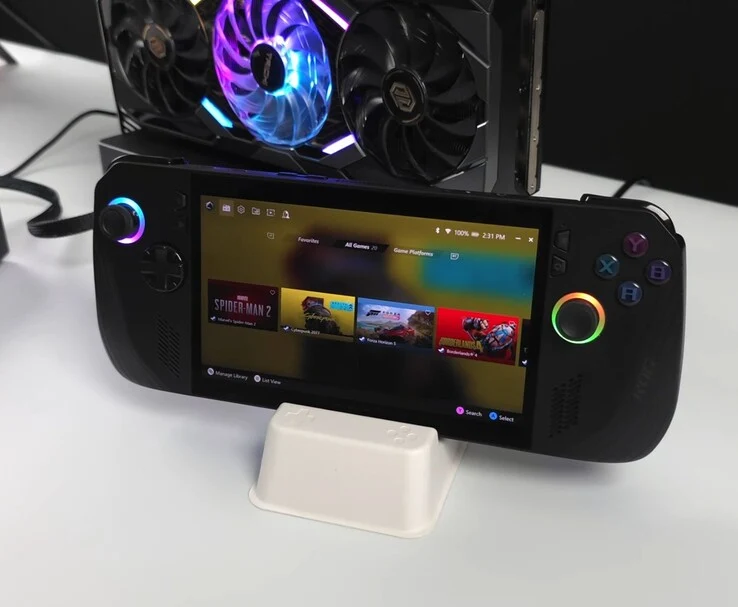
A recent video by tech YouTuber ETA PRIME showcases how well the AMD Radeon RX 9070 XT performs as an external GPU (eGPU) using Oculink. The initial tests were conducted on a Minisforum MS-A2 mini PC that runs on the AMD Ryzen 9 9955HX (16 cores, 32 threads), a system we’ve reviewed extensively before. Later, testing was done with Asus’ ROG Ally X handheld, with both devices connected through a Gtbox G-Dock that supports Oculink and USB4.
Motivation for the Experiment
The aim for this experiment is simple: the 9955HX delivers solid CPU performance, but its integrated GPU (iGPU) is underwhelming. By connecting this processor with a high-end desktop graphics card via Oculink, the mini PC receives a major performance upgrade for gaming and content creation. In synthetic benchmarks, the scores were 3,136 points in Geekbench 6 for single-core and 18,191 in multi-core tests. Additionally, 3DMark Steel Nomad achieved 6,595 points, while Time Spy produced an impressive total of 22,653 points.
Comparing Performance
When compared to a full tower PC that has a Ryzen 7 9800X3D and a Radeon RX 9070 XT, ETA PRIME found that the tower system scored around 26,333 points in Time Spy. Notebookcheck’s own tests for the same GPU indicated a Time Spy score of 26,837 points. It’s worth mentioning that the tower PC had a 9070 XT from a different OEM, making a direct comparison difficult. However, ETA PRIME noted that the Oculink setup was “losing a little bit of performance” as expected due to bandwidth limitations when compared to a direct PCIe x16 connection. Even though he downplayed the difference, it’s clear that the gap is significant when you look at the results side by side.
Gaming Performance Insights
Looking at gaming performance, Cyberpunk 2077 at 1440p Ultra with FSR 4 turned on averaged about 92 FPS. In Borderlands 4, the setup achieved between 75-85 FPS at 1440p Very High with FSR set to Quality. Meanwhile, Marvel Rivals ran between 120-150 FPS at 1440p Ultra with FSR set to Quality. The power draw peaked at approximately 348 W on the GPU, backed by the dock’s 800 W PSU.
However, the results with the ROG Ally X showed the limitations of USB4 bandwidth. In Cyberpunk 2077 at 1440p Ultra with FSR 4 set to Quality, the RX 9070 XT as an eGPU typically offered between 60-70 FPS, but frame rates frequently fell below 50 FPS. When AMD’s frame generation feature was enabled, the average FPS nearly doubled to around 120, though performance was quite inconsistent, ranging from lows of 99 FPS to highs of 150 FPS, which the YouTuber described as “all over the place.” In contrast, the Oculink connection on the mini PC proved to be much more stable, highlighting its superiority over USB4 for eGPU applications.
In conclusion, the YouTuber states that while this type of setup may not be the most economical way to attain gaming performance, it can be beneficial for users looking to utilize a powerful GPU across different systems.
Source:
Link
Leave a Reply