
Key Takeaways
1. Revamped onboarding process for easier and faster app setup.
2. Two levels of connection security: ‘Most secure’ and ‘Less secure’ options.
3. Various bug fixes, including issues with Apple Watch app buttons and pipeline picker.
4. Improved stability for CarPlay connections.
5. Widgets transfer smoothly when restoring an iPhone from a backup.
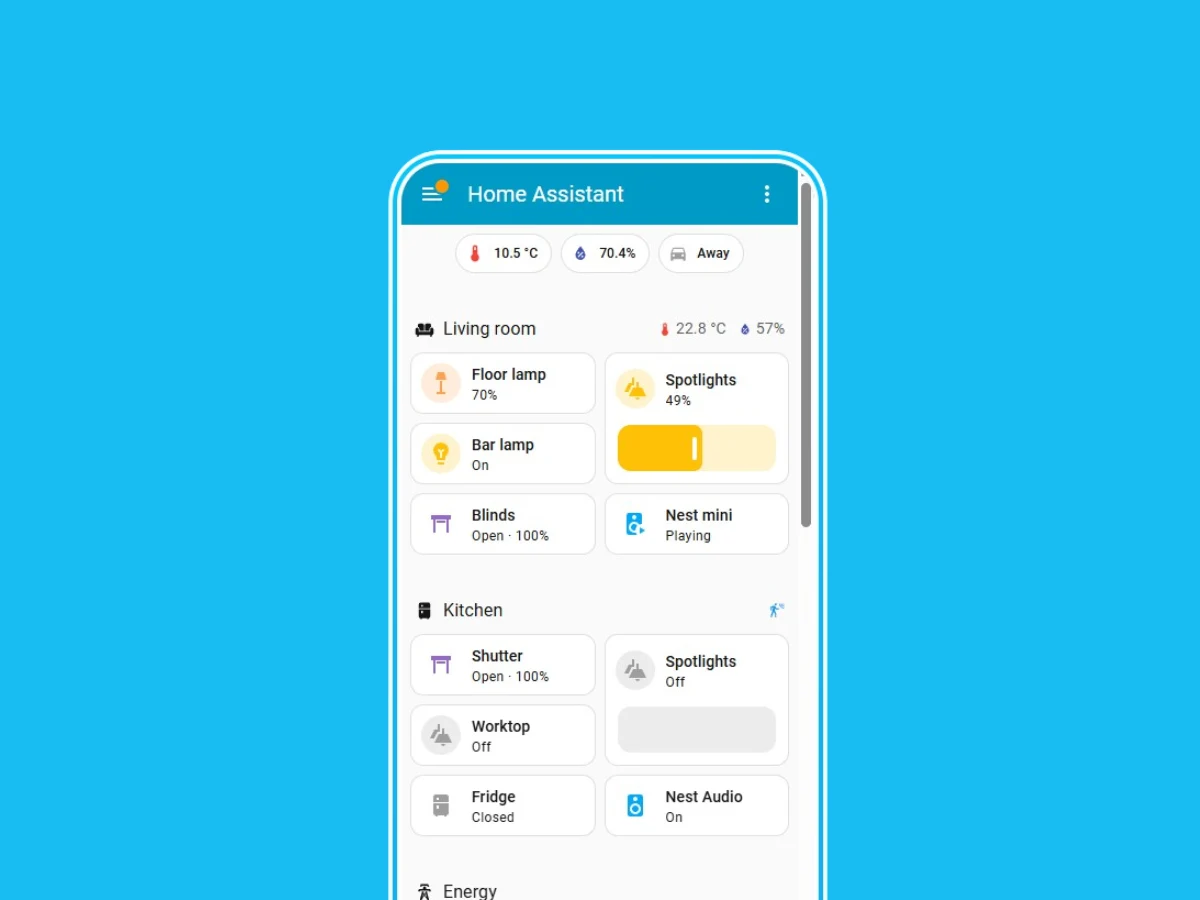
Home Assistant has rolled out a new update for its iOS application. The latest version, 2025.11.0, marks the most significant enhancement for the open-source smart home automation software in recent months, with the last major features added back in July 2025.
New Onboarding Experience
With the Home Assistant app version 2025.11.0 for iOS, users will notice a revamped onboarding process. The company claims that this update will make it “easier” and “faster” for users to begin using the app. Now, Home Assistant users can select between two levels of connection security. The first option is ‘Most secure’, which is the recommended choice. This setting ensures that the app will only connect to unencrypted URLs when accessing your designated home network. The alternative option, ‘Less secure’, allows users to bypass location permissions or disable location at the operating system level, but this could potentially expose your Home Assistant data to risks. More details on these options can be found on Home Assistant’s support site.
Bug Fixes and Improvements
The Home Assistant iOS app version 2025.11.0 also includes a variety of bug fixes and enhancements. The company has fixed an issue where the header buttons in the Apple Watch app were not functioning properly. Additionally, they’ve addressed a problem where the Watch Assist pipeline picker failed to open. Furthermore, the stability of CarPlay connections is reported to have improved. Lastly, if you restore an iPhone from a backup, your Widgets should now transfer without any problems.
Source:
Link