Key Takeaways
1. High-Resolution Display: The Clarity Touch 6K features a 32-inch IPS touchscreen with a resolution of up to 6016 × 3384, suitable for pixel-dense tasks.
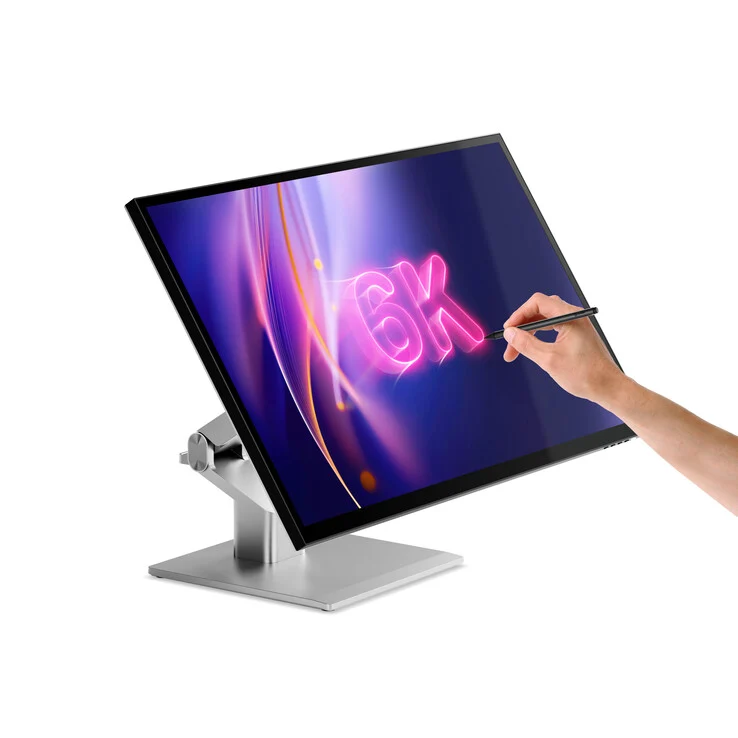
2. Touch and Drawing Capabilities: Offers 10-point multi-touch support and is compatible with MPP 2.0 styluses for drawing and annotating.
3. Connectivity Options: Includes USB-C with 90W charging, two HDMI 2.0 ports, DisplayPort 1.4, and two USB-A ports, along with audio from dual 5W speakers.
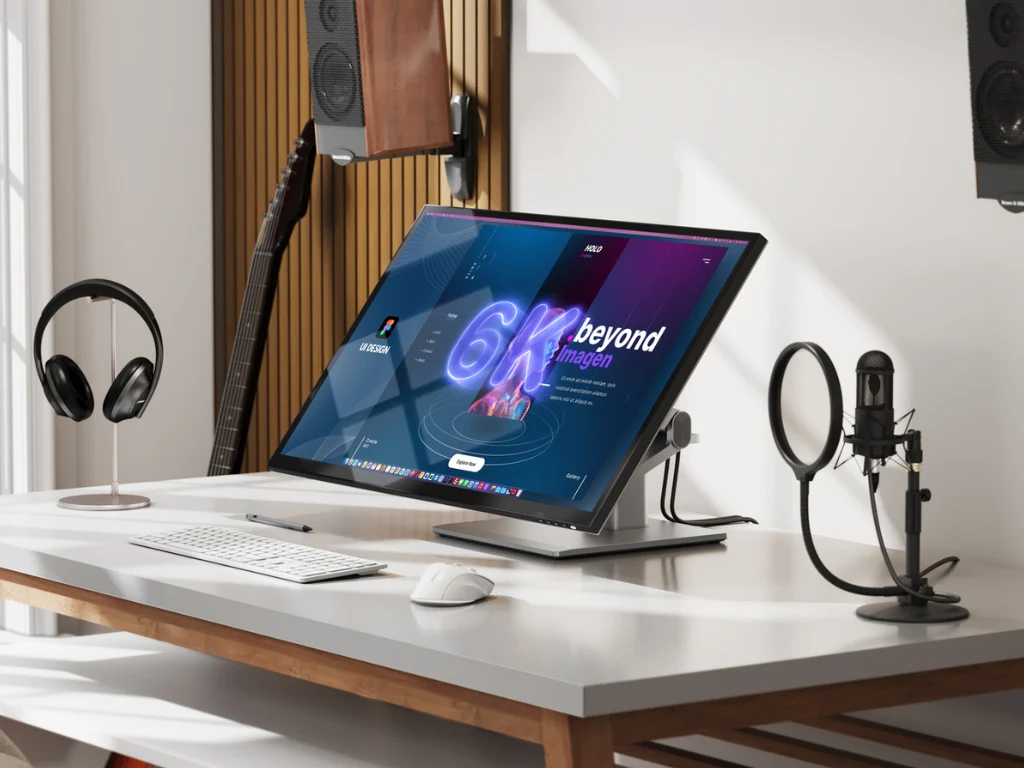
4. Ergonomic Design: Comes with a fold-down adjustable stand and VESA mount compatibility, designed for various ergonomic setups.
5. Color Accuracy and Warranty: Calibrated for color accuracy with an average ΔE of less than 1 and includes a two-year warranty.
At IFA 2025, Alogic is unveiling a new high-resolution monitor along with its Aspekt display series. Named the Clarity Touch 6K, this 32-inch IPS touchscreen monitor is designed for those who require a high desktop resolution and additional input methods. It offers a resolution of up to 6016 × 3384 in landscape mode or 3384 × 6016 in portrait mode, making it suitable for pixel-dense tasks.
Features of the Clarity Touch 6K
The Clarity Touch 6K features a 6K edge-to-edge display that supports HDR400, with a standard brightness of 400 nits. The glass surface allows for 10-point multi-touch, which is great for activities like drawing and annotating. Users can utilize MPP 2.0-compatible styluses for these interactive tasks. The monitor is calibrated for color accuracy, boasting an average ΔE of less than 1, and provides viewing angles of 178° both horizontally and vertically.
Connectivity and Ergonomics
In terms of connectivity, the monitor comes equipped with USB-C that supports 90W laptop charging, two HDMI 2.0 ports, DisplayPort 1.4, and two USB-A ports (5Gbps, 7.5W charging). Audio is delivered through dual 5W speakers, and there’s a headphone out jack. It features a fold-down adjustable stand and an FDMI MIS-D 100mm VESA mount to accommodate various ergonomic setups. The Clarity Touch 6K is compatible with devices from Apple, Chromebook, and Microsoft.
The casing is made from ABS, glass, and aluminum, and the monitor weighs 6.5 kilograms without the stand. Included in the package are the monitor itself, necessary cables, a calibration report, and mounting screws. Alogic offers a two-year warranty on the product. Customers can choose between Silver or Black finishes.