Tag: system update

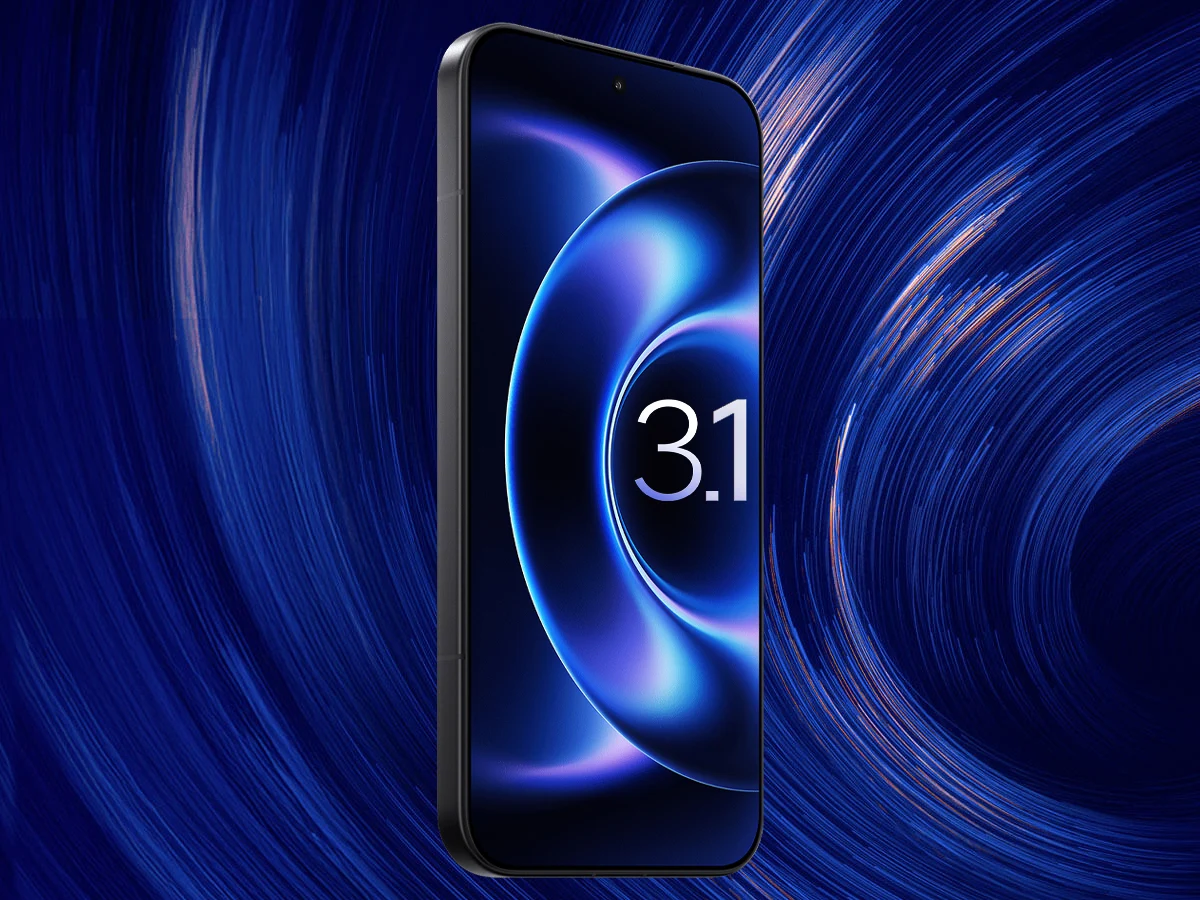
  • Stable HyperOS 3.1 Now Available on Xiaomi Phones and Tablets Globally

    Stable HyperOS 3.1 Now Available on Xiaomi Phones and Tablets Globally

    Key Takeaway

    1. Xiaomi has begun rolling out HyperOS 3.1 to EU devices, including select Xiaomi 17 series phones and tablets like Redmi Pad Pro and Poco Pad.
    2. The update introduces enhanced Super Island, iOS-style animations, a polished UI, and improved cross-device compatibility, especially with Apple devices.
    3. The broader global rollout and availability for other devices are still unspecified, with some devices potentially not receiving the 3.1 update.

    Latest Update Rollout for Xiaomi Devices

    Xiaomi has begun to roll out their latest HyperOS 3.1 to some of their first eligible global devices, with the update currently appearing on phones and tablets in the EU. They are planning a broader release soon, so more users should expect to see the upgrade shortly. The update marks a notable improvement over the previous versions, bringing new features and user interface enhancements.

    Device Compatibility and Firmware Versions

    Among the earliest devices getting the update are the Xiaomi 17 series, including the vanilla model, known as Pudding, and the Ultra, codenamed Nezha. In the EU, the firmware version for Pudding is OS3.0.301.0.WPCEUXM and for Nezha it’s OS3.0.301.0.WPAEUXM. For tablets, the Redmi Pad Pro and Poco Pad also received the latest HyperOS 3.1 update. Both tablets run the same firmware version in the EU, which is OS3.0.301.0.WNSEUXM.

    New Features and System Improvements

    The HyperOS 3.1 update introduces several fresh features and updates aimed at improving user experience. Among these is the enhanced Super Island, which is now more interactive, offering a more lively and engaging user interface. The animation style of the system and app interfaces has been remodeled, featuring iOS-style animations that make the entire system appear more smooth and polished.

    Cross-Device Compatibility Enhancements

    An additional eye-catching upgrade is the improved Xiaomi HyperConnect, which now boasts increased compatibility across different devices. For example, the update enables better integration with the Apple ecosystem, allowing for smoother interaction between Xiaomi devices and Apple products. A notable feature is the system’s ability to ping paired Apple AirPods (Pro 3 – priced around $199), aiding users in locating their accessories more efficiently.

    Future Update Expectations

    Although the current rollout is promising, Xiaomi has not provided a definitive timeline for when the remaining devices will also get HyperOS 3.1. It’s worth mentioning that some phones and tablets running HyperOS 3.0 may not be upgraded to 3.1 due to compatibility or other reasons, as was discovered late last year. Users eager for the update will just need to keep an eye out for further announcements from Xiaomi.


    Sources
  • Nintendo Switch 20.1.5 Update: Faster Unlocking & Better Cursor

    Nintendo Switch 20.1.5 Update: Faster Unlocking & Better Cursor

    Key Takeaways

    1. Nintendo’s Switch update version 20.1.5 focuses on general system stability improvements.
    2. Users can manually check for updates via System Settings to ensure they have the latest firmware.
    3. The update eliminates the delay when unlocking the system with Joy-Con controllers after sleep mode.
    4. The Home button now directs the cursor to the active game tile, restoring functionality familiar to original Switch users.
    5. Many usability changes have been discovered by the gaming community, even though Nintendo hasn’t officially acknowledged them.


    Nintendo has launched version 20.1.5 for its Switch consoles, which includes the OLED model, Lite, and Switch 2. The update is officially labeled by Nintendo as providing “general system stability improvements to enhance the user’s experience.” However, players on the internet have already discovered specific usability changes that extend beyond this vague explanation.

    How to Update Your Switch

    To update your Nintendo Switch, go to the System Settings from the Home menu, then scroll down to System, and choose System Update. Your console will check for the newest firmware version and install it if it’s ready. Usually, the Switch downloads updates on its own when connected to the internet, but doing a manual check can help if the update hasn’t occurred yet. Nintendo suggests restarting your console if you run into problems during the update.

    User Experiences

    Users on r/NintendoSwitch have shared that this update removes the small delay when unlocking the system with Joy-Con controllers after it wakes from sleep mode. Several players have experienced what they describe as a more fluid and responsive gameplay experience, even though Nintendo hasn’t officially confirmed these improvements.

    Notable Changes

    Another minor tweak, as pointed out by Reddit user BeemoAdvance, relates to the Home button’s functionality while playing games. They noticed that pressing the Home button now directs the cursor to the active game tile, similar to how it worked on the original Switch. Previously, the Switch 2 highlighted the profile icon instead, which some users say disrupted their familiar muscle memory.

    Even though Nintendo hasn’t publicly recognized these changes in their patch notes, numerous users have highlighted them online as potential enhancements to the overall experience. Like previous firmware updates, gamers seem to be depending on community insights to discover what may have shifted beyond the official stability notes.

    Source:
    Link

  • Latest OnePlus 11 Update: New Animations, Touch Controls

    Latest OnePlus 11 Update: New Animations, Touch Controls

    OnePlus Enhances OxygenOS with Latest Update

    In recent times, OnePlus has been dedicated to refining its OxygenOS operating system, introducing a variety of fresh features and enhancements to improve user experience. The latest release from the brand is the OxygenOS 14.0.0.701 update for the OnePlus 11 smartphone, bringing forth a comprehensive array of modifications and enhancements.

    OxygenOS 14.0.0.701 Changelog

    New Visual Enhancements

    • Introduces smooth animations, including wallpaper zoom and seamless icon transitions for enhanced visual fluidity.
    • Adds bounce animation effect for notifications and optimizes Quick Setting icons and widgets for a more refined visual appeal.
    • Optimizes transition animations for Home screen icons and widgets, along with wallpaper zoom animations during device unlock.
    • Enhances wallpaper zoom animations and brightness transitions for screen on/off events.
    • Improves background colors and blur effects across various interfaces like Quick Settings, Notification drawer, and Global Search.
    • Refines transition animations for Lock screen elements and optimizes Global Search entry and exit animations.

    Enhanced Touch Control Experience

    • Introduces transition animations for app exits and page navigation gestures.
    • Enables tapping the lower right corner of large folders to view additional apps.
    • Allows pulling down app icons in large folders for quicker app access.
    • Enhances touch responsiveness for smoother interactions on the Home screen and Recent tasks screen.
    • Improves touch responsiveness for various app usage scenarios and gestures, ensuring a faster and more stable experience.
    • Optimizes animations for better performance when using large folders on the Home screen.

    System Improvements

    • Adds a horizontal layout option for the Lock screen clock.
    • Enables users to hide the unlock pattern track on the Lock screen.
    • Allows volume adjustments directly from Quick Settings.
    • Provides the ability to resize floating windows by dragging their bottom and swipe up to close mini windows.
    • Enhances system stability and integrates the April 2024 Android security patch for enhanced security measures.

    This update is currently rolling out to users in India, with a global release scheduled in the near future. Users can expect the update to arrive gradually over the next week. Alternatively, users can manually check for the update by navigating to Settings > About Device > OxygenOS > Check for Update.

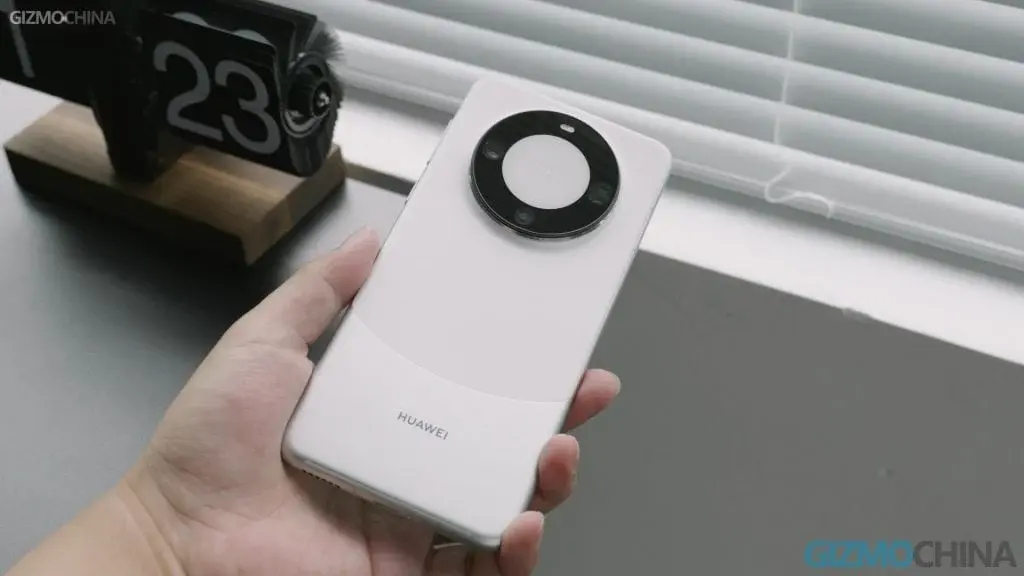
  • Update Enhances Huawei Mate 60 with AR Measurement Tool and Portrait Filters

    Update Enhances Huawei Mate 60 with AR Measurement Tool and Portrait Filters

    Huawei Reveals 5G-Powered Mate 60 Series with Awe

    In a surprising move during the latter part of 2023, Huawei unveiled its cutting-edge Mate 60 series, boasting robust 5G capabilities. This strategic maneuver played a pivotal role in the company’s resurgence, recapturing a significant chunk of the market share that had slipped away to rivals like Apple.

    Huawei Mate 60 Pro: Unveiling the Future

    Specifically, the Huawei Mate 60 and Huawei Mate 60 Pro have been treated to an over-the-air (OTA) update. This latest software iteration propels the firmware version up to HarmonyOS 4.0.0.158, ushering in a new era of performance and functionality.

    Fresh Elements: Unpacking the Innovations

    AR Measurement Tool: Measuring the Future

    The official update log brings to light the addition of an AR measurement tool, empowering users to seamlessly gauge height, length, volume, and various other metrics with ease.

    AI Cloud Enrichment for Portrait Photography: The Picture-Perfect Upgrade

    Moreover, the update introduces "AI Cloud Enhancement" for portrait photography, enabling users to embellish their portraits with beauty filters and enhancements.

    Camera Application Refinements: Focusing on Excellence

    The update doesn’t stop there, as it also includes refinements to the camera application, enriching the user experience and functionality across various aspects of the camera app.

    Authentication System Streamlining: Securing Seamlessly

    To cap it off, the new firmware brings about optimizations for the authentication system, ensuring that face and fingerprint unlocking processes operate more smoothly and efficiently.

    The OTA software update clocks in at a size of approximately 881MB. Its deployment is gradual, meaning that some devices may receive it sooner than others. However, all users can anticipate gaining access to the update within a few days.