Key Takeaways
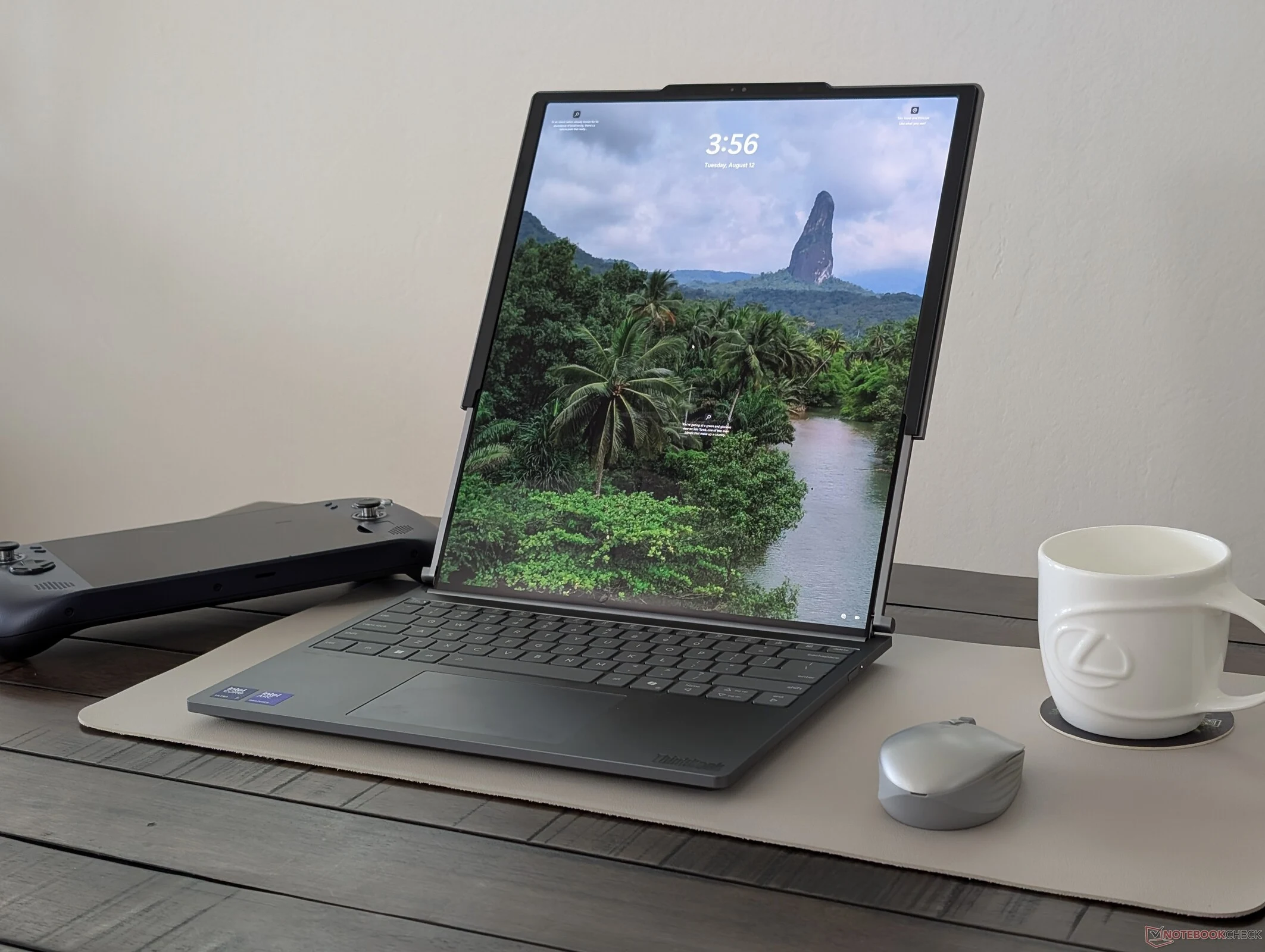
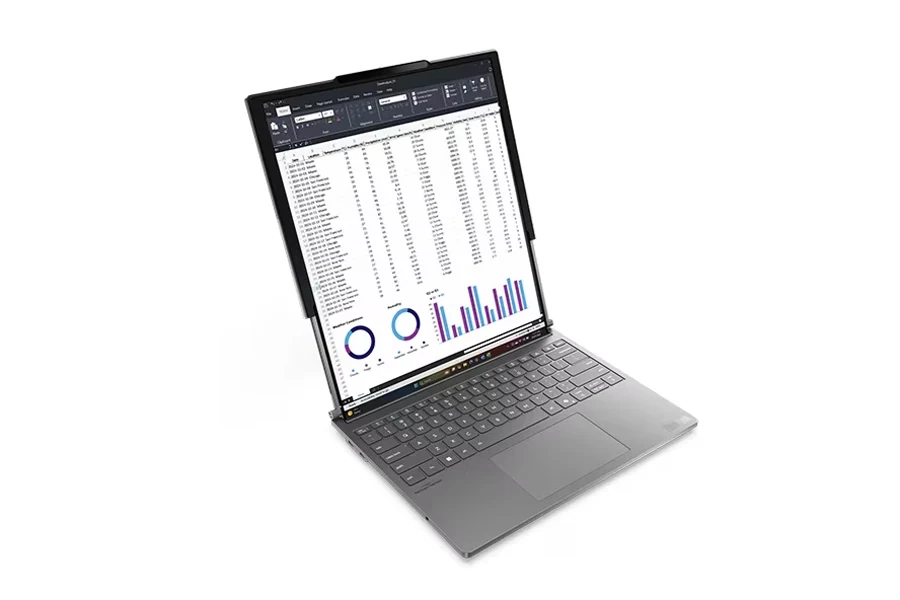
1. Unique Screen Size: The ThinkBook Plus Gen6 features a rollable display, expanding from 14 inches to 16.7 inches, making it unique among laptops, but adding weight due to the motors.
2. Convenient Usability: The taller display allows for use in smaller spaces without requiring a large desk, but its wide viewing angles may expose sensitive information in public settings.
3. Performance Considerations: While battery life is shorter than typical clamshell laptops, the efficient Lunar Lake CPU offers over 10 hours of real-world use; however, the screen cannot be rotated in Windows.
4. Design Limitations: The lid only opens to about 120 degrees, making it less comfortable for use on laps or soft surfaces, and its brightness is average compared to competitors like the MacBook Pro 14.
5. Enhanced Experience: The taller display improves productivity for tasks like browsing and spreadsheets, leading to a feeling of confinement when switching back to standard 14-inch laptops.
We recently completed our evaluation of the 14-inch Lenovo ThinkBook Plus Gen6, which features a rollable 16.7-inch OLED display. While Lenovo has made other unique laptops before, this one stands out as one of their most practical and beneficial designs so far. After spending several weeks with the device, we’ve identified key advantages and disadvantages of the screen.
Unique Screen Size
The ThinkBook Plus Gen6 distinguishes itself as the only laptop with a display size exceeding the diagonal measurement of its chassis, thanks to its rollable screen. With just a press of a button, you can transform the 14-inch display into a larger 16.7-inch one.
The 14-inch body can accommodate a sizeable 16.7-inch screen, but this also means that added motors contribute to the overall weight of the device. In contrast, traditional clamshell models like the MacBook Pro 14 can be several hundred grams lighter, making them more portable for travel.
Convenient Usability
Since the screen extends upwards, you don’t need a big desk to utilize the large display, unlike the ThinkPad X1 Fold or Zenbook Duo. The tall 16.7-inch screen can be used almost anywhere you would typically use a 14-inch laptop.
People nearby, whether they’re strangers or someone sitting next to you, will likely notice your tall and pricey screen. It’s wise to be cautious about working on sensitive information in public, as the wide viewing angles of the OLED may not always be in your favor.
Performance Considerations
Although the battery life is shorter compared to a conventional 14-inch clamshell, the highly efficient Lunar Lake CPU compensates for some of that, providing a real-world WLAN runtime of over 10 hours in our tests.
If you enjoy watching movies or multitasking with two windows open, you might be disappointed to learn that the 16.7-inch display wasn’t made to be rotated. Trying to rotate the screen in Windows will result in an error message.
In comparison to the ThinkPad X1 Fold, which depends on accessories, or the awkward angles and keyboard of the Zenbook Pro 14 Duo, the ThinkBook’s rollable screen offers a much more ergonomic experience.
Design Limitations
The lid of the ThinkBook Plus Gen6 only opens to about 120 degrees, whereas most clamshell laptops can open to 150 degrees or even a full 180 degrees. This limitation can make it tricky to use the device comfortably on your lap, couch, or bed without access to a flat surface.
Thanks to its OLED screen, users benefit from features like wide P3 color gamut, perfect black levels, and no ghosting, making it suitable for both amateur and some professional editing tasks.
At a peak brightness of around 400 nits, the screen brightness is fairly average for the 14-inch category. In comparison, the MacBook Pro 14 is over 50 percent brighter, offering superior glare management.
Enhanced Experience
The tall 16.7-inch display improves the user experience across nearly all tasks. Once you adapt to browsing, emailing, or handling spreadsheets on the taller screen, a regular 14-inch laptop can start to feel quite confined.
There are certainly more pros and cons to explore within this model as you delve deeper into its features. For more detailed insights, check out our comprehensive review of the ThinkBook Plus Gen6 rollable, where you can learn more about Lenovo’s innovative laptop.