
Tag: Redmi K40

  • Redmi K40 gets Xiaomi HyperOS update on Android 13

    Redmi K40 gets Xiaomi HyperOS update on Android 13

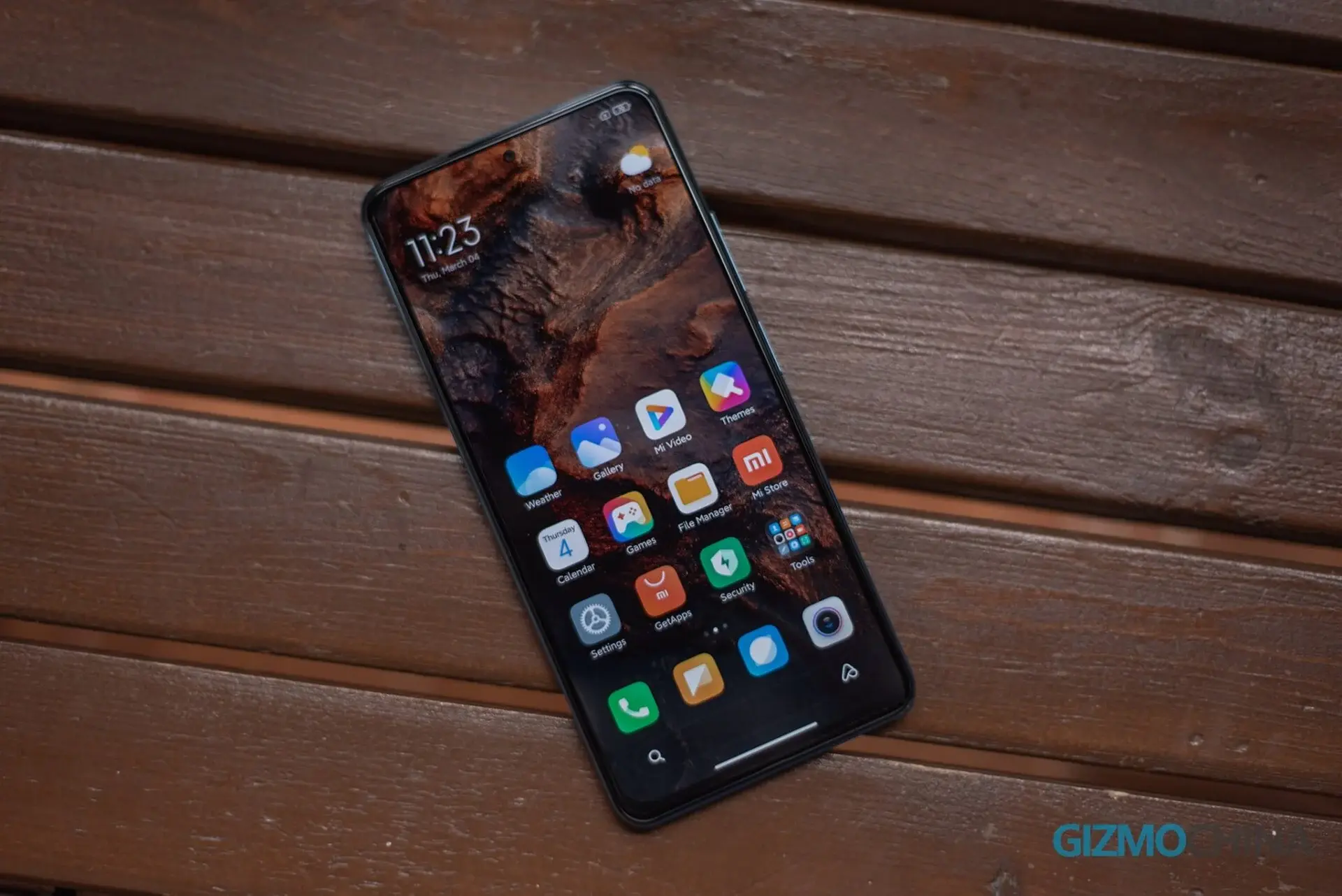
    Xiaomi has initiated the rollout of the HyperOS update for the Redmi K40 device, introducing a fresh user interface and customization options to enhance the phone's functionality and user experience.

    Redmi K40 HyperOS Update

    • Update package version: 1.0.3.0.TKHCNXM
    • Update size: 1.5GB
    • Security Patch: January 2024

    Android Version Differences

    Notably, there is a distinction in the Android version updates within the Redmi K40 series. For instance, the Redmi K40 and K40 Game Enhanced Edition models have received HyperOS updates based on Android 13, while other devices in the lineup have been updated to Android 14.

    Data Backup Recommendation

    Before proceeding with the installation of any significant software update, it is advisable to back up your data. This precautionary measure helps safeguard your important information in case of unexpected issues during the update process.

    Changelog Highlights:

    • Low-level refactoring: Enhancements to Xiaomi's ThePaper OS bottom layer for improved hardware performance.
    • Key task identification and dyeing technology: Efficient resource allocation based on task priority for enhanced performance and reduced power consumption.
    • Ultra-low-power rendering framework: Enhances battery life and provides smoother animations.
    • SOC integrated frequency modulation: Faster response to computing power demands with fewer frame drops and improved performance.
    • Refresh storage technology: Reduces storage fragmentation for prolonged device usability.
    • Intelligent network selection capability: Smoother network operation in weak signal areas.
    • Cross-terminal intelligent connection: Improved device connectivity and collaboration through Xiaomi HyperConnect framework.
    • Global security: Enhanced security and privacy architecture for interconnected devices.
    • Aesthetics of life: Visual and dynamic enhancements for a more pleasing user experience, including new motion language, weather design, and icon upgrades.

    This update aims to not only improve the performance and security of the Redmi K40 but also enhance the overall user experience with a focus on aesthetics and functionality. Users can expect a more seamless and efficient operation with the introduction of these new features and optimizations.
  • Redmi K40 and K40 Pro Plus Receive Android 14-based HyperOS Update

    Redmi K40 and K40 Pro Plus Receive Android 14-based HyperOS Update

    Xiaomi has initiated the deployment of its latest skin update, HyperOS, on the Redmi K40 and K40 Pro Plus smartphones, according to reports from ITHome. This update, based on Android 14, is currently being rolled out in China, starting with an internal testing version, likely a beta. The stable version is expected to be released to the wider audience after some time.

    Update Details

    The HyperOS update for the Redmi K40 and K40 Pro Plus is substantial, weighing in at 5.2GB and incorporates the April security patch. Here is a breakdown of the changes included in the update:

    Xiaomi HyperOS Features

    The HyperOS by Xiaomi introduces a comprehensive operating system ecosystem for individuals, vehicles, and households, offering a range of enhancements and optimizations:

    System Enhancements

    • Update of Google security patch (2024#04) to enhance system security
    • Low-level reconstruction for improved hardware performance

    Cross-Device Connectivity

    • Integration of Xiaomi HyperConnect framework for seamless device connectivity and collaboration
    • Enhanced cross-device experience supporting various hardware capabilities sharing

    Security and Privacy

    • Robust security architecture for device interconnection
    • Cross-terminal privacy system including internet behavior management

    Aesthetic Enhancements

    • Globalized life aesthetics for a refined visual experience
    • New motion language for a coherent global motion feel
    • Refreshed color system for a vibrant interface appearance
    • Unified system fonts and new weather design for an immersive experience
    • Artistic lock screen and upgraded desktop icon design for a visually appealing interface

    User Experience

    • Improved multi-task window management for enhanced interaction and ease of use

    To update to the latest firmware, users can navigate to Device Settings > About > Software Update > Check for Update on their smartphones. It is advisable to ensure sufficient storage and battery capacity before initiating the update process to avoid potential issues, including data corruption.