1. Samsung Expert RAW 5.0.08.2 introduces Ocean Mode, a new camera feature for the Galaxy Z Fold7, S24 Ultra, S25 Ultra, and S26 Ultra.
2. Ocean Mode simplifies underwater photography by automatically adjusting settings and offering interval photography, reducing the need for technical skills.
3. The feature was initially developed for coral reef research and is now accessible to end users across multiple Galaxy devices.
Introduction of Ocean Mode in Samsung Devices
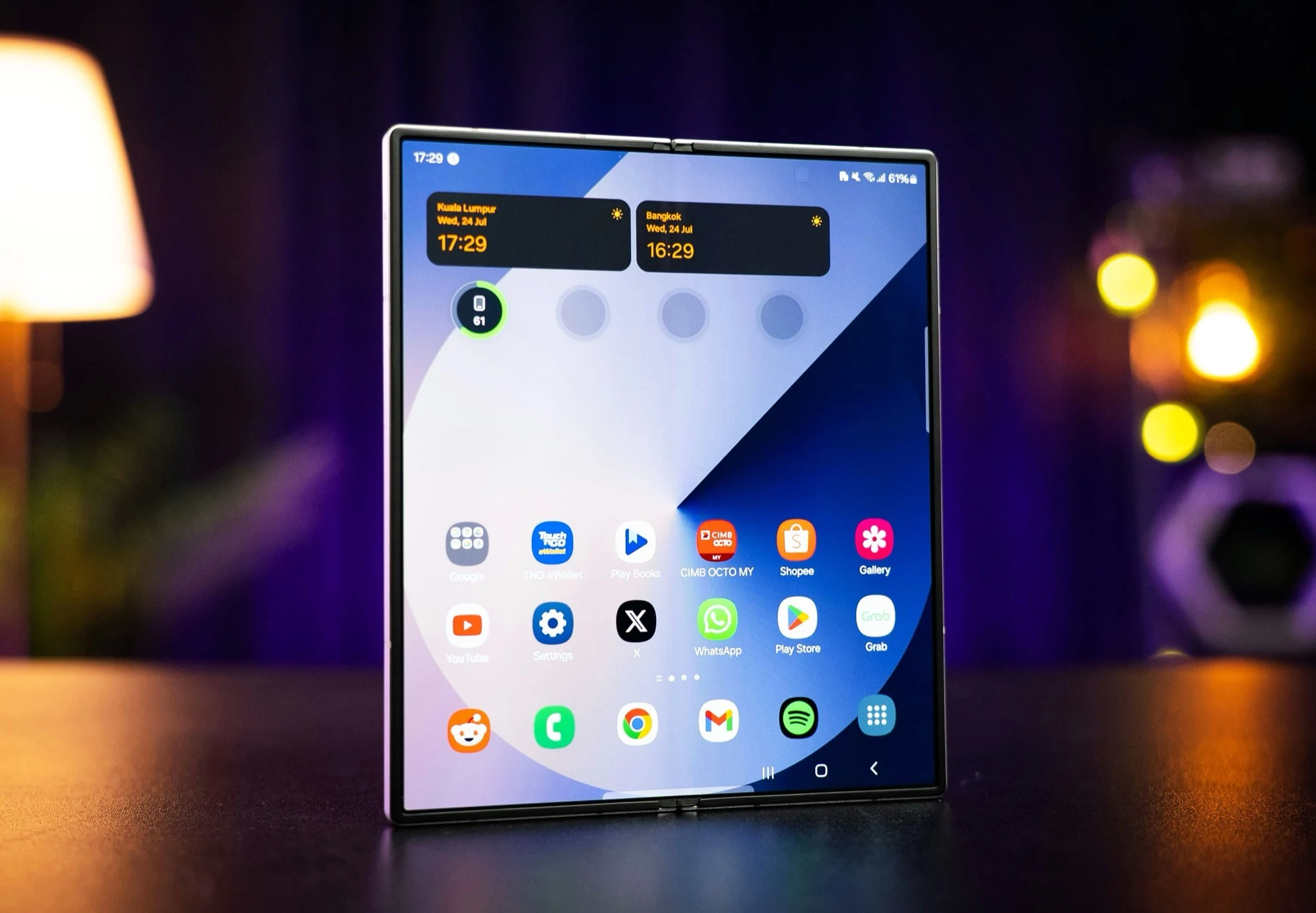
Samsung has launch a new feature called Ocean Mode in their Expert RAW 5.0.08.2 app, which you can find now in the Galaxy Store. This new camera mode is specially designed for underwater photography and is available on the Galaxy Z Fold7, which costs bout $1,719 according to Amazon listings. The interesting part, is that this mode was originally created for the Galaxy S24 Ultra, a device aimed mainly at photographers and tech fans.
History and Accessibility of Ocean Mode
Initially, Ocean Mode was developped for research purposes, mainly to monitor coral reefs and to generate 3D models from thousands of underwater photos. It was only accessible by researchers using special tools, but Samsung then made it available to regular users with the Galaxy S26 Ultra. Now, with the beta release of One UI 8.5, users of the Galaxy S25 Ultra are also able to use Ocean Mode. Good news for Galaxy Z Fold7 owners, because this makes it the third model in Samsung’s lineup that can freely access this underwater feature.
Features and Functionalities of Ocean Mode
Ocean Mode is design to simplify underwater photography, allowing users to take high-quality photos and videos without being pro at underwater shooting. However, it’s recommended to use an underwater housing if you’re going to shoot in salt water environments to protect the device. This mode also include an interval recording feature, which automatically capture a photo every 2, 5, or 10 seconds, making it easier to record time-lapse style videos.
Automatic Corrections and Enhancements
Samsung’s software takes care of the technical aspects, automatically correcting white balance, colors, contrast, and even motion blur. It intelligently select a faster shutter speed if it detects user movement underwater, which helps to keep images sharp. For more information, users are encouraged to visit Samsung’s official website for detailed insights into how Ocean Mode works and its capabilities.