Key Takeaways
1. Pre-Orders and Pricing: The NuPhy Node75 is available for pre-order at $99.95, making it an affordable choice for gamers and productivity users.
2. Design and Versions: The Node75 offers both full-height and low-profile versions, featuring Gateron’s Low-Profile 3.0 Nano and Max switches, with emphasis on typing experience and aesthetics.
3. Weight and Build: The full-height version weighs 829 g, while the low-profile version is lighter at 659 g, designed for portability with a durable ABS casing.
4. Customization Options: The keyboard includes 3D models for personalisation, allowing users to create add-ons like dock stands and mounts.
5. Touch Surface Features: The Node75 features a customizable touch area inspired by the Apple Touch Bar, allowing for tap and swipe gestures through the NuPhyIO tool.
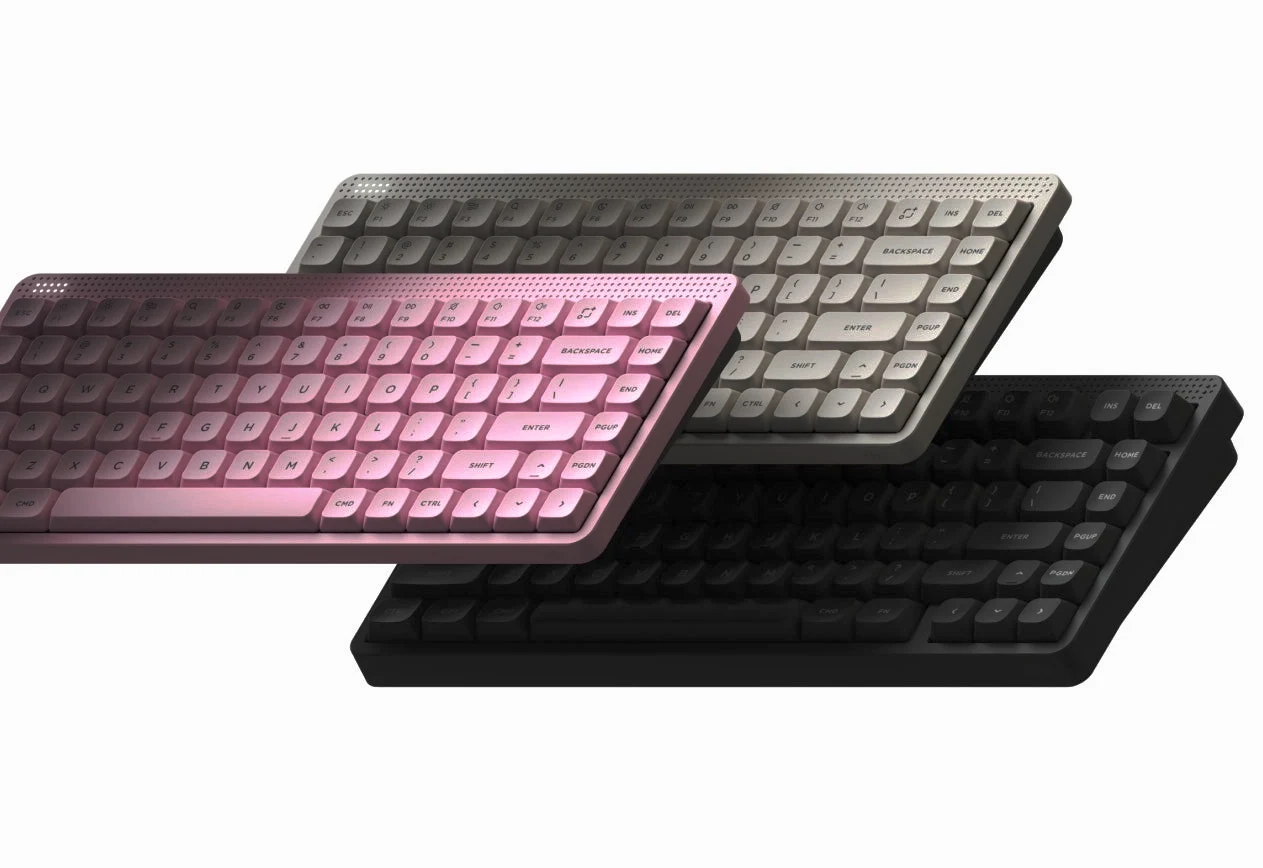
NuPhy has recently begun to tease the Node75, a wireless mechanical keyboard that draws inspiration from retro designs, featuring a distinctive, customizable panel akin to the Apple Touch Bar situated above the F row. The keyboard manufacturer has now officially opened pre-orders for the Node75, presenting a variety of intriguing details about this forthcoming product. Current pre-orders are priced at $99.95, which positions the Node75 as an almost budget-friendly choice for both gamers and productivity users.
Details on Versions and Specifications
Previously, NuPhy disclosed that the Node75 would come in both full-height and low-profile versions, equipped with Gateron’s Low-Profile 3.0 Nano and Max switches. Now, they have shared the complete specifications for the Node75, hinting at impressive battery life, a sleek design, and the materials and design philosophy behind the case.
As mentioned earlier, the Node75 is available for $99.95, and NuPhy seems to be prioritising typing experience, aesthetics, and portability. While the long-travel, low-profile switches focus on both feel and sound, the Node75’s full-height version weighs 829 g, while the low-profile version is lighter at 659 g. Although it’s not as light as some alternatives like the Logitech MX Keys S at 506 g (currently priced at $99.99 on Amazon) or the 425 g Keychron B2 Pro (currently $39.99 on Amazon), the Node75 remains relatively light for a mechanical keyboard, especially when compared to the 1,030 g low-profile Iqunix Magi65 Pro we reviewed.
Weight and Features
The weight likely stems from its ABS casing, though the low-profile Node75 sacrifices 1,000 mAh of battery capacity (25% smaller than the full-height version) to achieve a lighter weight. This change will probably lead to a decrease in battery life for the low-profile model. The Node75 features a gasket mount and a PC plate, which typically provide a clean and responsive sound profile based on our evaluations of similar keyboards. The ABS case also allows NuPhy to integrate handy features, such as a hardware power and connectivity switch and built-in flip-out feet for enhanced comfort. As we noted in our recent tests of keyboards like the Keychron C1 Pro 8K, plastic keyboards can offer satisfying typing feedback and strong build quality.
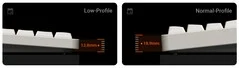
Remarkably, NuPhy has kept the front height low for both the low-profile and full-height iterations of the Node75, with the low-profile version measuring just…
Customisation Options
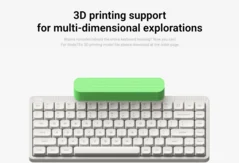
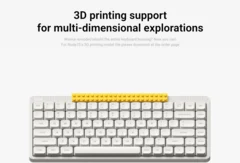
Similar to the NuPhy Kick75, which we found enjoyable during our tests, NuPhy has released 3D models for the Node75, enabling deeper personalisation and customisation, which is always a welcome addition. The 3D models include a pen dock, bar tray, phone stand, display dock, brick mount (for Lego bricks), cap mount, and a card rest. If you have the skills or ambition, you can use or modify these components to create your own add-ons for the Node75.
When NuPhy first teased the Node75, it appeared that the entire top bar to the right of the small LED matrix would be touch-sensitive. However, the latest details shared along with the pre-order page clarify that the Apple Touch Bar-style touch surface only covers a small area of that top bar in the top right corner. Interestingly, NuPhy has added two tactile bumps to mark the beginning and end of the touch area. With the right-side placement, this touch bar is designed to act as a replacement for a knob.
Touch Surface and Desk Mats
This touch area is customisable through NuPhyIO, the browser-based customisation tool from NuPhy, which allows you to set up both tap and swipe gestures, placing the touch area on par with most knobs found on other mechanical keyboards.
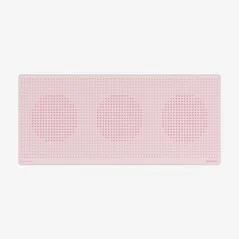
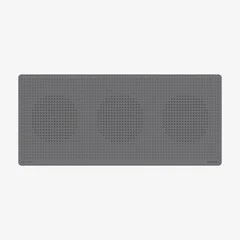
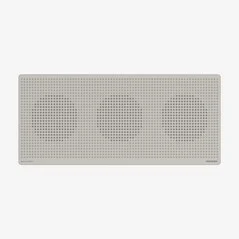
Additionally, NuPhy has introduced three new desk mat designs that are colour-matched to the Node75, featuring the same dot matrix pattern seen on the top of the Node75’s case. These desk mats are the same dimensions as NuPhy’s standard 900 mm x 400 mm x 4 mm mats and are available for $23 when bundled with the Node75.
Source:
Link