Key Takeaways
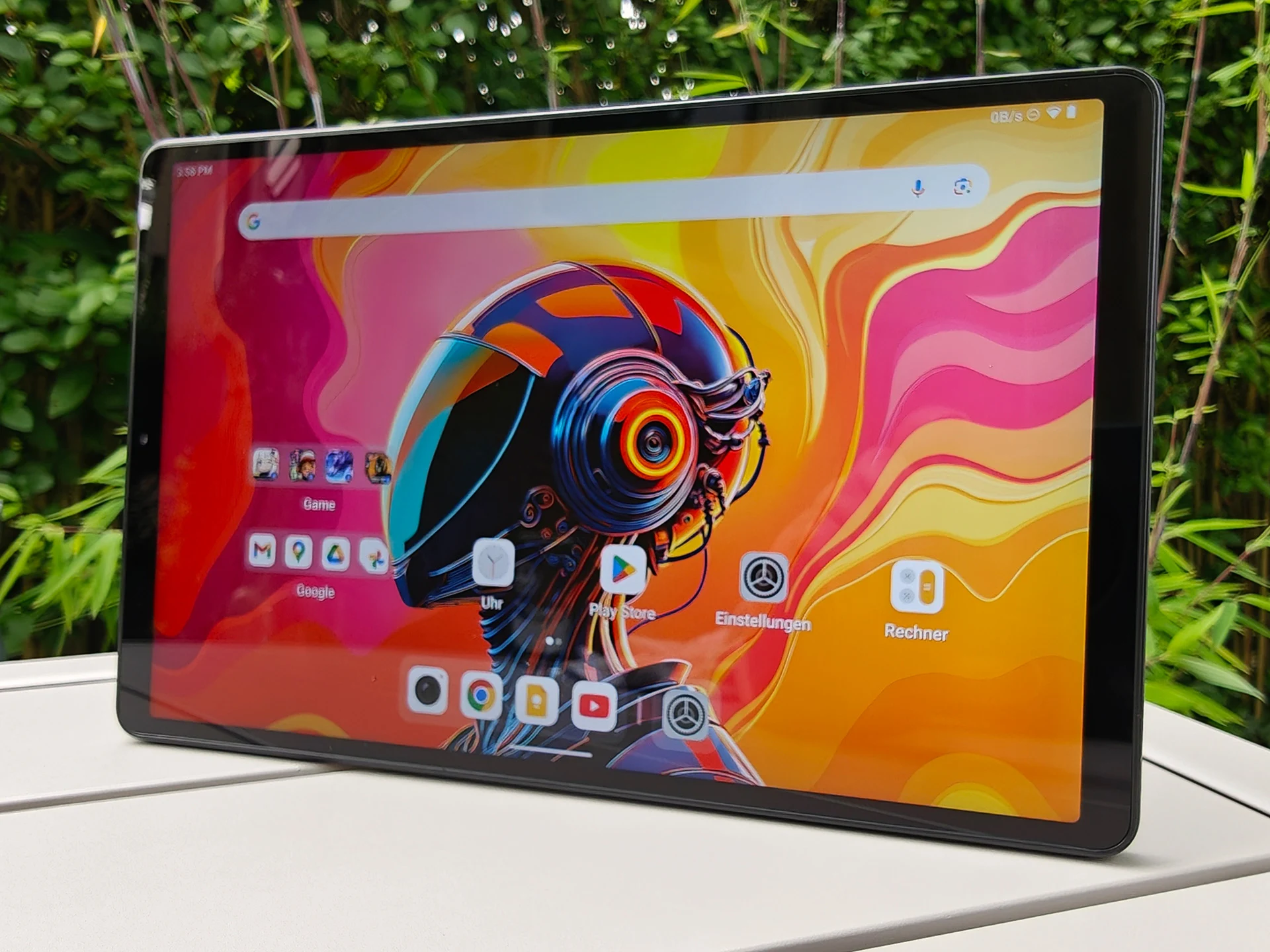
1. Display Quality: The tablet features an 8.8-inch LTPS screen with clear visuals, an 83% display-to-body ratio, and good brightness for indoor use.
2. Performance Specs: It is powered by a Snapdragon 7+ Gen 3 chip, with 12 GB of RAM and 256 GB of expandable storage via microSD.
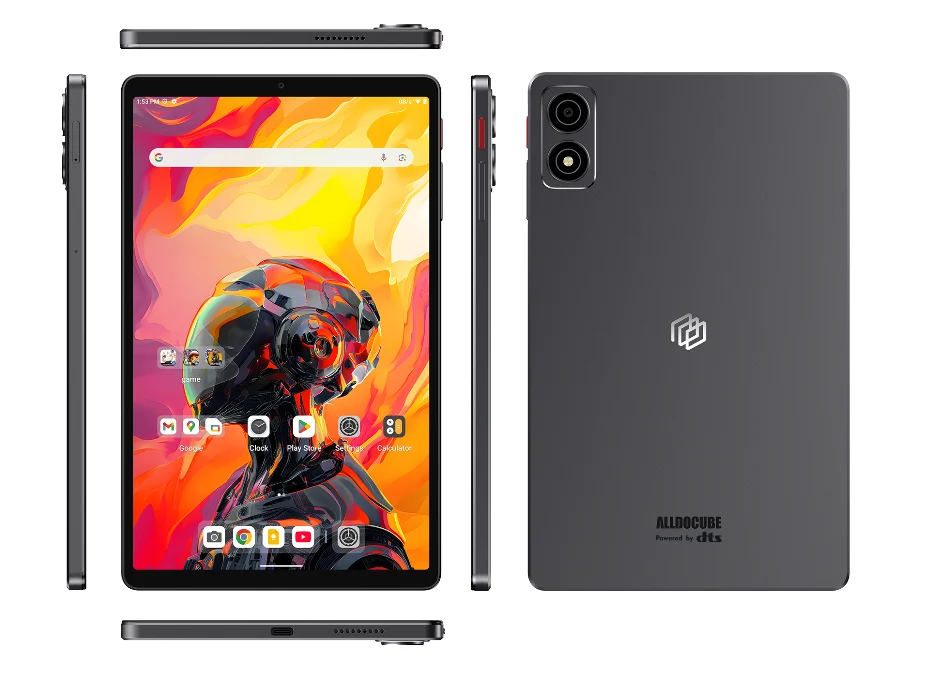
3. Build and Design: The dark grey aluminium unibody design is lightweight at 335 grams but may show display distortions under pressure.
4. Camera Capabilities: The front camera is suitable for video calls, while the rear camera performs well in bright conditions but struggles in low light; it supports Ultra HD video recording.
5. Software Support: Runs on Android 14 with Alldocube OS 3.0L, expected to have a five-year support period, though major updates are not guaranteed.
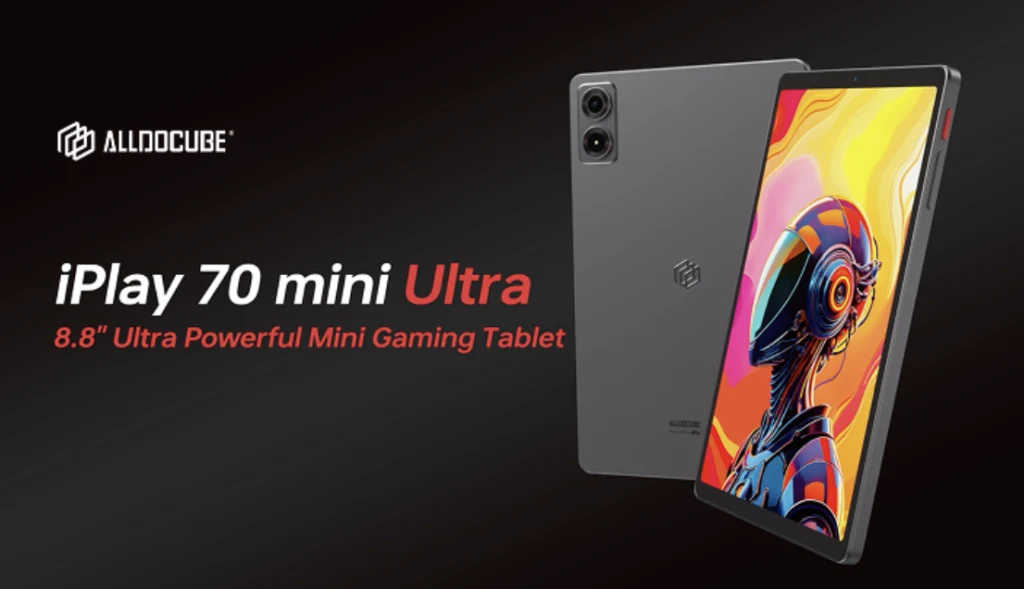
The Alldocube iPlay 70 mini Ultra is a small Android tablet that features an 8.8-inch LTPS screen, providing clear and vibrant visuals. It runs on a Snapdragon 7+ Gen 3 chip, complemented by 12 GB of RAM and 256 GB of internal storage, which can be expanded using a microSD card.
Design and Build Quality
Its design showcases a dark grey aluminium unibody, making it relatively light at 335 grams. With an 83 percent display-to-body ratio, the front appears sleek, and the overall build quality feels premium. However, when significant pressure is applied, the display may exhibit some wave-like distortions. For connectivity, it includes USB 3.2 (Gen. 1) that supports wired image output. The device has a strong, albeit somewhat inaccurate, vibration motor, but it lacks biometric unlocking features.
Software and Updates
On the software front, the tablet operates with Android 14 and is layered with Alldocube OS 3.0L. While the manufacturer hasn’t provided detailed information regarding updates, the energy label suggests a five-year support period, likely without significant version upgrades.
Camera Performance
The front-facing camera is adequate for basic video calls in Full HD, though it doesn’t produce very bright or detailed images. The rear camera can be used for documentation in well-lit environments, but struggles with noise in low-light situations; it does support Ultra HD video recording. The camera application includes limited settings, some of which are poorly translated.
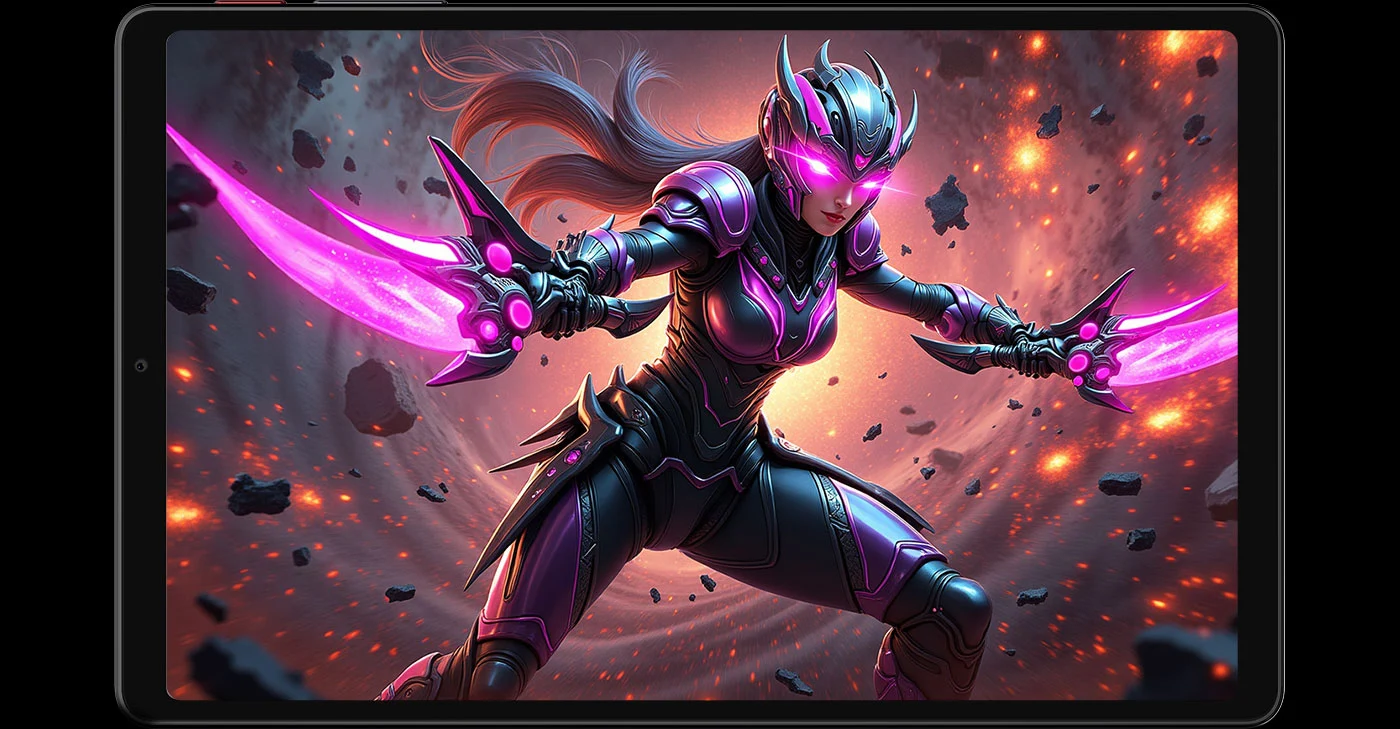
The display stands out for its sharp visuals and excellent contrast, though the black level is slightly elevated. Brightness levels are adequate for indoor settings and shaded outdoor areas, but the minimum brightness could be lower. Colors are cool and highly saturated, which generally isn’t an issue for daily tasks.