Tag: HP EliteBook

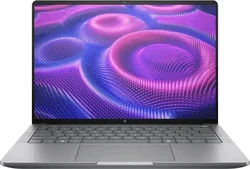
  • HP Updates Business Laptops with AMD Gorgon and Intel Processors

    HP Updates Business Laptops with AMD Gorgon and Intel Processors

    Key Takeaways

    1. HP has launched the EliteBook 6 series and the EliteBook G2q while phasing out the EliteBook 8 G1.
    2. The EliteBook 8 G2a features AMD’s Gorgon Point platform, while the EliteBook 8 G2i is expected to have Panther Lake processors.
    3. The EliteBook 8 G2i offers more size options and configurations compared to the AMD version.
    4. Display options for the new models include up to 2.5K resolution and 120 Hz VRR, with both IPS and OLED available.
    5. Storage options for the EliteBook 8 G2 models range from 256 GB to 1 TB, with sales set to begin in April and pricing yet to be announced.


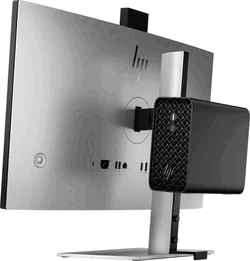
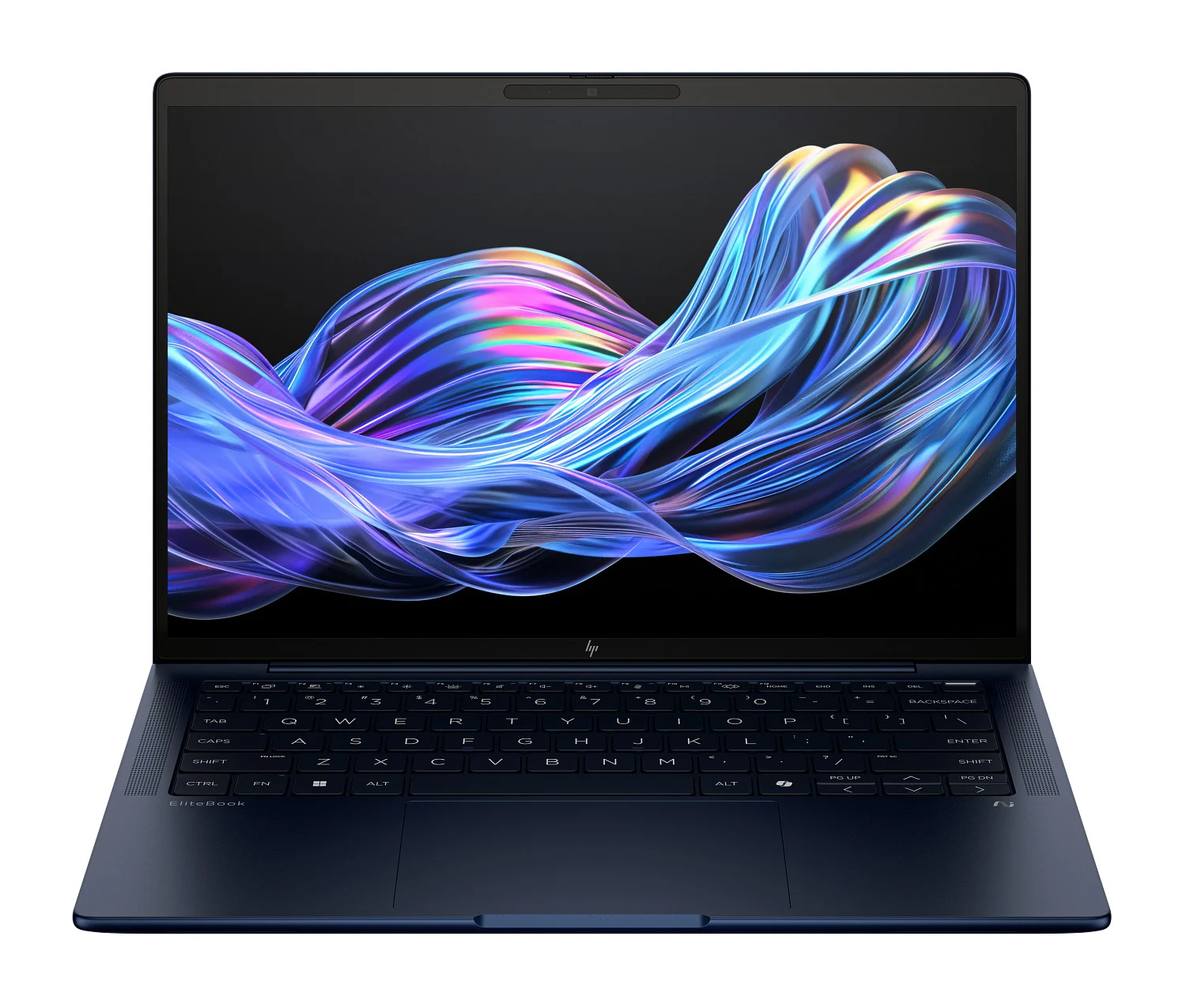
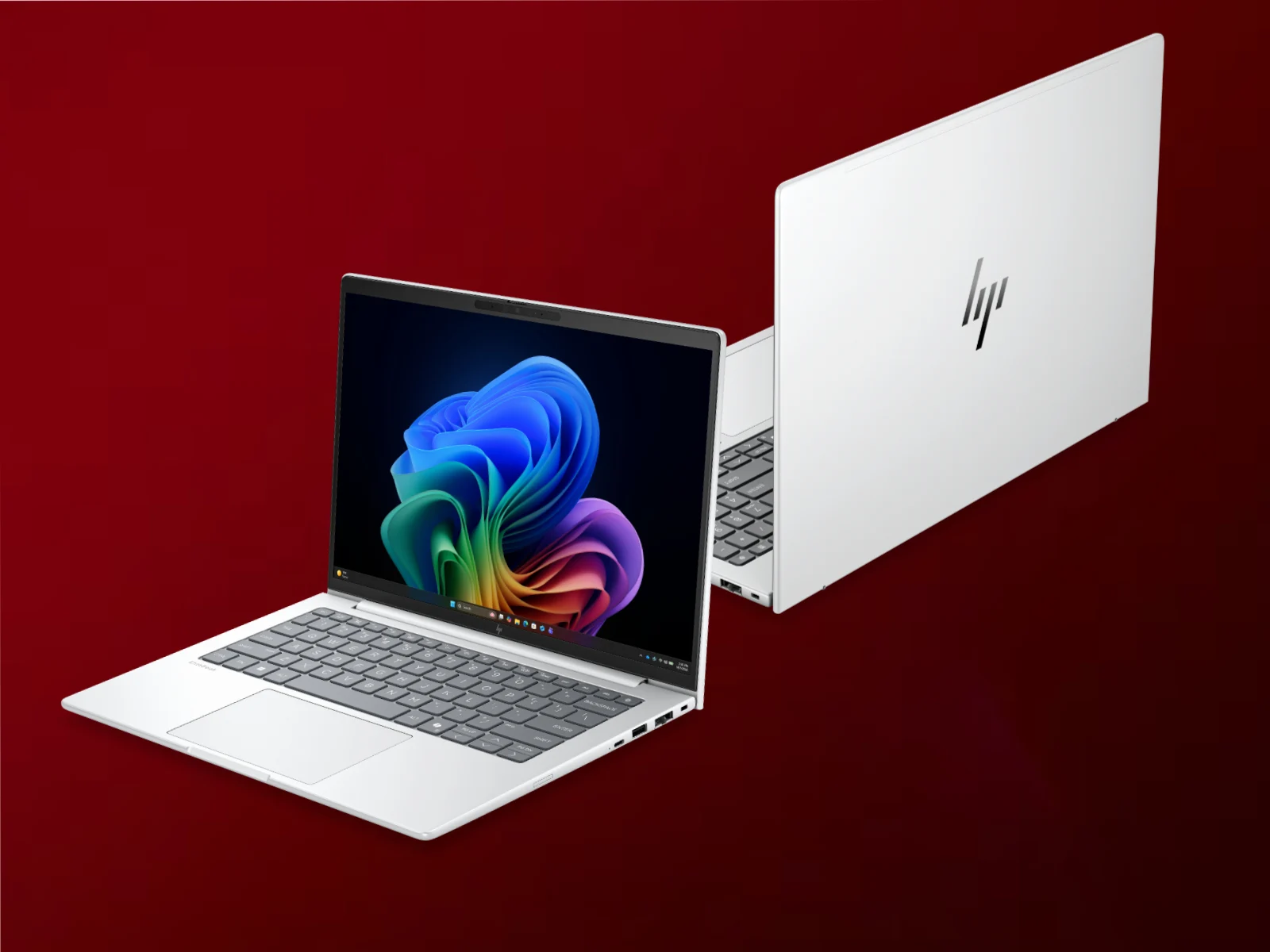
    HP has updated its EliteBook lineup with new laptops and desktops. They have launched the EliteBook 6 series, and the EliteBook G2q is also part of the refresh. Furthermore, the company has phased out the EliteBook 8 G1, previously equipped with AMD Strix Point, Intel Arrow Lake-U, and Intel Lunar Lake processors, which is currently priced at $2,039 on Amazon.

    Processor Details

    At this moment, HP is keeping hush-hush about the processors used in the EliteBook 8 G2a and EliteBook 8 G2i. It appears that the EliteBook 8 G2a incorporates AMD’s Gorgon Point platform, offering only slight advances in performance or efficiency compared to Strix Point. In contrast, the EliteBook 8 G2i is expected to feature Panther Lake processors, with HP hinting at unconfirmed Core Ultra 5 and Core Ultra 7 SKUs.

    Size and Variants

    The EliteBook 8 G2i is available in a greater variety of sizes than the AMD version. HP has launched the EliteBook 8 G2a and EliteBook 8 G2i in several configurations:

    All variants can be customized with various display options, reaching up to 2.5K and 120 Hz VRR for the 14-inch and 16-inch models. HP has stated that both IPS and OLED displays will be available at launch. Further distinctions include soldered LPDD5X-8533 RAM for certain SKUs and user-upgradeable DDR5-5600 or DDR5-6400 RAM for others.

    Storage and Availability

    Every EliteBook 8 G2 model should also offer storage configurations ranging from 256 GB to 1 TB. Currently, HP plans to start selling the EliteBook 8 G2a and EliteBook 8 G2i in April. However, the pricing details are still not disclosed at this point.
  • Top AI Workstation Processors 2025: AMD Ryzen vs. Intel

    Top AI Workstation Processors 2025: AMD Ryzen vs. Intel

    Key Takeaways

    1. Advantages of Local Processing: Local processing offers faster responses, offline operation, and reduced data leak risks, making it ideal for sensitive industries.

    2. Cost Efficiency: Local AI avoids unpredictable costs of cloud services and provides better value for teams that use AI regularly, as it combines fixed capital and management expenses.

    3. Importance of NPU: A Neural Processing Unit (NPU) is crucial for efficient processing tasks like note-taking, while GPUs remain essential for image and 3D tasks.

    4. TOPS Requirement Alignment: Evaluate your TOPS needs based on whether your workload relies more on NPU or GPU capabilities, rather than focusing on a single performance figure.

    5. Compatibility and VRAM Needs: Ensure your applications support ARM architecture and consider using GPUs with 16–24 GB of VRAM for demanding tasks like 3D modeling and video enhancement.


    Local processing is the key to efficiency; don’t just go by a single figure. It’s important to concentrate on how well the workload fits the hardware.

    Benefits of Local Processing

    By using local processing, you can achieve quicker responses, maintain operations without the internet, and lower the risk of data leaks. This is especially important for sensitive industries like healthcare, finance, government, law, research and development, and media. In these areas, data sovereignty is vital, making cloud-free AI often the safest and most compliant option. This is ideal for small and medium-sized businesses that are standardizing their devices for hybrid work and home office setups.

    Cost Efficiency with Local AI

    Local AI helps avoid unexpected costs associated with pay-per-token services and keeps intellectual property secure. When you consider the costs, think of it as fixed capital expenditure (for the device) plus management expenses, compared to fluctuating costs of cloud APIs. For teams that interact with AI daily—like those in support, sales, or back office roles—on-device solutions frequently provide better value as they scale.

    The Need for an NPU

    Is an NPU really necessary? Absolutely—for tasks that require quiet and efficient processing, like note-taking, summarizing, and noise cancellation. However, for tasks involving images or 3D processing, the GPU still takes the lead.

    Understanding TOPS Requirements

    How many TOPS do you actually need? Instead of focusing on a single figure, align your needs with whether your workload relies more on an NPU or a GPU.

    Compatibility with ARM Architecture

    Will your applications work on ARM (Snapdragon X)? Many current applications do, but it’s wise to verify that your essential apps have native support or understand the potential drawbacks of emulation.

    GPU VRAM Needs

    When should you opt for a GPU with 16–24 GB of VRAM? This is necessary for tasks related to 3D modeling, video enhancement, and larger generative models.

    HP’s Naming Confusion

    Are you puzzled by HP’s new G1i/G1a/G1q naming convention? Check out our HP EliteBook guide, which clarifies this new naming system (Intel = G1i, AMD = G1a, Qualcomm = G1q).

    Explore Top Workstations

    Find the best workstations from HP, Lenovo, Dell, and Microsoft at TechOutlet.eu—designed for AI, hybrid, and remote work. Increase your productivity, enhance data security, and ensure reliability today. Check out our entire workstation selection for your team’s future-ready success!


  • Top HP 14-Inch EliteBook Laptops of 2023: Naming Confusion Explained

    Top HP 14-Inch EliteBook Laptops of 2023: Naming Confusion Explained

    Key Takeaways

    1. The HP EliteBook 14-inch models include the EliteBook X G1i 14, EliteBook Ultra G1i 14, and EliteBook X G1a 14, which have similar designs, making them hard to tell apart.
    2. The EliteBook X G1i 14 has extra ports and offers up to 120 Hz IPS display options, with impressive battery life lasting over 18 hours.
    3. The EliteBook Ultra G1i 14 features a 1800p OLED display, is the slimmest model, but has a smaller battery resulting in shorter battery life compared to the X G1i 14.
    4. The EliteBook X G1a 14 is the heaviest and thickest model, equipped with a powerful AMD Ryzen AI 9 processor, targeting power users and editors.
    5. Additional models like the EliteBook Ultra G1q 14 and EliteBook X Flip G1i add to the complexity of the HP 14-inch lineup, including Qualcomm and convertible options.


    HP’s laptop naming can be pretty puzzling, and the new 14-inch EliteBook models are no different. The EliteBook X G1i 14, EliteBook Ultra G1i 14, and EliteBook X G1a 14 are three separate devices that share similar design styles, making it hard to distinguish them visually. This article aims to clarify some of these variations to help those looking for a specific model.

    EliteBook X G1i 14

    The Intel-powered EliteBook X G1i 14 is a bit thicker and larger than the EliteBook Ultra G1i 14, but it provides extra ports along with AMD versions (known as EliteBook X G1a 14). It stands out by offering only 60 Hz or 120 Hz IPS display choices and lacks OLED options for better battery life—our tests indicate that it can last over 18 hours of actual web surfing, outpacing any of the three EliteBook models. Lunar Lake is standard with optional vPro capabilities.

    EliteBook Ultra G1i 14

    The EliteBook Ultra G1i 14 features the same Intel Lunar Lake CPU options as the EliteBook X G1i 14, but it comes with a standard 1800p OLED display to set it apart from the others. It’s the slimmest model of the group and can be seen as the “better” version of the EliteBook X G1i 14 due to its sleeker design and superior display quality. However, it includes a slightly smaller battery (64 Wh compared to 68 Wh), resulting in a shorter battery life by several hours.

    EliteBook X G1a 14

    Among the three, this model is the heaviest and thickest as it features the Ryzen AI 9 HX PRO 375, which is one of AMD’s fastest mobile Zen 5 processors. As a result, it aims at power users and editors who need more performance compared to the slower Lunar Lake options mentioned earlier.

    We suggest looking at our detailed reviews on the EliteBook X G1i 14, EliteBook Ultra G1i 14, and EliteBook X G1a 14 to understand the models and their distinctions better. It’s also important to mention that there are Qualcomm and convertible versions called the EliteBook Ultra G1q 14 and EliteBook X Flip G1i, respectively, which make the 14-inch HP lineup even more complicated.

  • EliteBook X G1i 14 vs. EliteBook Ultra G1i 14: Which to Choose?

    EliteBook X G1i 14 vs. EliteBook Ultra G1i 14: Which to Choose?

    Key Takeaways

    1. Dell has simplified its laptop naming system, moving from names like “XPS” and “Inspiron” to “Pro” and “Plus.”
    2. HP retains its complex naming system, but many models are becoming hard to differentiate due to similar designs and specs.
    3. Examples like the HP Envy x360 16 and HP OmniBook X Flip 16 show how different models can have nearly identical features and pricing.
    4. The HP EliteBook X G1i 14 and EliteBook Ultra G1i 14 illustrate that small differences in specs can confuse customers.
    5. HP may need to consider merging model names or types to enhance clarity for consumers during their shopping experience.


    Dell has made a significant change this year in how it names and organizes its extensive range of laptops. Famous names like “XPS” and “Inspiron” have been replaced with simpler terms like “Pro” and “Plus.” In contrast, HP continues with its existing naming system, but the growing number of laptops is making it increasingly hard to keep track, especially since many models look quite alike.

    Confusing Model Variations

    A recent example is the HP Envy x360 16 and the HP OmniBook X Flip 16. Both of these 16-inch convertibles have identical ports, the same battery capacity, and very similar sizes and weights. Their differences are mainly in the keyboard frames, minor design elements, selection of processors, and display types. One might think that one model would be priced significantly higher than the other, yet they typically fall within the same price range of around $1000 USD during sales.

    Similar Yet Different

    Another case is the HP EliteBook X G1i 14 alongside the HP EliteBook Ultra G1i 14. These two 14-inch models are also very alike in appearance and internal specs. The “X” version offers a 1200p IPS touchscreen, while the “Ultra” provides a superior 1800p OLED touchscreen. There are tiny differences in battery capacities (64 Wh versus 68 Wh), weight (2.60 lbs compared to 2.63 lbs), and thickness (0.48 inches against 0.59 inches).

    For many customers looking for a new HP laptop, distinguishing between certain models can be tough without closely examining the specs or images. The names “Ultra,” “X,” “Envy,” and “OmniBook” don’t effectively highlight the differences between entry-level and premium models. HP might want to think about combining some names or models to make the shopping experience easier for everyday consumers.