
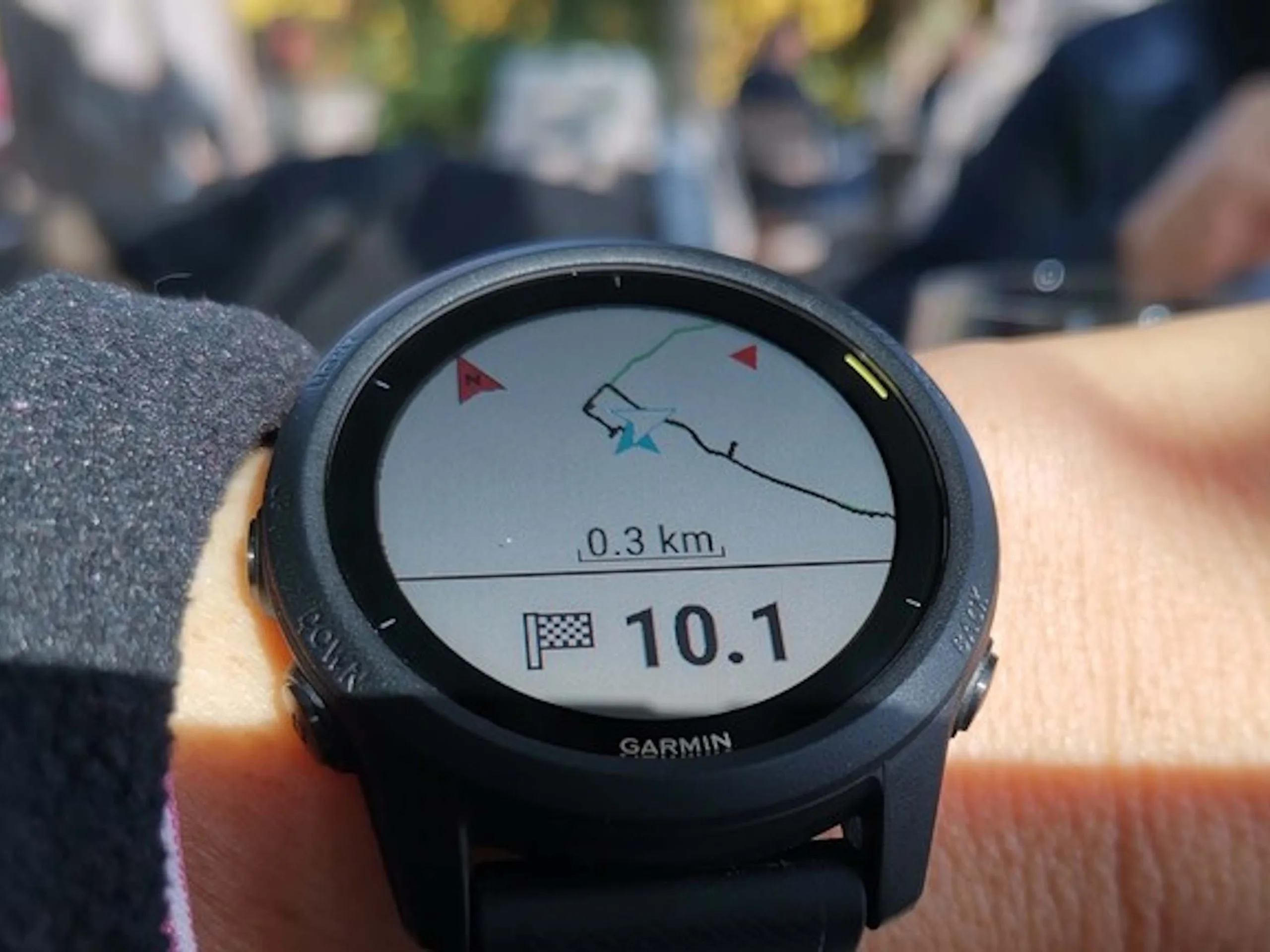
1. garmin-health-data simplifies exporting Garmin Connect data into a local, flexible SQLite database for easier analysis.
2. Supports multiple accounts and various data types, including activity metrics and health parameters like heart rate variability.
3. The Python-based tool is easy to install, with features such as error handling and resumable downloads to enhance user convenience.
Introducing Garmin Data Export Simplified
Garmin Connect is a popular platform that gathers data from users wearables like fitness trackers and smartwatches. This data can span years, even decades, providing a rich history of health and activity info. But, the problem is that the built-in options for exporting this info are often slow and complicated to use. Many people have tried finding better methods to analyze their workout and health data outside Garmin Connect, but it remains a challenge. Thankfully, a new tool called garmin-health-data has come to make this much easier. This program lets users directly export their Garmin data into a local database, which is super useful for doing more detailed analysis later on.
Why Use garmin-health-data?
What makes garmin-health-data cool is that it supports not just exercise data but also health stats like heart rate variability. The project is coded in Python, which makes it pretty easy to install even for those not super tech-savvy. Once set up, it stores all your info into one simple SQLite database file. This means you can gather data from multiple Garmin accounts—maybe for the entire family or a running club—into a single place. Plus, the tool has some helpful features to save you trouble, like handling errors quietly so the whole process doesn’t break if one part runs into a problem. And if your download gets cut off unexpectedly, you can pick right back up without starting all over again.
Technical Details and Usage
The software’s main strength is its straightforward approach to gathering Garmin data efficiently. It’s built with convenience in mind, so users can manage large datasets seamlessly. The project, supported by the PyPi package repository, is well-documented and simple to deploy. Users can customize their data extraction, focusing on certain types of metrics if needed. The database created is flexible enough to empower complex analysis, including AI methods, though leveraging new tech ideas like large language models is optional. This way, users can turn their data insights into actionable health and fitness plans or even just better visualizations of their progress.
Summary and Final Thoughts
Ultimately, garmin-health-data represents a significant upgrade from traditional, cumbersome data exporting routines. Its ability to integrate multiple accounts, handle errors gracefully, and resume interrupted downloads make it a valuable tool for health enthusiasts and data scientists alike. Whether you’re a casual user wanting to review your weekly activity or a researcher analyzing long-term health trends, this software caters to a broad audience with its flexible and user-friendly design.