
Key Takeaways
1. The Samsung Galaxy S26 Ultra is priced at $1,299 and includes pre-installed bloatware from companies like Meta and Microsoft.
2. Pre-installed apps vary by region, and users cannot choose which third-party apps to install during setup.
3. The device includes redundant applications, such as both Samsung and Google browsers or email clients.
4. Pre-installed apps take up 17 GB of space, adding to the 24 GB used by the operating system.
5. Concerns exist about background services that may send data to external servers, prompting users to consider disabling them for privacy.
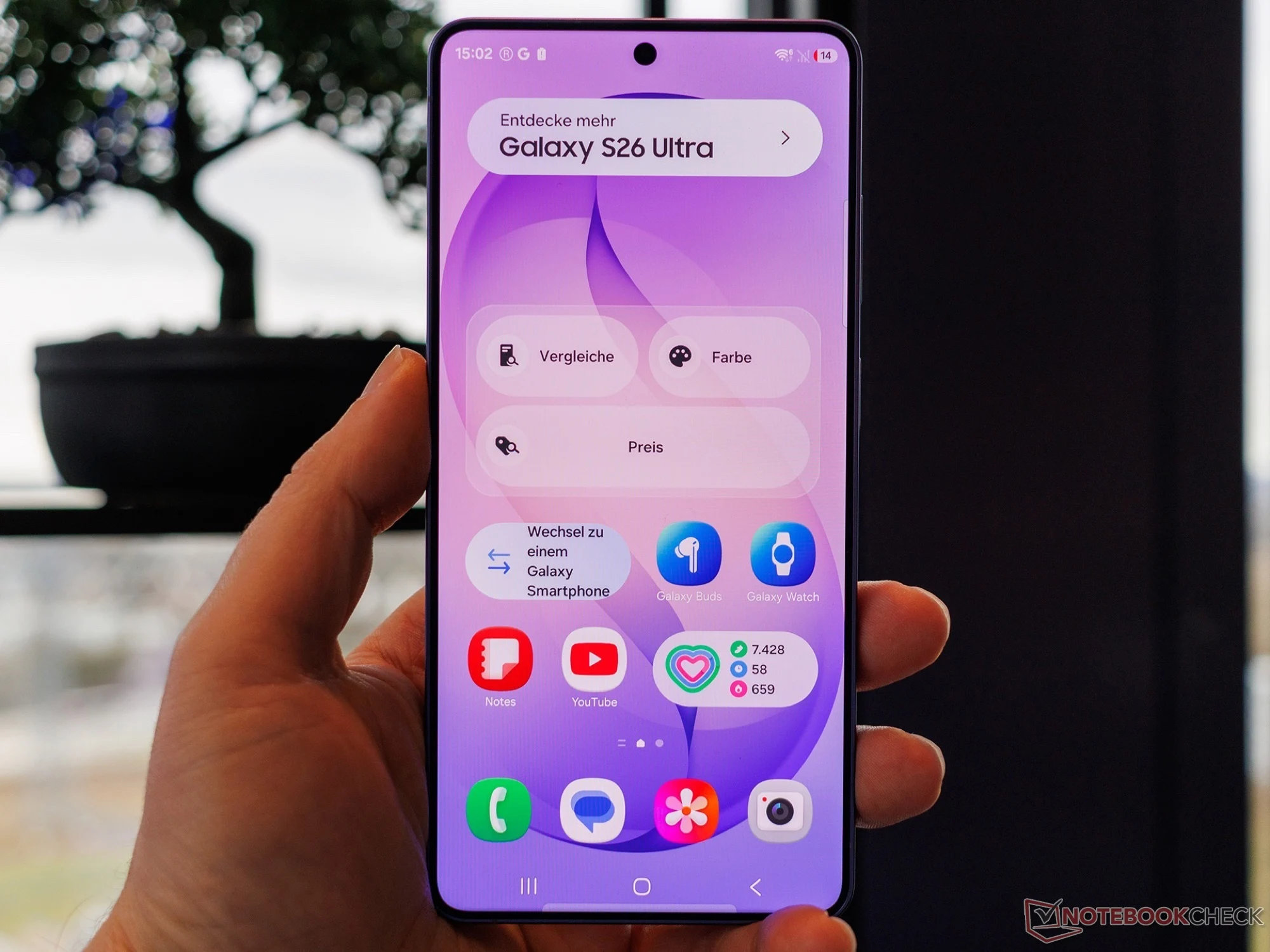
The Samsung Galaxy S26 Ultra, priced at $1,299 on Amazon, stands out as one of the pricier flagship smartphones available today. However, it seems that Samsung is making extra profit by pre-installing bloatware from companies like Meta and Microsoft. Android Authority has successfully acquired a Samsung Galaxy S26 Ultra from various retailers and discovered at least eight applications from three external providers that come already loaded on the device.
Regional Variations
The specific apps that come pre-installed can vary based on the region where the smartphone is bought. Samsung does not allow users to select which third-party applications they want during the setup process, effectively imposing these apps on customers without any option to opt out. Moreover, there are some Samsung and Google applications that are redundant, such as having both the Samsung browser and Google Chrome, the Samsung Galaxy Store alongside the Google Play Store, or even both Outlook and Gmail.
Memory Usage Concerns
The pre-installed apps alone occupy 17 GB of space on a brand new Samsung Galaxy S26 Ultra, in addition to the roughly 24 GB taken by the operating system. Users on Reddit have also voiced concerns that Samsung activates multiple background services by default, some of which are necessary for AI functions but may also send data to external servers. Given that Samsung has previously released smartphones with spyware, it is wise to disable these background services in the system settings, especially if personal data is stored on the device.
Source:
Link