
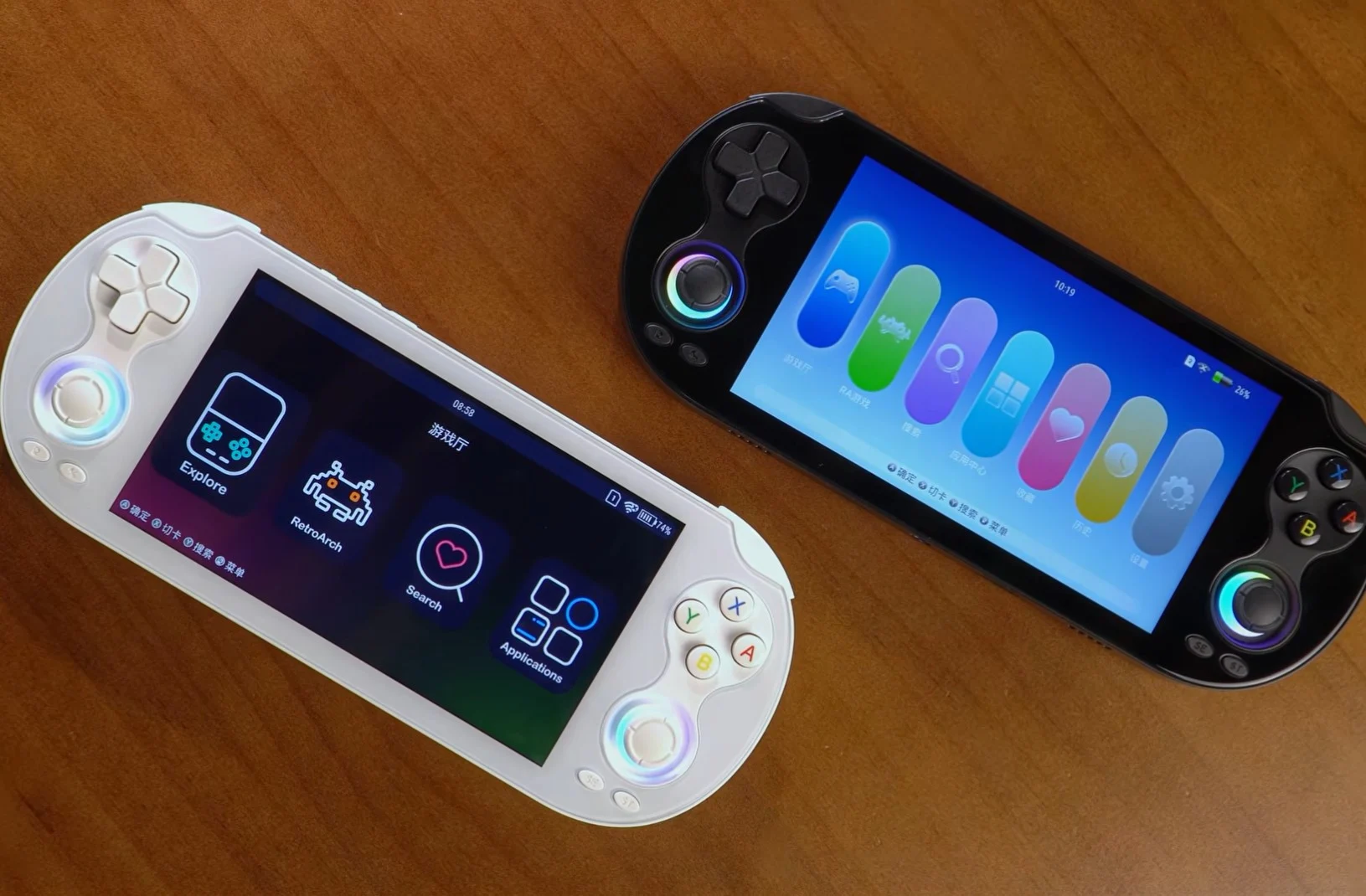
– New Linux V1.0.1 update for the RG Vita Pro adds a Screen Timeout menu, shutdown icon, and redesigned button test menu.
– Two new themes (Aurora and Vita) let users switch from the default Anbernic UI.
– Emulators for Dreamcast, Sega Saturn, and Nintendo 3DS now allow menu access during gameplay.
– Update requires manual download (2.34GB) and copying to a 16GB+ microSD card.
New Update for Handheld
A software update from Anbernic has been realesed for the RG Vita Pro handheld, its second one inside a month. But while the last update was for the Android OS partition, this new one is for the Linux partition since the gadget dual-boots Android and Linux.
Whats Included in Linux V1.0.1
The update comes as Linux V1.0.1, and looking at the changelog, theres now a Screen Timeout menu located in System Settings. It has also added a shutdown icon, updated the “System Rescue” feature to include a confirmation step, and also updated the App manager. The update brings a redesigned button test menu that can be accessed from the App Center.
Emulator and Theme Changes
A list of the changelog also mentions new additions to the preinstalled emulators like the ability to bring up the menu while playing games for the Dreamcast, Sega Saturn, and Nintendo 3DS emulators. But the most noticeable change is adding two new themes called Aurora and Vita. These themes let users switch from the default Anbernic UI that ships with the RG Vita Pro.
- Screen Timeout menu
- Shutdown icon added
- Updated System Rescue
- Redesigned button test menu
- New themes: Aurora and Vita
How to Get This Update
Like some of its previous updates, this one needs to be manually downloaded and copied onto a microSD card with a minimum of 16GB capacity. The download file is around 2.34GB in size and can be accessed from the provided location.