Tag: drawing tablet

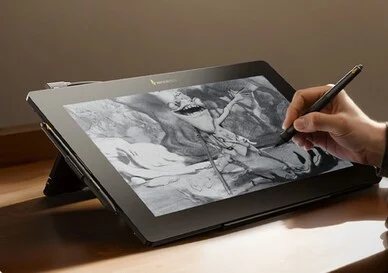
  • Xencelabs Pen Display 16 Lite: 16″ 4K Drawing Tablet with Styluses

    Xencelabs Pen Display 16 Lite: 16″ 4K Drawing Tablet with Styluses

    Key Takeaways

    1. The Xencelabs Pen Display 16 Lite features a 16-inch screen with a high resolution of 3,840 x 2,160 pixels, surpassing competitors like the Wacom Cintiq 16.
    2. It offers excellent color accuracy, covering up to 98% of DCI-P3 and Adobe RGB color spaces, but has a peak brightness of 170 nits, limiting outdoor usability.
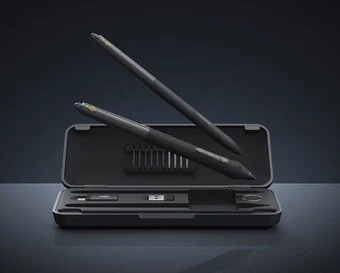
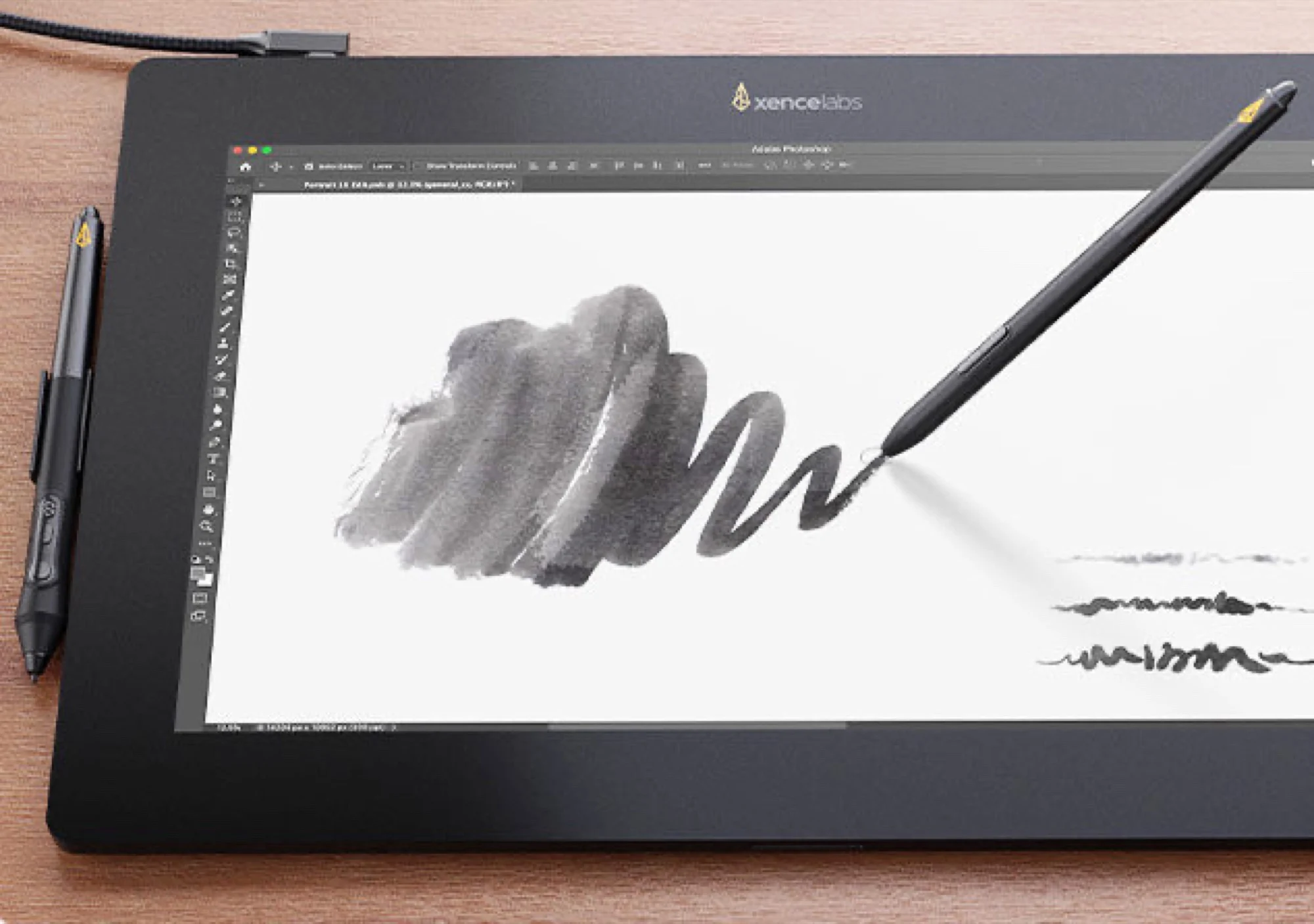
    3. The tablet has a textured anti-glare surface for a natural drawing feel and comes with two styluses of different grip thicknesses.
    4. Weighing 1.2 kg and 12 mm thick, it requires a USB-C connection to a computer and features a metal backplate for passive cooling.
    5. The current price is $749, down from $799, and it’s compatible with Windows, macOS, Linux, and Snapdragon-based laptops.


    The Xencelabs Pen Display 16 Lite is an innovative drawing tablet featuring a 16-inch screen that boasts a remarkable resolution of 3,840 x 2,160 pixels. This quality really makes it stand out among other options in its price range. For instance, the Wacom Cintiq 16, which sells for around $700 on Amazon, only offers a QHD display.

    Display Quality

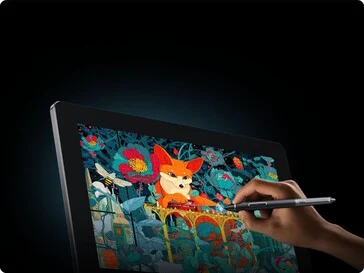
    Official specifications suggest that the display provides excellent color accuracy, with coverage of up to 98% for both the DCI-P3 and Adobe RGB color spaces. However, it has a peak brightness of only 170 nits, which is not ideal for outdoor use in bright sunlight. The refresh rate is also on the lower side at 60 Hz. The anti-glare surface is a bit textured, giving a more natural feel while writing or drawing. Additionally, Xencelabs provides two styluses with varying grip thicknesses.

    Design and Connectivity

    With a thickness of 12 mm (0.05 in) and a weight of 1.2 kg (2.64 lb), this drawing tablet does not have an internal battery, meaning it needs to be connected to a computer via USB-C. The device employs a metal backplate for passive cooling, allowing the Pen Display 16 Lite to run quietly without fans. It’s compatible with Windows, macOS, and Linux, as well as Snapdragon-based laptops.

    Pricing and Availability

    You can currently find the Xencelabs Pen Display 16 Lite on Amazon for $749, reduced from its previous price of $799. For more details about this product, visit the Xencelabs website.

    Source:
    Link


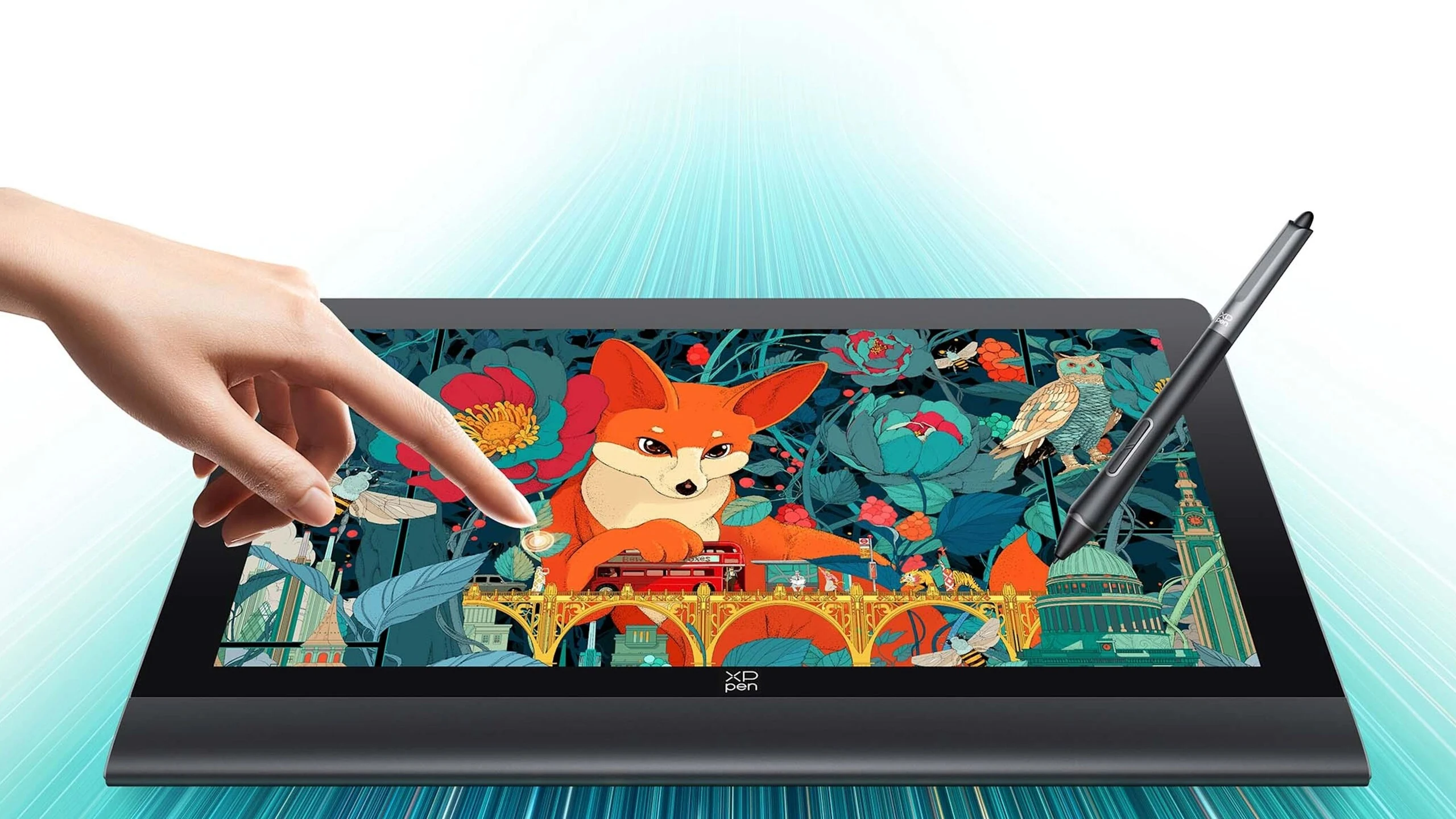
  • XPPen Artist 12 3rd: 16,384 Pressure Levels Drawing Tablet

    XPPen Artist 12 3rd: 16,384 Pressure Levels Drawing Tablet

    Key Takeaways

    1. The XPPen Artist 12 3rd features a pen with 16,384 pressure levels and a 0.2 mm accuracy at the center of the screen.
    2. The tablet has an 11.9-inch diagonal size, a resolution of 1920 x 1080 pixels, and covers 99% of the sRGB color space.
    3. It includes customizable physical buttons, a foldable stand, and a rotary dial for added convenience.
    4. The tablet is compatible with popular software like Blender 3D, Adobe Photoshop, Adobe Illustrator, and GIMP.
    5. It is currently priced at $216 and weighs 1.58 lbs, making it portable and easy to carry.


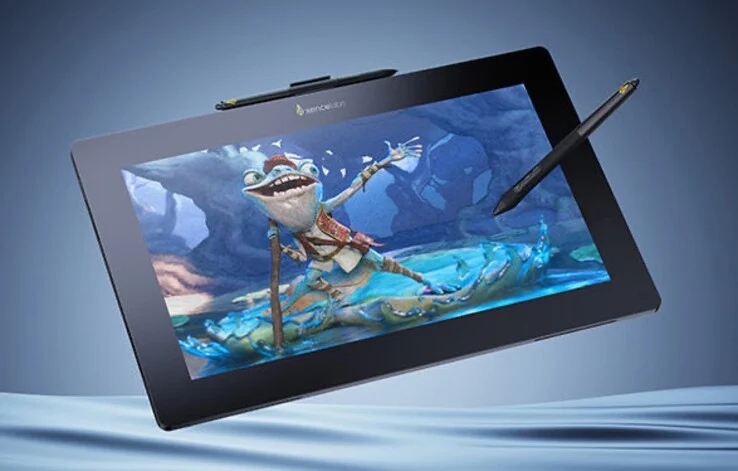
    XPPen is a popular brand that makes tools for people who enjoy drawing, whether for fun or as a job. Their latest product, the XPPen Artist 12 3rd, features a new display that works with pen input. The pen is capable of sensing 16,384 different pressure levels, and the company claims it has an accuracy of 0.2 millimeters, but this accuracy is only true at the center of the screen. The resolution is given as 5,080 LPI, which means there are 5,080 lines in every inch.

    Specifications and Design

    The tablet, known by the model number CD121FH, has a diagonal size of 11.9 inches and a resolution of 1920 x 1080 pixels. Its refresh rate is 60Hz. The display is said to cover 99% of the sRGB color space. XPPen claims a brightness level of 260 nits, which isn’t too bright. Weighing in at 1.58 lbs, and measuring 12.88 x 7.44 x 0.47 inches, it should be easy to carry around.

    Features and Compatibility

    On the left side of the tablet, there are several physical buttons that can be customized for specific functions, like the eraser tool. The tablet is reportedly compatible with various software programs, including Blender 3D, Adobe Photoshop, Adobe Illustrator, and GIMP. It also includes a foldable stand and a rotary dial for added convenience. Currently, the XPPen drawing tablet is available for sale directly from the manufacturer at a price of $216.


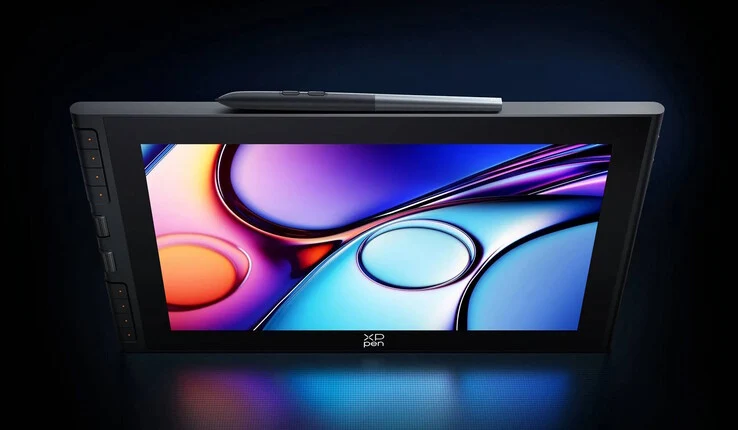
  • XPPen Artist Ultra 16: 4K AMOLED Tablet with Precision Stylus

    XPPen Artist Ultra 16: 4K AMOLED Tablet with Precision Stylus

    Key Takeaways

    1. XPPen’s latest product, the Artist Ultra 16, is a drawing tablet with a 15.6-inch AMOLED touchscreen.
    2. The tablet covers 99% of Adobe RGB and sRGB color spectrums, with color accuracy verified by Calman.
    3. It features a 4K resolution (3840 x 2160 pixels) and a refresh rate of 60Hz, suitable for artists rather than gamers.
    4. The pen input recognizes 16,384 levels of pressure and has a response time of under 1 millisecond.
    5. The Artist Ultra 16 is priced at $810 and is aimed at creative professionals in drawing and photo editing.


    We have talked before about the brand XPPen. This company specializes in accessories and displays, mainly aimed at professionals who engage in activities like drawing or photo editing. The latest addition to their lineup is the Artist Ultra 16, a drawing tablet that includes a touch screen compatible with pen input. This device has dimensions of 15.9 x 10.7 inches and features a 15.6-inch display. Utilizing AMOLED technology, it covers 99% of both the Adobe RGB and sRGB color spectrums. The screen is marketed as Calman verified, which is supposed to ensure that color accuracy is quite good right from the start. In the Adobe RGB space, the average color deviation is noted to be Delta E < 1.1.

    Display Specifications

    The tablet offers a 4K resolution of 3840 x 2160 pixels, and XPPen mentions a refresh rate of 60Hz. Although the Artist Ultra 16 doesn’t support higher refresh rates, which are more significant for gaming, this isn’t likely to be a big deal for artists. The screen’s brightness typically reaches 350 nits. When it comes to pen input, the panel can recognize 16,384 levels of pressure. The resolution is noted as 5080 LPI, meaning it can identify 5080 points for every inch. The deviation at the center of the display is less than 0.4 millimeters, and the pen input reacts in under 1 millisecond. This 4K AMOLED tablet also allows for multitouch input, accommodating up to ten fingers at once.

    Pricing and Availability

    You can purchase the model directly from the manufacturer for $810. XPPen continues to innovate in the field of drawing tablets, aiming to meet the needs of creative professionals.

    Source:
    Link


  • Wacom Launches 11.45-Inch MovinkPad Android Drawing Tablet for Artists

    Wacom Launches 11.45-Inch MovinkPad Android Drawing Tablet for Artists

    Key Takeaways

    1. The Wacom MovinkPad is an all-in-one drawing tablet priced at $449.95, featuring a high-resolution 2,200 x 1,440 IPS display with 90 Hz refresh rate and 99% sRGB color coverage.

    2. It includes the Wacom Pro Pen 3, offering 8,192 levels of pressure sensitivity and tilt functionality, without the need for charging or batteries.

    3. Powered by a Mediatek Helio G99 SoC with 8 GB RAM and 128 GB storage, the tablet runs on Android 14 and features Bluetooth 5.2 and 802.11ac Wi-Fi connectivity.

    4. The compact design measures 266 x 182 x 7 mm and weighs 588 g, equipped with multiple cameras, dual microphones, and a 7,700 mAh rechargeable battery.

    5. For professional software compatibility, users may consider alternatives like the Microsoft Surface Pro with Windows 11 for full versions of applications like Adobe Photoshop and Clip Studio Paint.


    Wacom has introduced a new all-in-one drawing tablet designed for artists, known as the MovinkPad (DTHA116CL0Z), priced at $449.95 (available here on Amazon).

    Impressive Display Features

    This Android tablet features a stunning IPS display with a resolution of 2,200 x 1,440 pixels, supporting 10-finger multi-touch input. With a refresh rate of 90 Hz, the screen covers 99% of the sRGB color space, offering a contrast ratio of 1200:1 and a brightness of 400 cd/m2. It also incorporates coatings that help reduce glare and fingerprints, ensuring a comfortable viewing experience.

    Advanced Pen Technology

    Included with the MovinkPad is the Wacom Pro Pen 3, which boasts 8,192 levels of pressure sensitivity and a resolution of 5,080 lines per inch. The pen allows for a tilt angle of up to 60 degrees and utilizes electromagnetic resonance technology, which means it doesn’t require charging or batteries. Users can buy various optional nibs to alter the pen’s feel on the screen, along with other compatible Wacom pens.

    Powerful Performance Specifications

    The tablet is powered by a Mediatek Helio G99 SoC running on Android 14, equipped with 8 GB of RAM and 128 GB of storage. Connectivity options include Bluetooth 5.2 and 802.11ac Wi-Fi. The Wacom UX interface gives users quick access to Wacom Canvas, a virtual sketchbook that helps capture spontaneous creative ideas. Additionally, a 2-year license for Clip Studio Paint Debut is bundled in. Users can also access all their artwork through Wacom Shelf, which can display files in formats like bmp, clip, heic, jpeg, png, tiff, and webp.

    Compact and Lightweight Design

    The Wacom tablet has dimensions of 266 x 182 x 7 mm (10.5 x 7.2 x 0.3 in.) and weighs 588 g (1.3 lbs.). It is equipped with a 5 MP front camera and a 4.7 MP rear camera, along with dual microphones, stereo speakers, an e-compass, a G-sensor, and an ambient light sensor. The device is powered by a 7,700 mAh battery that can be recharged via a USB-C power source.

    Alternatives for Professional Software

    For artists who need a tablet that supports all their professional software, such as full versions of Adobe Photoshop, Clip Studio Paint, and Corel Painter, they might want to consider a Microsoft Surface Pro with an Intel CPU running Windows 11.

    Source:
    link