Tag: Debian

  • Debian-Based Besgnulinux 4-0 Launches with Improvements

    Debian-Based Besgnulinux 4-0 Launches with Improvements

    Key Takeaway

    – Besgnulinux 4-0 is a Debian-based, lightweight distro (JWM, ~320 MB RAM usage; ~8 GB disk) targeting 64-bit systems, with a focus on staying fast on older hardware.
    – It uses Debian Trixie, kernel 6.12.90+deb13-amd64, Calamares installer, and supports both UEFI and BIOS GRUB installation; includes bes-own-dark and besgnulinux-dark themes.
    – Default credentials are besgnulinux/live; aims to minimize background processes for a cleaner, more stable user experience.
    – Downloadable as a single 2.7 GB ISO via SourceForge (version 4-0); older i386 version 02-09_0 available as a separate 2.4 GB ISO.


    Besgnulinux 4-0: A Lightweight Debian Spin for Old Hardware

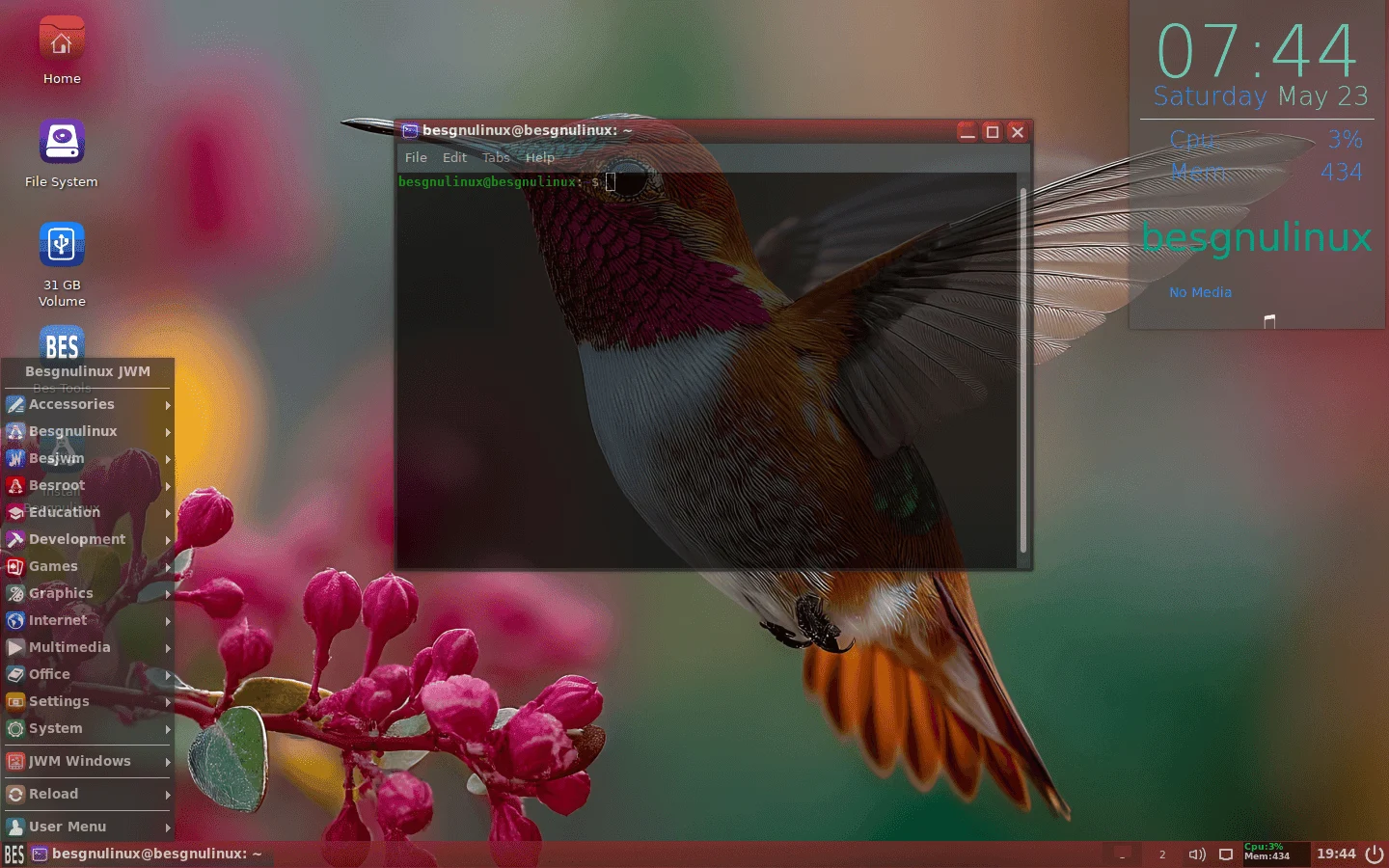
    Besgnulinux is a one-man effort based on Debian that aims to prevent old machines from becoming garbage “and making people happy with a light system” while also being “a source of happiness” for its users. Version 4-0 arrives based on a Debian Trixie core and uses JWM as its desktop environment. Targeting 64-bit processors, it needs roughly 8 GB of disk space and uses an average of 320 MB.

    System Core and Requirements

    In addition to the above, it should also be mentioned that Besgnulinux 4-0 runs on the 6.12.90+deb13-amd64 kernel, uses the Calamares installer, rocks the bes-own-dark icon theme alongside the besgnulinux-dark, and it supports Grub installation via UEFI and BIOS. Those who take it for a spin should keep in mind that the user name and password are “besgnulinux/live” and, according to its maker, this version “has been purged of leaking, conflicting, or background processes” to provide the best experience possible.

    Updates and Visuals

    The update comes with several visual improvements and plenty of package replacements, such as:

    Besgnulinux is available for download via SourceForge. There is a single ISO file for version 4-0 and it has 2.7 GB in size. However, those who might want to try older versions can also find them available. An intriguing choice is version 02-09_0, which runs on the old i386 architecture and comes in the shape of a 2.4 GB ISO file.

     

    Sources
  • Debian 13.4 Trixie-Based antiX 26: Updated Packages and Fixes

    Debian 13.4 Trixie-Based antiX 26: Updated Packages and Fixes

    Key Takeaways

    1. antiX 26 is a lightweight Linux distribution based on Debian, available in both 32-bit and 64-bit versions.
    2. The default init system is runit, with alternatives including sysVinit, dinit, s6-rc, and s6-66.
    3. The primary window manager is IceWM, but users can choose from other options like Fluxbox, JWM, and HerbstluftWM.
    4. antiX offers proprietary applications such as ssh-conduit and 1-to-1-assistance-antix.
    5. The software is available for download on SourceForge, with the 64-bit Full ISO being the most popular version.


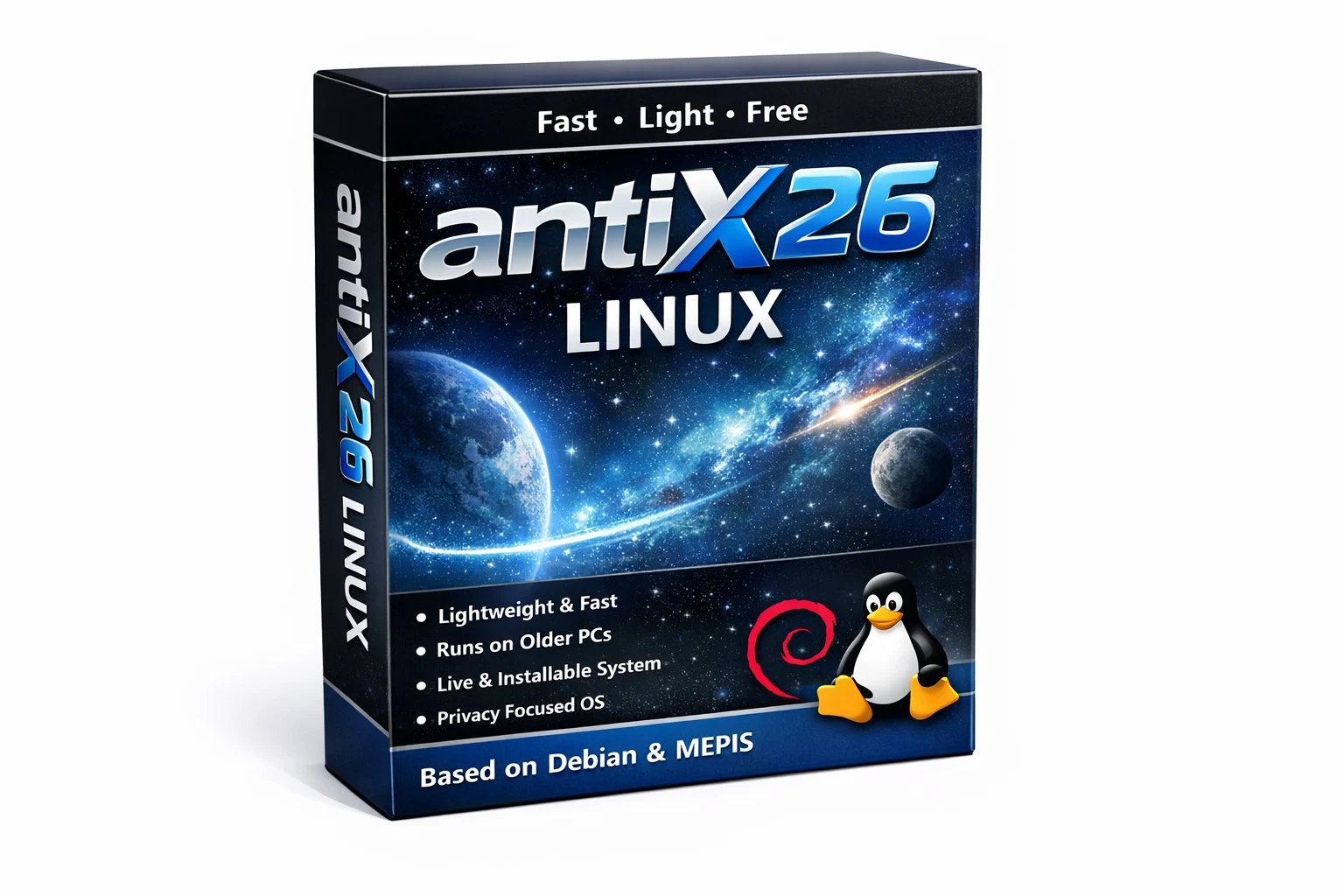
    One of the quickest and lightest Linux distributions out there, antiX, which is based on Debian, has just launched version 26. This distro continues to be as adaptable as ever, offering both 32-bit and 64-bit versions, a minimum of five init systems, numerous window managers, and a comprehensive list of software in its Full edition. In this latest version, runit is the standard init system, while the alternatives include sysVinit, dinit, s6-rc, and s6-66. The primary window manager is IceWM, but for those seeking something different, options like Fluxbox, JWM, or the tiling window manager HerbstluftWM are also available.

    Notable Features of antiX 26

    Alongside the applications and services accessible to all Linux/Debian users, antiX provides a collection of proprietary apps, including ssh-conduit, 1-to-1-assistance-antix, and 1-to-1-voice-antix.

    Download Information

    The software can be downloaded from the project’s SourceForge page. The 64-bit Full ISO has been downloaded nearly 5,000 times, while the 32-bit version is approaching 1,500 downloads. The Core editions, however, are significantly less favored, with total downloads of less than 1,000 combined.

    In summary, antiX Linux continues to offer a lightweight and versatile option for users looking for a fast Linux experience.

    Source:
    Link


  • Debian APT Requires Rust Toolchain from May 2026 for Legacy Ports

    Debian APT Requires Rust Toolchain from May 2026 for Legacy Ports

    Key Takeaways

    1. Debian’s APT tool will begin using Rust-based code by May 2026, creating a dependency on the Rust toolchain.
    2. The change aims to improve memory safety and long-term maintainability of Debian’s core components, with potential impacts on architectures lacking Rust support.
    3. Community reactions are mixed, with some viewing the change as a careful improvement while others worry about compatibility issues for older architectures.
    4. The integration of Rust aligns with broader trends in open-source software aimed at enhancing security and reliability in low-level applications.
    5. Discussions among developers highlight concerns about long-term support for niche architectures, affecting strategies for hardware testing and specialized development.


    Debian developers have announced a significant change in the core package manager of the project. A message from long-time contributor Julian Andres Klode shared on the official Debian developer mailing list states that the APT tool will start using Rust-based code no sooner than May 2026, which will create a hard dependency on the Rust toolchain.

    Aiming for Safety and Maintainability

    This change aims to enhance memory safety and ensure the long-term maintainability of one of Debian’s key system components. Klode mentioned that this update will mainly impact architectures and derivative distributions that lack a functioning Rust toolchain. He cautioned that ports that cannot support Rust might need to be discontinued if compatibility issues aren’t resolved in a timely manner.

    Community Reactions and Concerns

    The announcement, reported by Linuxiac and broadly discussed in Reddit’s r/Linux community, has been characterized by users as a careful, step-by-step improvement instead of a complete overhaul. Some users pointed out that legacy ports such as m68k and SH-4 will likely remain unaffected, as they are no longer officially supported by Debian. The news has also made its way to X (formerly Twitter), where developers and open-source advocates have engaged in similar conversations about Debian’s gradual incorporation of Rust-based components.

    Aligning with Open-Source Trends

    Integrating Rust into APT fits within a broader trend in open-source software, as major Linux distributions and kernel subsystems increasingly adopt Rust to bolster security and reliability in low-level software applications. This transition is also projected to influence build environments, CI pipelines, and driver packaging processes across embedded and industrial platforms where Rust has not yet been integrated into the default toolchain.

    Klode expressed that the project must adopt modern tools instead of trying to fit new software onto outdated hardware platforms. This viewpoint has sparked conversations among port maintainers about long-term support and sustainability.

    Mixed Feelings in the Community

    Discussions within the community have shown a mix of optimism and skepticism. Some users appreciate the emphasis on safety and modernization, while others voice worries over compatibility issues and the possible discontinuation of older architectures.

    For hardware testers and Linux maintainers, this transition could reshape long-term support strategies, especially for niche architectures that continue to be utilized in benchmarking, retrocomputing, and specialized hardware development.

    Source:
    Link


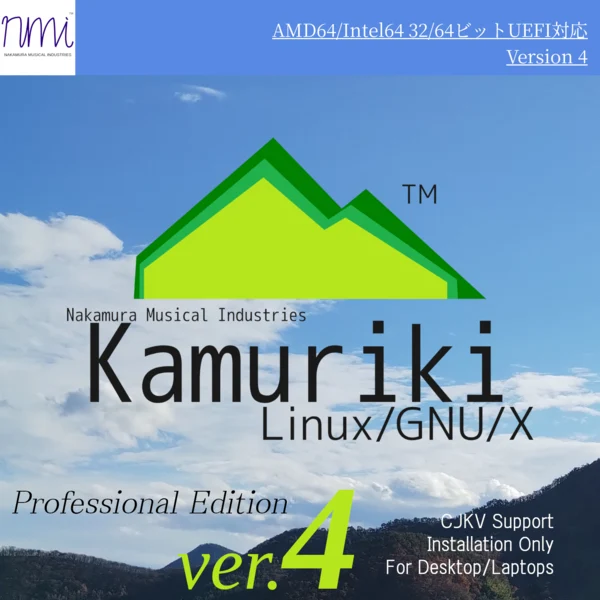
  • Kamuriki Linux 4.00: Windows-Like Experience Now Available

    Kamuriki Linux 4.00: Windows-Like Experience Now Available

    Key Takeaways

    1. Kamuriki Linux 4.00 offers a user-friendly interface with a classic Windows-like LXQt theme and Wine compatibility.
    2. The update is available only as an installation ISO, requiring a complete system installation from version 3.00.
    3. It features the DEB package manager, Calamares installer, and has low minimum system requirements for installation.
    4. The software bundle includes popular applications like LibreOffice, Firefox ESR, and VLC, along with support for multiple file systems.
    5. An upgrade path from version 3.00 to 4.00 is being planned for future release, allowing users to upgrade without a full reinstallation.


    Kamuriki Linux, a distribution derived from Debian, seeks to provide a user-friendly interface for those accustomed to Windows. With a classic Windows-like LXQt theme and the Wine compatibility layer, it has released a significant update. This version, known as 4.00, is only offered as an installation ISO, lacking a live mode option. Unfortunately, users of version 3.00 are unable to upgrade to 4.00 directly; they must perform a complete system installation to experience the new features.

    Key Features of Kamuriki Linux 4.00

    The latest Kamuriki Linux 4.00 includes the DEB package manager, the Calamares installer, and LXQt as the main desktop environment. The ISO file is about 5.5 GB in size and has very low minimum system requirements. These requirements include a 64-bit processor running at 512 MHz or faster, 512 MB of RAM (though at least 1 GB is recommended), 128 MB of video memory (256 MB recommended), a minimum screen resolution of 720p, and 32 GB of disk space for proper setup. Besides the free version, there’s a professional support edition available for 3,000 Japanese yen (excluding taxes), which is approximately $20.31.

    Software and Compatibility

    This Debian-based distribution utilizes systemd for its initialization process and provides support for file systems like Btrfs, ext4, and XFS. The software bundle is quite extensive, featuring notable applications such as LibreOffice 25.2.3, 7-Zip 24.09, bash 5.2.37, Firefox ESR 128.14.0, VLC 3.0.21, and vim 9.1, among others. For those who prefer a graphical interface for managing applications, Kamuriki includes the Discover Software Center. Meanwhile, command line enthusiasts can make use of the nako command tool.

    Future Upgrade Path

    Finally, it’s important to note that an upgrade path from version 3.00 to 4.00 without needing to reinstall the entire system is being considered and is expected to be available down the line.

    Source:
    Link


  • Gnoppix 24.10: Lightweight Debian-Based Live Linux Distro Release

    Gnoppix 24.10: Lightweight Debian-Based Live Linux Distro Release

    Initially created between 2002 and 2004, Gnoppix Linux made a comeback in 2021 when its creator joined Canonical, leading to a close relationship with Ubuntu. This revived version still relies on Debian, just like it did back in the early 2000s. Currently, Gnoppix is offered in a free Core edition, along with a Pro edition that includes additional features. Recently, it was updated to version 24.10, which includes several modifications.

    Pre-installed Applications

    The latest Gnoppix release comes with LibreOffice already installed, along with important applications like Firefox, VLC, and Thunderbird. The new or updated system components in version 24.10 include Linux kernel version 6.1.106, systemd 252.30, samba 4.17.12, openssl 3.0.14d, and openjdk 17.0.12u1. At this moment, there’s no information regarding the release of the Pro version labeled 24.10, so those interested can only download the Core edition for the time being.

    Differences Between Editions

    In contrast to the Pro version, the Gnoppix Core edition lacks advanced AI capabilities and doesn’t have exclusive apps and features. Some of these missing items are Gnoppix IPTV, Gnoppix Connect, development support, Gnoppix Advantage Productivity, support for bundled installations, dedicated infrastructure for 1 GBps updates and downloads, CEIV and HSCSC compliance, and access to AI APIs. Anyone curious about the benefits of the Pro edition can visit the comparison and details page. It’s also worth mentioning that there is a special membership level available for developers.

    Useful Resources for Users

    Since Gnoppix is built on Debian, users might find the book "Mastering Debian Linux: From Beginner to Advanced" quite beneficial. This book can be accessed for free with Kindle Unlimited, priced at $5.90 for the digital version, and $18.90 for the paperback format, making it quite accessible for those looking to deepen their knowledge.