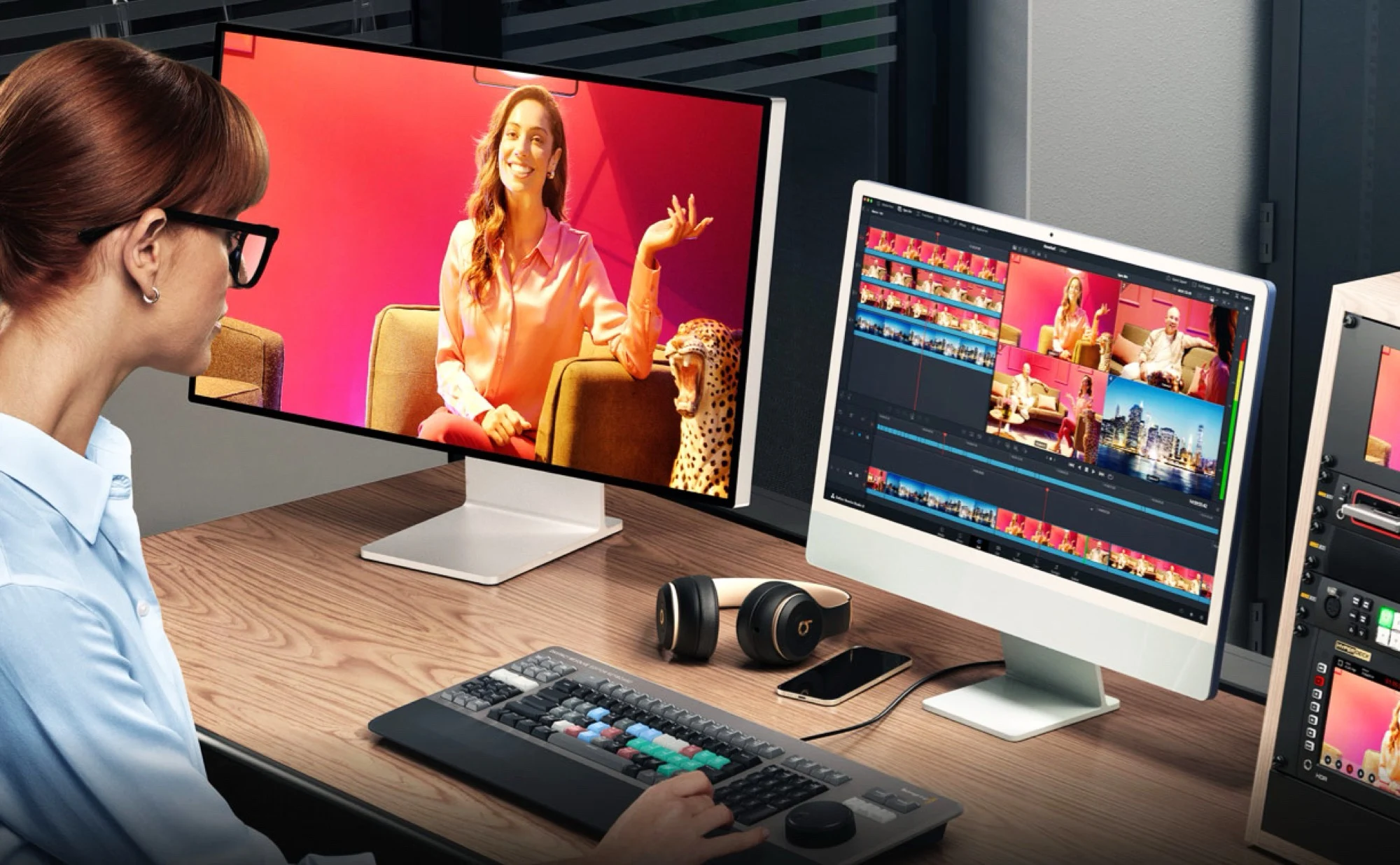
1. DaVinci Resolve 21 now offers a free photo management mode with features like sorting, tagging, rating, and AI-powered search.
2. It supports RAW, ProRAW, JPEG, and HEIC files from select Canon, Sony, Nikon, Fujifilm, and Apple iPhone cameras.
3. Tethering and live camera controls are available for selected Canon and Sony cameras.
4. Many video editing tools are integrated into photo mode, including AI-driven masking, depth of field adjustments, age alteration, and color correction.
5. Some advanced features require purchasing a DaVinci Resolve Studio license for $295, and the current version is a public beta.
A Bright New Free Choice for Photographers
If you’re tired of paying for Adobe Lightroom, then here is good news, like really good. DaVinci Resolve version 21 has just made a user-friendly photo mode, which allows you to manage huge collections of pictures easily. You can organize images into albums, tag them, and rate your photos. Plus, it has this cool AI-powered search feature that helps find images based on specific content, saving you lot of time.
Supported File Formats and Camera Compatibility
This software is compatible with RAW files of select cameras from brands like Canon, Sony, Nikon, and Fujifilm. However, it’s worth noting that the list of supported cameras isn’t as big as some market leaders in this area. Still, if you have an Apple iPhone ($819 on Amazon), you can edit ProRAW photos directly. Also, JPEGs and HEIC files are supported, making it versatile for most users.
Connectivity and Editing Features
With certain Canon and Sony cameras, you can connect your devices via tethering, which means you transfer photos directly after snapping, without needing to save to a computer first. The software also let you change camera settings from your PC and view the live camera feed. For editing, most of DaVinci Resolve’s video tools are available here, including AI-powered mask creation, depth of field adjustments, aging effects, and color corrections, all in photo mode for this multi-purpose software.
Download, Cost and Extra Features
Download DaVinci Resolve 21 free from the Blackmagic Design website, although keep in minds, this is still a public beta, so bugs might be around. To unlock advanced features like lens distortion correction, AI-based noise reduction, and powerful GPU acceleration, you can opt to buy the DaVinci Resolve Studio license for $295. It’s quite a reasonable price for professional-grade tools included in this option.