
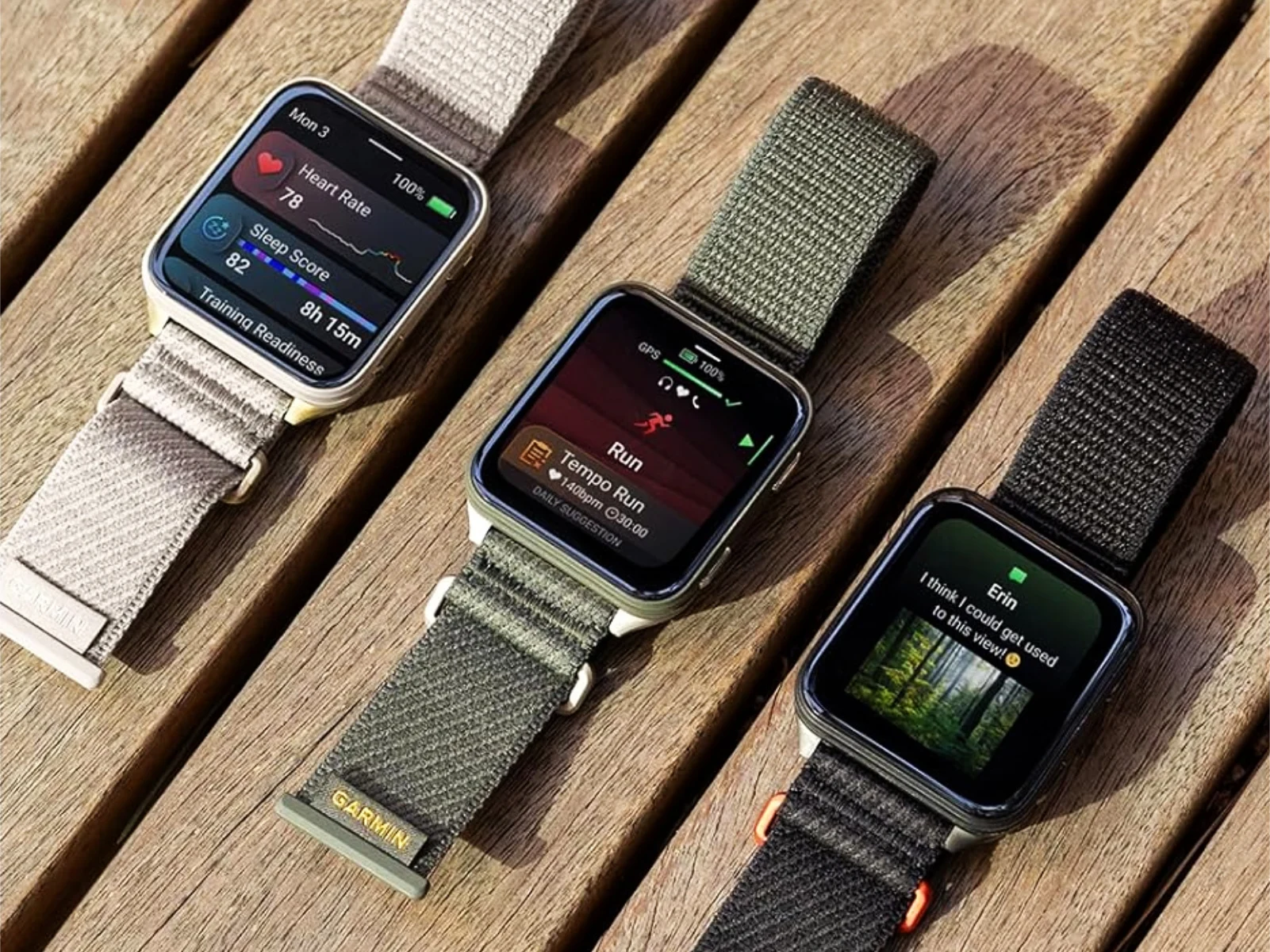
1. Garmin is releasing beta version 17.19 for the Venu X1, addressing specific bugs and adding improvements.
2. The update resolves call acceptance issues, enhances key functionality during climbing activities, and fixes map layer display problems.
3. Users must manually request the beta update via the device settings, as it is not automatically distributed.
Garmin’s Venu X1 Gets New Beta Firmware
Garmin has recently rolled out a new beta firmware version for the Venu X1, signaling an ongoing commitment to refining their premium smartwatch. The last official update, version 16.40, was released earlier this month and primarily focused on fixing bugs that appeared following the previous v16.37 release about a month prior. The price for the Venu X1 on Amazon is now around $699, highlighting its position in the market as a high-end device.
Upcoming Software Enhancements
The latest beta, v17.19, is now available to owners who’ve enrolled in the beta program and is set to bring several improvements. Interestingly, Garmin opted to skip v17.16 — a version issued to other models like the Venu 4 and Vivoactive 6 — and instead, move straight to v17.19. This update reportedly includes a dozen or more refinements from previous versions, though it remains somewhat unclear whether v17.19 is a continuation of v16.40 or another earlier v17.xx release that was never in public domain.
What Does Beta 17.19 Fix?
- Responds to user complaints about incoming call handling during certain scenarios.
- Enhances button functionality during intense physical activities such as bouldering and indoor climbing.
- Fixes a mapping problem where the popularity layer wouldn’t load after user disables routing.
Manual Update Process
Unlike some firmware releases, Garmin does not automatically push out Beta v17.19, meaning users need to initiate the update manually. To do so, they should go to the main menu, then Settings, System, followed by Software, and finally tap ‘Check for Updates’. Users should be aware that this process is essential to experience the newest improvements and bug fixes that Garmin has officially listed for this update.
Official Change Log
Although Garmin hasn’t released the comprehensive official changelog for v17.19 in detail, the key highlights focus on functionality improvements and bug rectifications, ensuring smoother operation during calls and navigation activities. The update aims to enhance overall user experience and fix lingering issues, bolstering the Venu X1’s reputation as a premium fitness-focused smartwatch.