
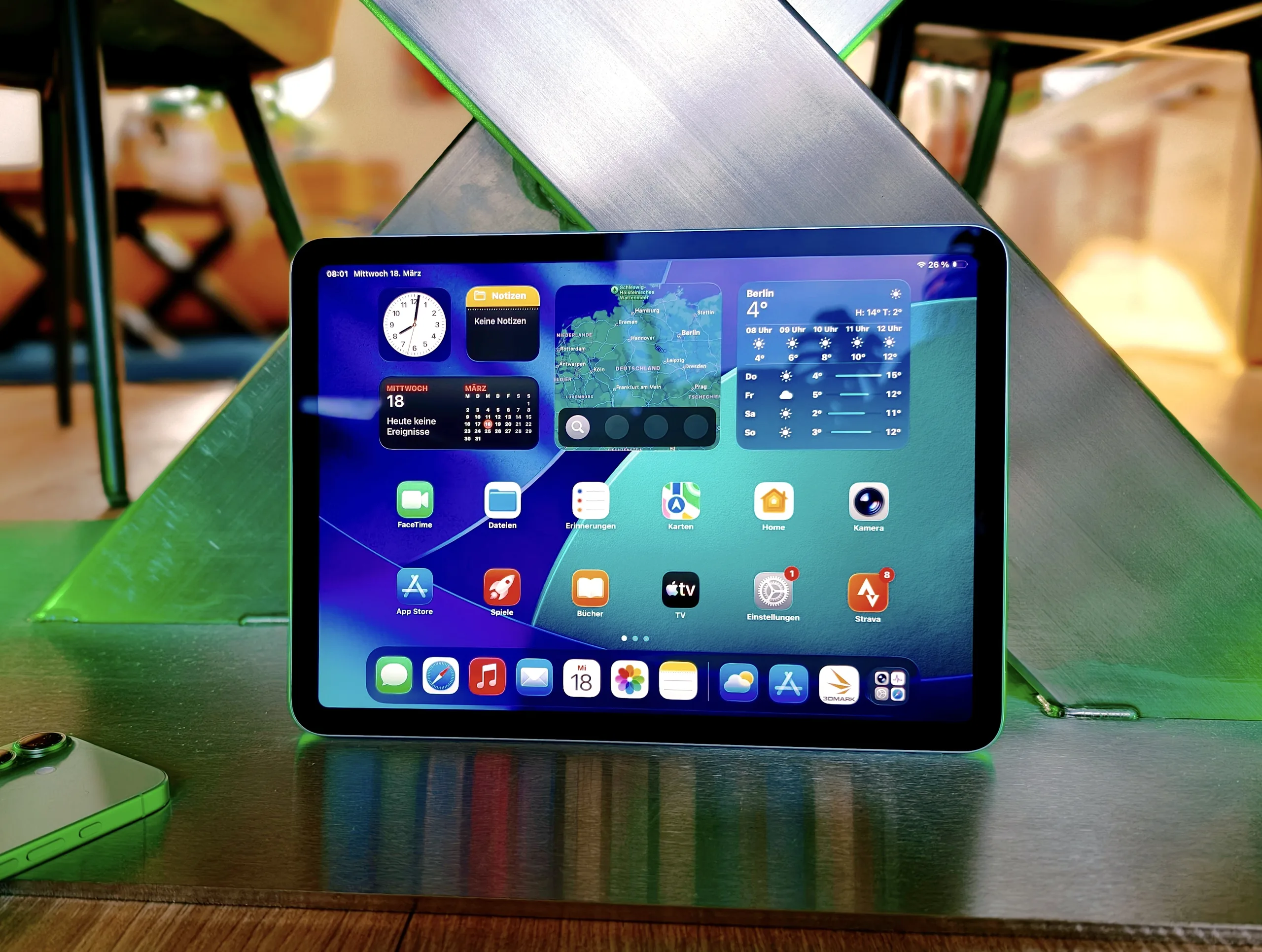
1. The iPad Air 11 (2026) with the M4 chip offers significantly improved performance, matching or surpassing some laptops in benchmarks.
2. Despite hardware power, iPadOS’s limitations restrict the iPad’s ability to fully replace a MacBook, especially for professional workflows requiring window management and complex file systems.
3. The display is high-quality for indoor use but lacks outdoor visibility, high refresh rate, and OLED features.
4. Battery life supports a full workday, but camera capabilities are modest, and accessory use sometimes results in compromises compared to macOS.
5. The device is ideal for mobile creatives and casual users, offering strong value, but may not satisfy professionals needing desktop-like functionality.
Performance and Power of the iPad Air 11 (2026)
The new iPad Air 11 (2026) depends mostly on its raw power driven by the Apple M4 chip. This chip features an 8-core setup with 4 cores optimized for performance and 4 for efficiency, along with a 9-core GPU to boost graphics. It offers about 15-20% more speed than the previous model, making it stand out in benchmarks.
Benchmark Scores and Usage
In tests like Geekbench 6.6, the tablet scores a single-core of 3,735 and a multi-core result of 13,494. Its AI benchmarks also showcase up to 54,488 points. The device handles activities like 4K video editing, 3D rendering, and multitasking with ease. Only when pushed to the extreme for long durations does it start to slow down slightly, proving it’s quite capable under normal conditions.
Limitations of iPadOS and Practical Implications
But here’s the catch, the IpadOS, despite updates, can’t match macOS’s flexibility, especially for advanced workflows. Creative professionals or programmers often find its window management, file handling, and desktop-like app availability lacking. Even with improvements in background tasks and multitasking in the latest iPadOS 26, it still feels some what limited. The big question many ask: can this device truly replace a MacBook? Well, it highly depends on the specific applications and tasks in mind.
Display, Connectivity, and Build Quality
The device sports a 10.86-inch IPS display with a resolution of 2360 × 1640 pixels, running at 60Hz. Colors are accurate enough for indoor use, but in bright sunlight, the screen can look washed out. OLED enthusiasts or those wanting high refresh rates like 120Hz might be disappointed. The iPad Air offers modern connectivity options such as WiFi 7, which can reach speeds up to 1,700 MBit/s, optional 5G, a fast USB-C port, and tactile touchscreen.
Built with a sleek aluminum shell, it looks premium as always. However, the wide bezels seem somewhat old-fashioned against the futuristic backdrop of 2026. Noticeably missing are water or dust protections, so casual rain can be risky to the device.
Battery Life and Camera Capabilities
Battery life is sufficient for a full working day, but don’t expect it to last much longer under heavy use. The 12 MP cameras deliver decent photos, but nothing extraordinary. Their 4K video recordings are fine, but smartphone cameras still outperform them in image quality and detail.
Accessories and Usability
Pairing the iPad Air with accessories like the Magic Keyboard or Apple Pencil transforms it into a more productive tool. However, once again, the limitations of iPadOS become apparent. Working professionally might still feel like a compromise, especially when coming from a traditional desktop OS like macOS. The experience is adequate for casual use, media, and note-taking, but not quite a replacement for a laptop.
Final Thoughts: Is It a Good Choice?
The iPad Air 11 (2026) stands out with high performance thanks to the M4 chip, suitable for creative tasks, media consumption, and portable work. Its solid hardware and connectivity options make it a compelling device at a fair starting price of around $643. Nevertheless, its software limitations with iPadOS mean it might not satisfy power users or professionals who need more advanced desktop functionalities.
If you’re a casual user or a dedicated Apple fan, it is a highly recommended buy. But if you’re after an authentic laptop-like experience, it should perhaps only be seen as an addition rather than a replacement. For more insights, our detailed test report dives deeper into what the iPad Air 2026 can actually do.