Key Takeaways
1. The Acer Predator Triton 14 AI features a mobile GeForce RTX 5070 GPU, but its performance is limited by the Intel Lunar Lake CPU, which excels in single-core tasks but struggles in multi-core scenarios.
2. The battery life is not significantly improved by the Lunar Lake processor, though its low power consumption allows for quieter operation during light tasks.
3. The laptop’s touchscreen display has issues, including a noticeable grid effect and PWM flickering, which affect the visual quality and undermine the benefits of OLED technology.
4. Despite a strong build quality and advanced input features, the laptop’s high price of $2599 is hard to justify compared to competitors like the Asus ROG Zephyrus G14 and Razer Blade 14, which offer better value.
5. Competitors provide superior overall packages and configurations at lower prices, with options for faster GPUs, making the Triton less appealing for gamers and content creators.
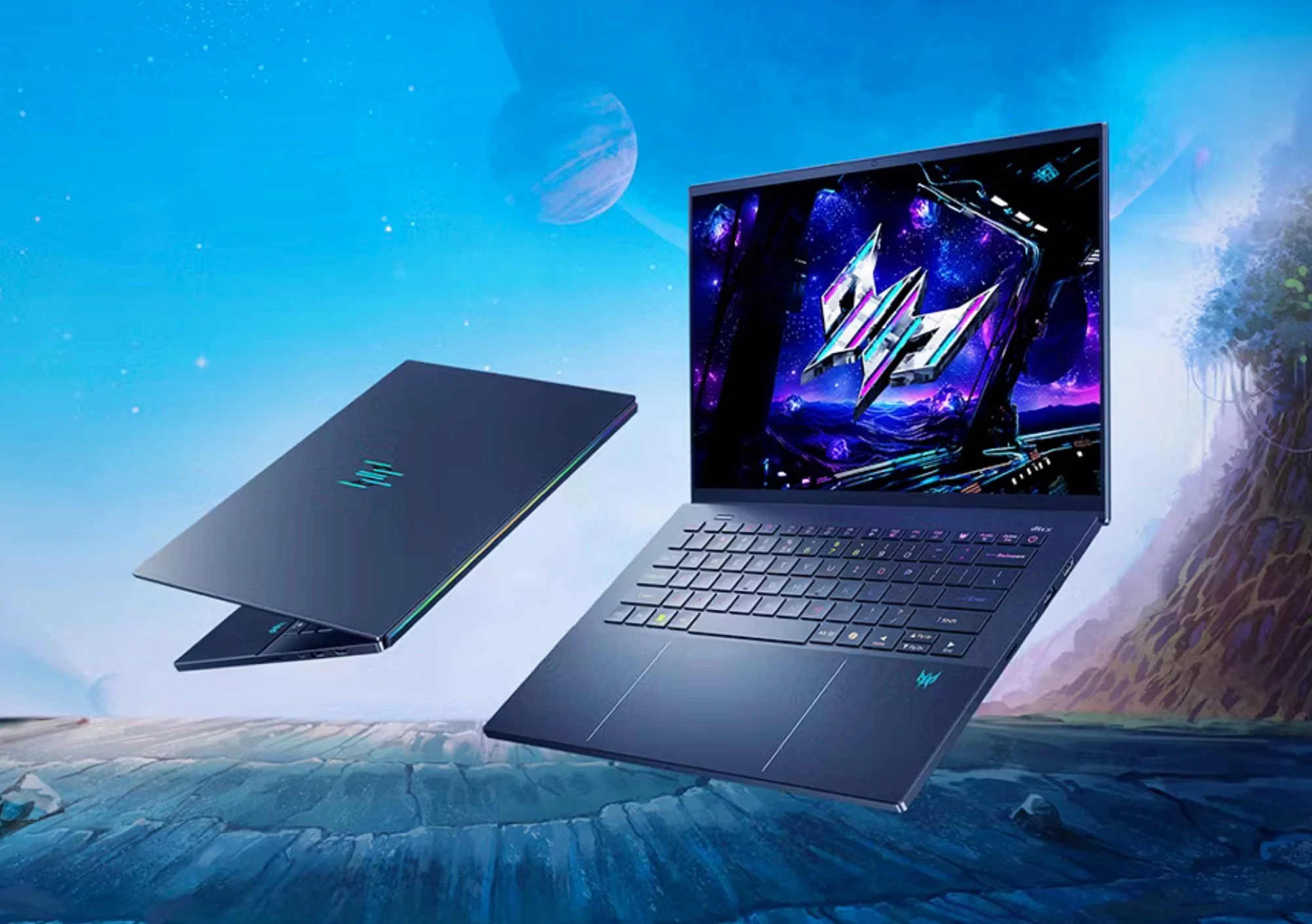
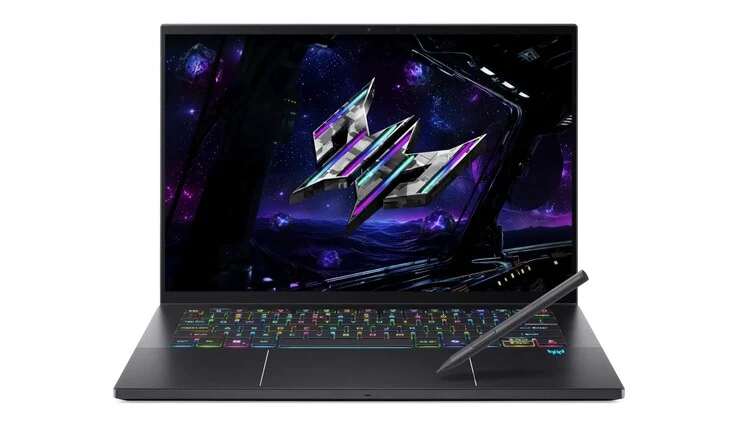
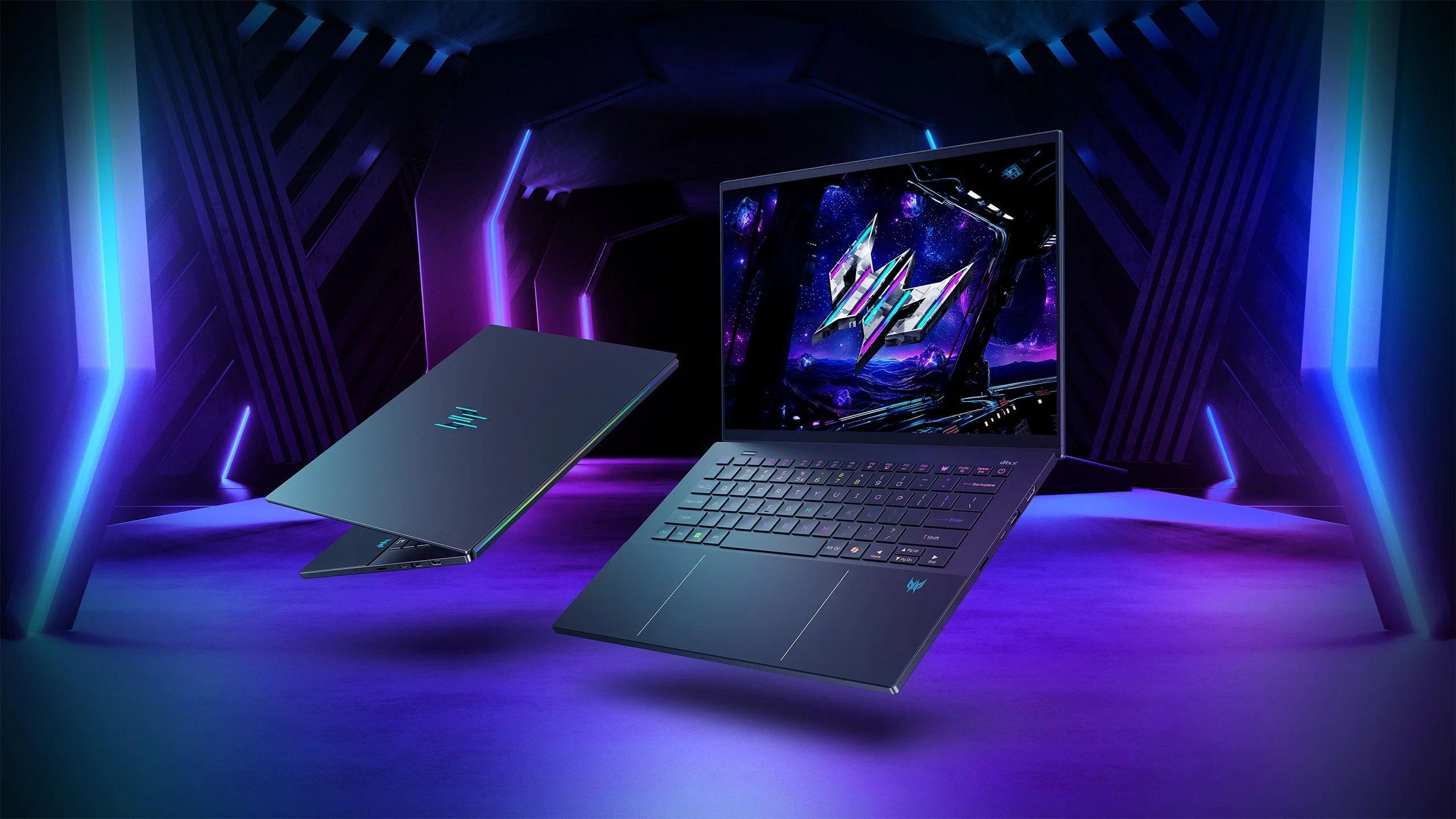
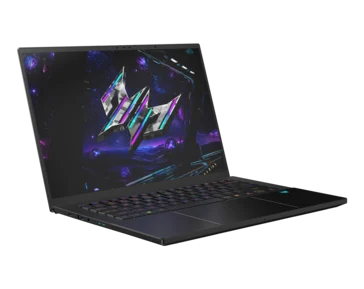
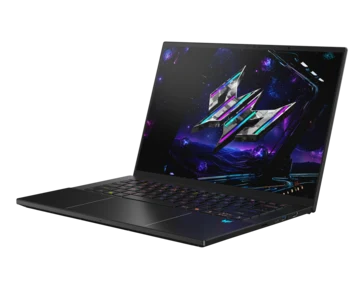
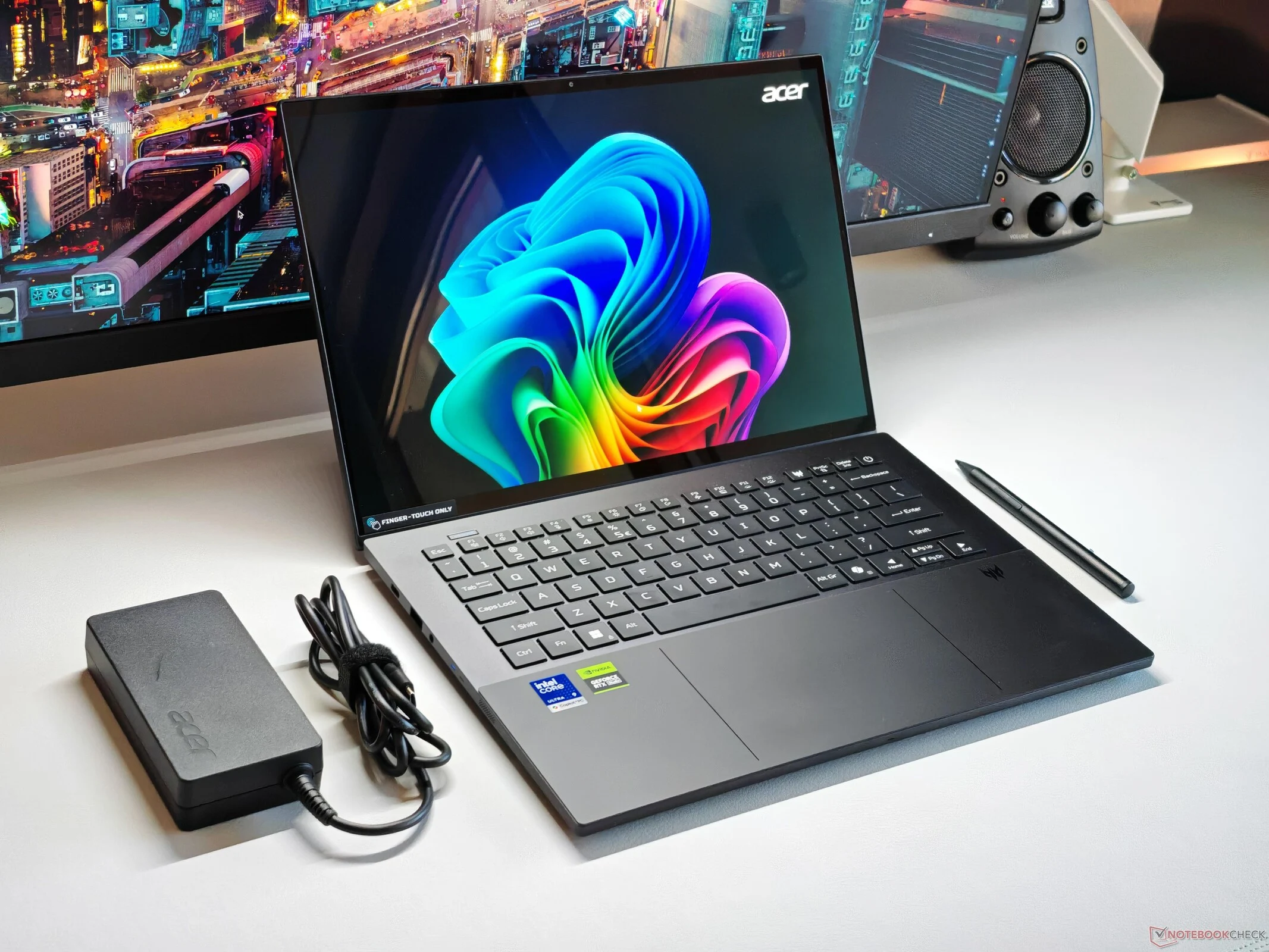
Acer’s Predator Triton 14 AI is a sleek 14-inch laptop packed with a mobile GeForce RTX 5070 GPU, catering to multimedia users, gamers, and content creators alike. This GPU can draw up to 110 Watts, making it one of the swiftest options available, but its performance is somewhat restricted by the processor. The device features an Intel Lunar Lake CPU, which is why it has the AI label for Copilot+, boasting 8 cores and a maximum power draw of 37 Watts, aimed at efficiency. While the single-core performance is commendable, it falls short in multi-core scenarios compared to its closest competitors, impacting gaming experiences. Engaging Turbo mode for peak performance also leads to the laptop becoming quite loud at 58 dB(A).
Battery Performance and Processor Choice
The Lunar Lake processor doesn’t extend battery life significantly; however, its low power consumption does ensure a quieter operation during standard tasks (when the dGPU isn’t in use). Overall, we believe opting for an AMD Ryzen chip or an Arrow Lake processor could have been a better decision for this model.
Display Issues
Another concern lies with the display itself, as the touchscreen layer introduces a noticeable grid effect, especially against bright backgrounds, which detracts from the visual quality. This compromises the typical strengths of OLED displays, such as deep blacks and vibrant colors. Additionally, there are issues with PWM flickering, and the color profiles for sRGB and P3 aren’t perfectly adjusted.
Build Quality and Pricing
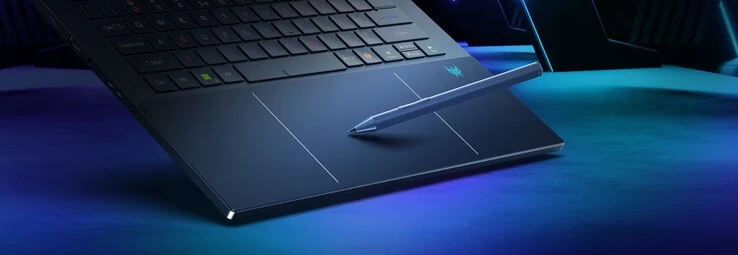
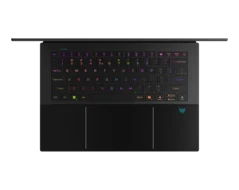
On the upside, the laptop features a robust chassis and impressive input devices, including a haptic touchpad with stylus support. Yet, these advantages don’t significantly offset the drawbacks. The pricing also stands out, as it is steep at $2599, which is difficult to rationalize. This perception is further solidified when comparing it with its main competitors, the Asus ROG Zephyrus G14 and the Razer Blade 14. Both offer superior overall packages and are currently a few hundred dollars cheaper in similar configurations (G14: ~$2099, Blade 14: ~$2299). Although they lack a touchscreen, there are no compromises in image quality, and the G14 even comes with faster GPU options (up to RTX 5080 Laptop) for those seeking greater graphics performance.