
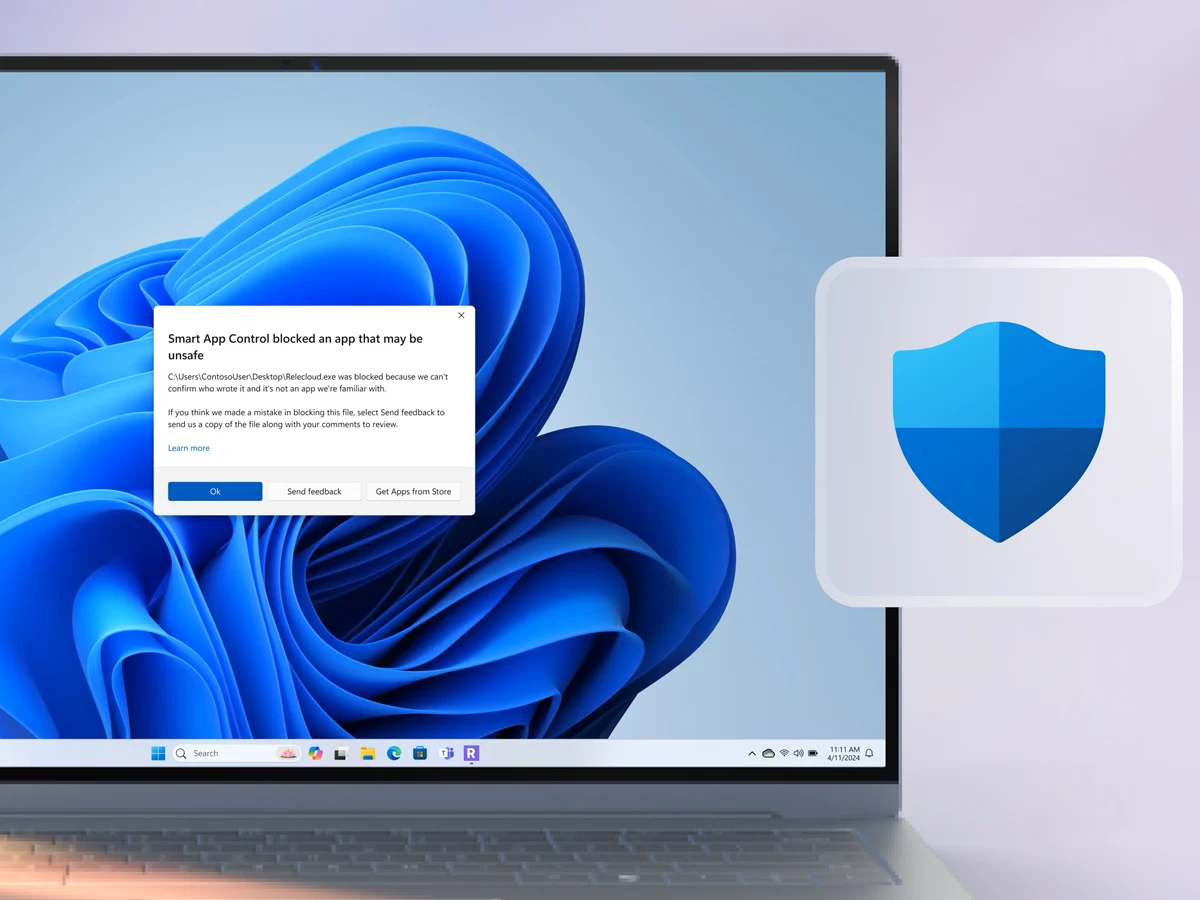
– June 2026 Patch Tuesday is a critical compliance milestone due to June 24 expiration of legacy UEFI Secure Boot certificates.
– Unpatched devices will lose the ability to receive future boot security updates, including Windows Boot Manager and revocation list updates.
– CVE-2026-42897, a high-severity XSS vulnerability in Outlook Web Access for on-premises Exchange, is now permanently patched.
– Major Windows 11 features include NPU monitoring in Task Manager, Shared Audio via Bluetooth LE, and Multi-App Camera support.
– Users can now set custom local user folder names during clean Windows 11 installations.
Rollout of June 2026 Security Bundle Begins
Microsoft has officially begun rolling out its June 2026 Patch Tuesday update bundle, turning a routine monthly security deployment into an essential compliance milestone for enterprise networks. Because legacy 2011-era Third-Party UEFI Secure Boot certificates begin their scheduled expiration cycle on June 24, IT departments are using this update window to finalize validation across their device fleets.
New Features for Everyday Users
While enterprise administrators are focused on long-term boot compliance, everyday Windows 11 users will receive a collection of new, officially documented features. Rather than holding quality-of-life upgrades back for a traditional annual operating system version milestone, Microsoft is using this mandatory quality update to deliver sweeping platform improvements to general system performance, hardware diagnostics, and peripheral management.
Critical Checkpoint for Corporate Environments
For corporate environments, the June 9 rollout represents a critical checkpoint in a multi-stage infrastructure transition. According to official Microsoft lifecycle documentation, devices that do not migrate to the newer Windows UEFI CA 2023 certificates ahead of the summer expiration timeline will continue to boot and operate normally under standard conditions. However, Microsoft warns that these non-updated endpoints will lose the ability to receive new security protections for the early boot process, effectively halting future updates to the Windows Boot Manager, Secure Boot databases, and critical vulnerability revocation lists.
Security Vulnerability and Patch Details
On the security front, administrators are closely monitoring CVE-2026-42897, a high-profile cross-site scripting vulnerability affecting Outlook Web Access in on-premises Exchange Server deployments. With today’s security updates officially delivering the permanent patch to resolve this vulnerability, administrators can finally transition away from temporary blocks previously managed by the Exchange Emergency Mitigation Service. Today’s quality update bundle also addresses associated system bugs, including a fix for installation failures on devices with limited space of 10 MB or less on their EFI System Partition.
Major Feature Updates for Performance
Beyond security patches, the deployment introduces a series of major feature updates directly to the Windows 11 client ecosystem under the general performance umbrella. For core system performance, this update officially accelerates app launch behaviors and enhances responsiveness across core shell experiences, specifically targeting micro-stuttering within the Start menu, Search, and Action Center.
Task Manager and NPU Monitoring
To accommodate modern hardware requirements, Task Manager now provides significantly improved visibility into local AI workloads by introducing optional columns to actively track Neural Processing Unit utilization, active NPU engines, and dedicated or shared NPU memory allocations.
Media Management and Sharing Upgrades
Media management receives a substantial upgrade through the launch of the Shared Audio feature, which utilizes Bluetooth LE Audio broadcast technology to allow two individuals to listen to the same audio stream from a single Windows 11 PC simultaneously using separate connected devices. Capturing and streaming video is also more flexible with the introduction of the Multi-App Camera feature, allowing a single physical webcam feed to be shared across multiple communication applications at the same time alongside a new Basic Camera mode intended to simplify device troubleshooting.
Custom User Folder Name Option
Finally, addressing a long-standing infrastructure request, the updated Windows setup experience now allows users to choose an exact custom name for their local user folder directly on the Device Name page during clean system installations, cleanly bypassing automated account abbreviations.
Global Rollout and Enterprise Monitoring
The mandatory quality update is rolling out globally via Windows Update. Enterprise deployment teams are advised to monitor local system event logs for firmware completion markers to ensure complete fleet readiness ahead of the absolute June certificate cutoff.
Systemic Pressure on Corporate Networks
Beyond the routine security fixes and the critical firmware validation deadlines, today’s deployment cycle underscores the broader systemic pressure facing corporate defense networks. While these automated cumulative updates resolve several active operational exploits, the long-term fallout from recent uncoordinated disclosure waves remains an escalating challenge for enterprise administrators as they brace for the threatened mid-July mass disclosure drop by researcher “Nightmare Eclipse.”